

Overview
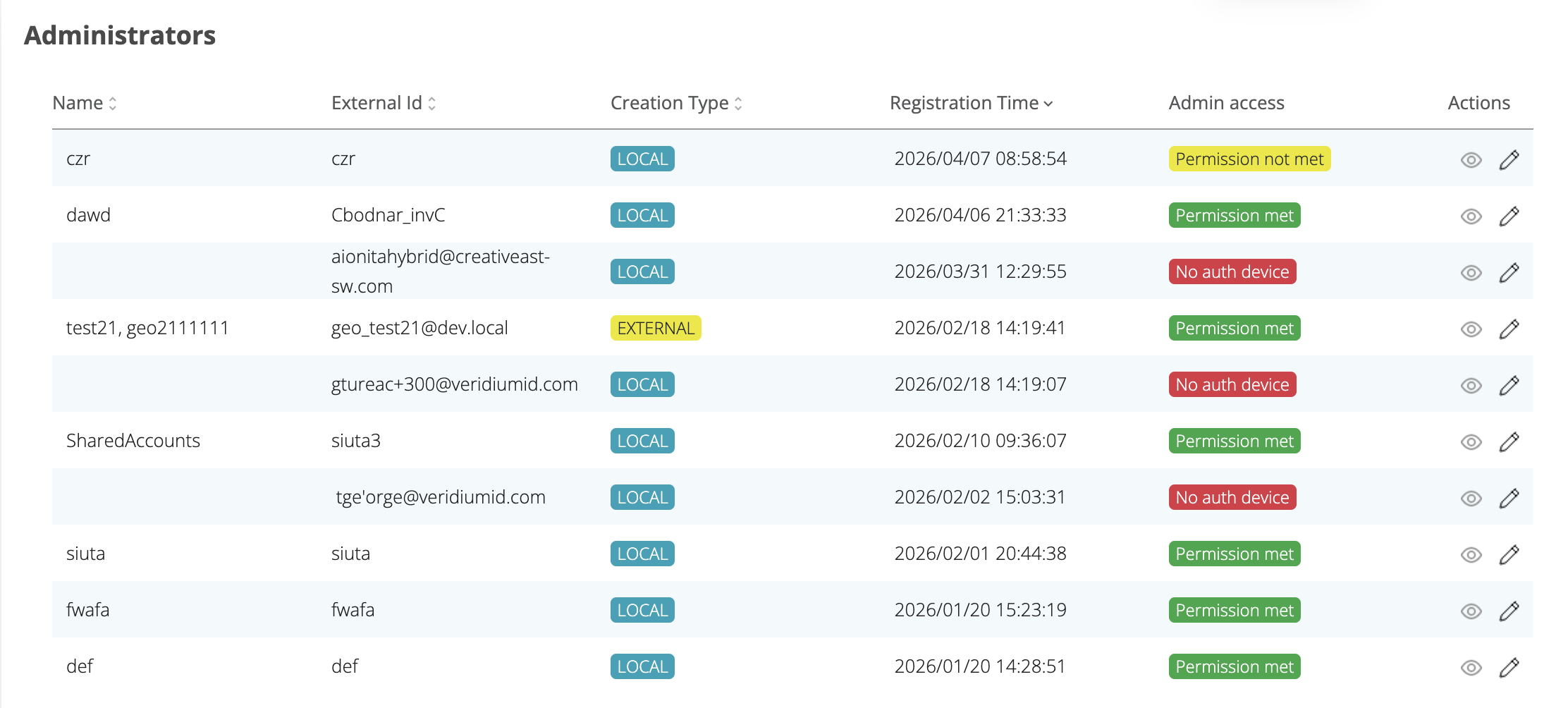
New status column have been added to the Administrators list to provide better visibility into each administrator's access status.
Admin Access Column
This column indicates whether the administrator has the necessary group permissions to access the admin panel or the administrator do not have any device associated:
|
Label |
Color |
Condition |
|---|---|---|
|
Permitted |
Green |
Administrator has an admin group assigned |
|
Permission not met |
Yellow |
Administrator has no admin group assigned |
|
No auth device |
Red |
Administrator has no registered authentication device (regardless of group) |
Administrator Edit Page — Warning Banners
Two warning banners have been added to the administrator edit page:
|
Banner |
Type |
Condition |
|---|---|---|
|
"The permissions for admin access are not met." |
Warning (yellow) |
Administrator has no admin group — shown only if devices are present |
|
"No auth device warning" |
Warning |
Administrator has no registered devices — shown with priority over the group warning |
The banners are mutually exclusive — if there are no devices, only the device warning is shown. If devices exist but no admin group, only the permission warning is shown.