

Overview
A Certificate Authority is the trusted authority that signs the certificates devices use to prove their identity. CA certificates expire and occasionally must be replaced. If a CA expires or is replaced badly, devices can lose their ability to authenticate. This change makes replacing and renewing the CA a controlled operation instead of a delicate manual procedure and removes the ambiguities about which CA is behind a client certificate.
What administrators can now do?
-
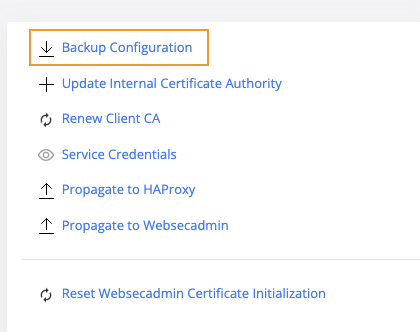
Back up the configuration — download a ZIP of the CA-related configuration before making changes, so a rotation or cleanup can be reviewed and recovered. The zip file contains config.json, tenant-infra.yaml and trustore.json files.
-
Always run this first, before any rotate, renew or cleanup, so you can review or restore the previous state.
-
-
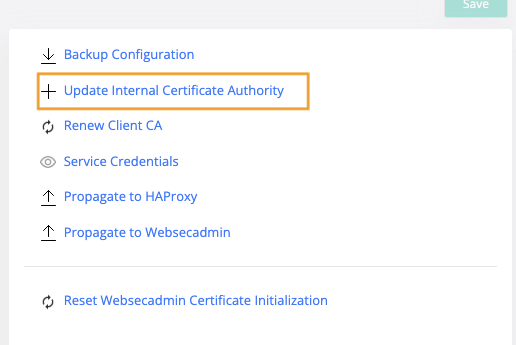
Update Internal Certificate Authority — introduce a new CA. The previous CA is kept trusted in the background so devices signed by it keep working during the transition.
-
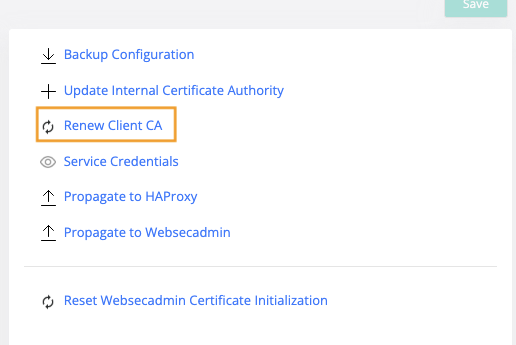
Renew the active CA in place — Re-issues the active CA keeping the same parameteres, only extending its validity. No transition window is needed because nothing about the CA's identity changes. It is not added to Previous CAs.
-
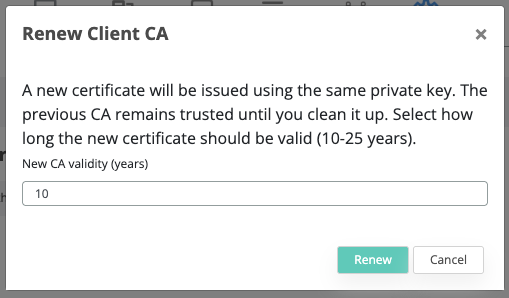
After pressing the button a pop-up will be displayed for choosing the CA validity (years). The default value is 10 years and maximum value is 25.
-
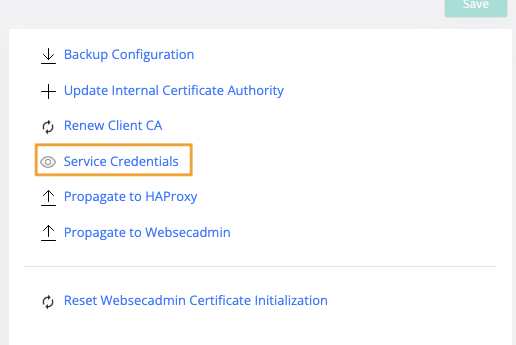
Service Credentials — Shows the existing Service Credentials
-
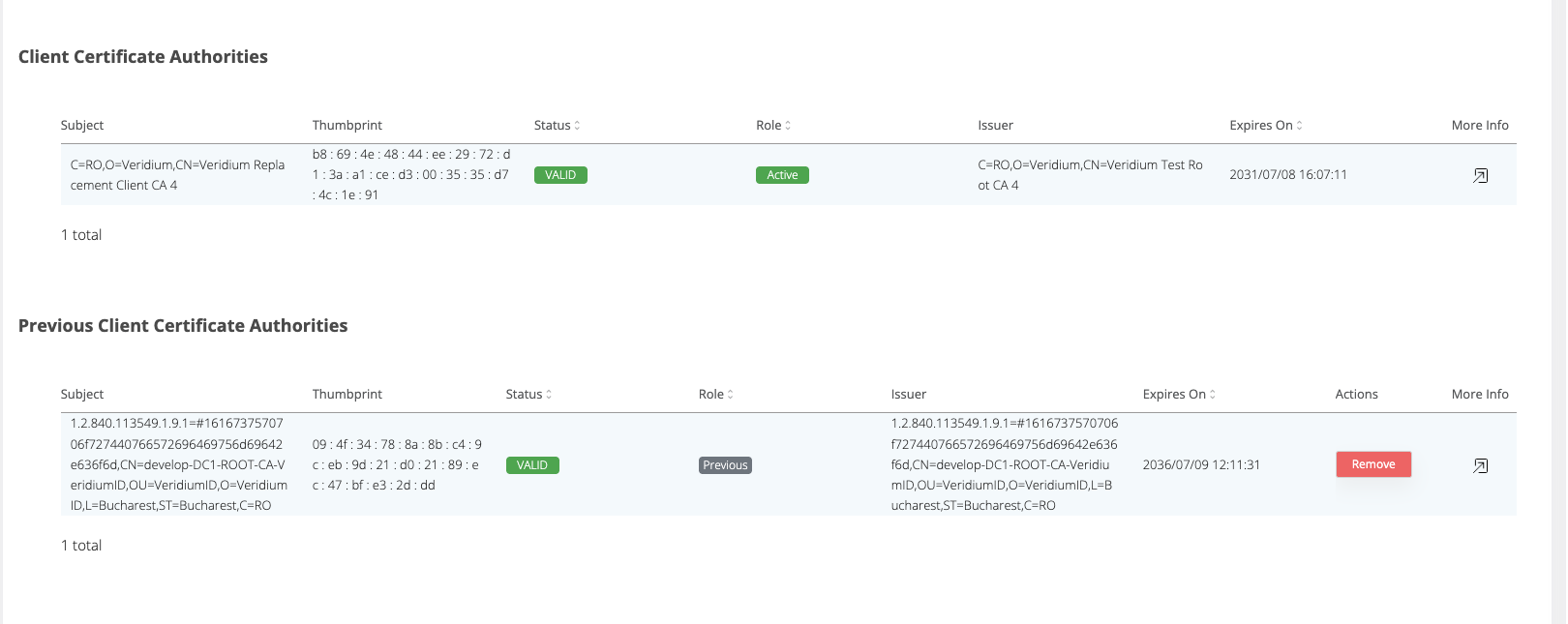
Review CAs — see the active CA and any previously-active CAs that are still trusted, in one overview screen
-
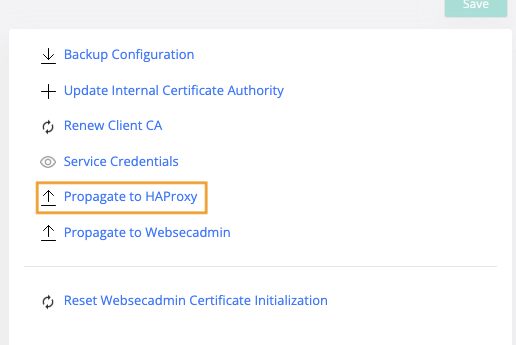
Propagate the changes to HAProxy nodes – pushes the current CA trust configuration to the HAProxy nodes
-
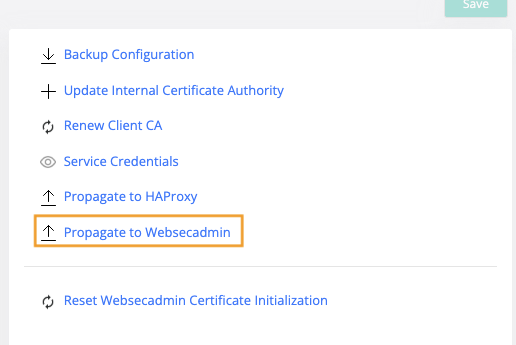
Propagate the changes to Websecadmin nodes - pushes the current CA configuration out to all WebSecAdmin nodes
Previous Client Certificate Authorities
After a rotation, the screen shows the active CA alongside any previously active CAs. Previous CAs are kept for trust only, they can still validate devices they signed, but they no longer issue new certificates. Each previous CA can be removed with a cleanup action once it is no longer needed.
Why the old CAs need to be keept?
Devices that were issued under the old CA still present certificates signed by it. Keeping the old CA trusted during the overlap window means those devices keep authenticating while the fleet gradually moves to the new CA. Cleanup is always a deliberate, manual step, nothing is removed automatically.
Device Issuer Thumbprint
Because a CA can now change, it becomes useful to know which CA issued each device's certificate. Every device now records the issuer thumbprint, the fingerprint of the CA certificate that signed its client certificate.
-
Uses the same SHA-1 fingerprint format as the CA thumbprint displayed in the Previous CAs table, making it easy to identify which CA issued a device certificate.
-
Populated only for newly issued or renewed certificates. Existing devices keep a
nullissuer thumbprint until their certificate is re-issued or renewed. No bulk backfill is performed. -
The
issuer_thumbprintwas added to the device tables in Cassandra (device,device_by_cert_uuid,device_default), in Oracle (DEVICE,DEVICE_BY_CERT_UUID), and to the Elasticsearch device index.
Typical flow for rotating a CA
-
Backup Configuration – download the current state first.
-
Update Internal Certificate Authority – upload the new CA. It becomes active and the old one moves to Previous CAs and stays trusted.
-
Propagate to Websecadmin and Propagate to HAProxy – roll the new CA set across the cluster and the edge layer.
-
Let the old + new CAs run – existing devices keep working on the old CA and the new/re-issued devices use the new CA.
-
When no device relies on the old CA anymore, clean it up from the Previous CAs table.
Which WEBSERVICE_* variables change on upload, renew or remove CA
When you Upload, Renew or Remove a CA the server recomputes a set of WEBSERVICE_* variables and stores them. Their values are then pushed to the HAProxy and WebSecAdmin nodes (via Propagate to HAProxy / Propagate to Websecadmin), so those nodes reload the CA, its trust bundle and the service keystore.
|
Variable |
Holds |
Upload new CA |
Renew CA |
Remove old CA |
|
WEBSERVICE_CA_CERT_BASE64 |
Trusted-CA bundle, PEM (active + previous) |
Changes |
Changes |
Changes |
|
WEBSERVICE_TRUSTORE_P12_BASE64 |
Same bundle, PKCS12 form, certs only |
Changes |
Changes |
Changes |
|
WEBSERVICE_CA_PKCS12_BASE64 |
Active CA cert + private key (PKCS12) |
Changes |
Changes |
Unchanged |
|
WEBSERVICE_KEYSTORE_P12_BASE64 |
Webservice identity cert + key |
Changes |
Changes |
Unchanged |
|
WEBSERVICE_CA_CERT_KEY_BASE64 |
Active CA private key - PEM |
Changes |
Unchanged |
Unchanged |
|
WEBSERVICE_CA_PASSWORD |
Password of the CA PKC12 |
Changes - only if the uploaded p12 uses a different password than the current CA |
Unchanged |
Unchanged |
|
WEBSERVICE_TRUSTORE_PASSWORD |
Password protecting the trustore p12 |
Unchanged unless first publish |
Unchanged |
Unchanged |
|
WEBSERVICE_KEYSTORE_PASSWORD |
Password asserted for the keystore p12 |
Unchanged unless first publish |
Unchanged |
Unchanged |