

In this section/tab one can set a list of attributes used for user search.
For example, when user will enter his name in different format, user account will be found based on different LDAP attributes.
Add new attribute
-
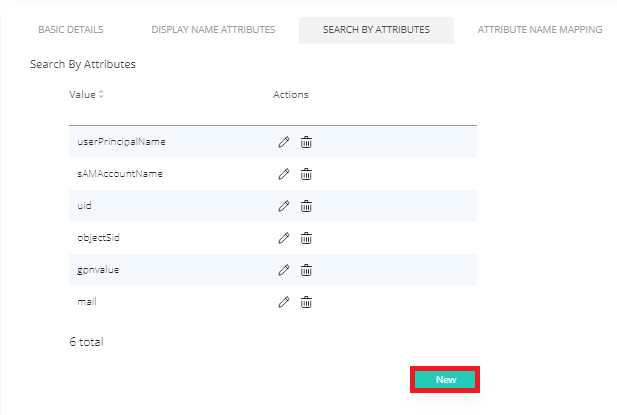
To Add new attribute click New.
-
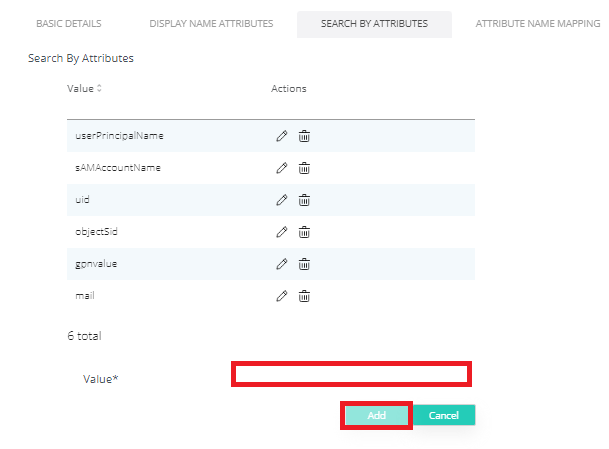
Type in the value and click Add.
-
Click Save.
Edit attribute
-
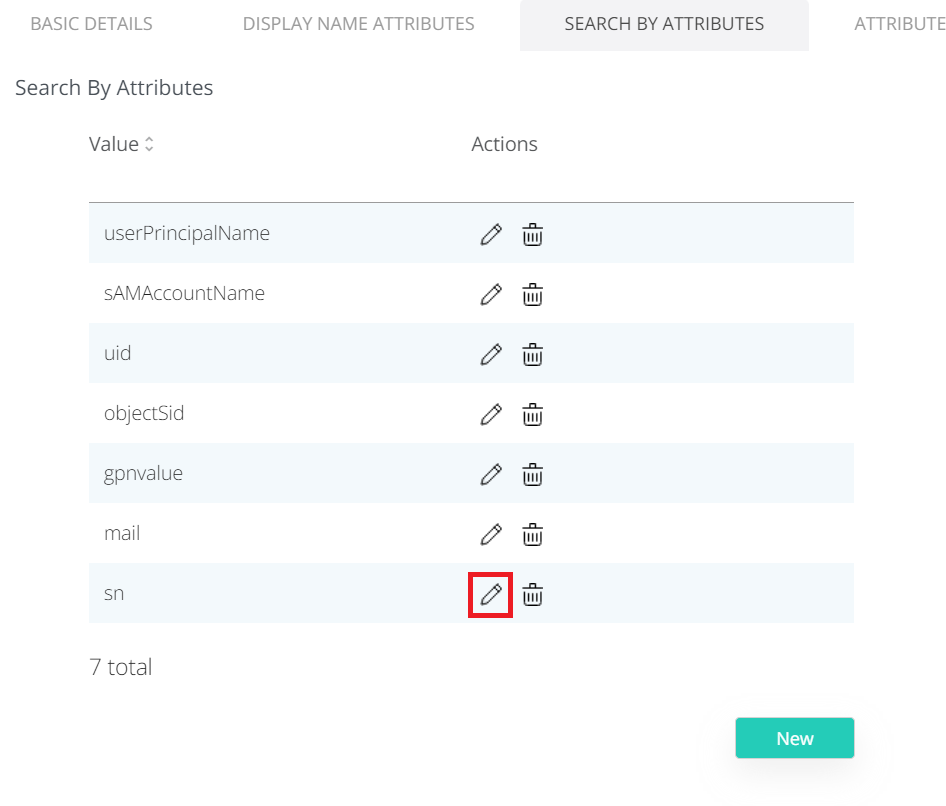
To Edit attribute click Edit icon.
-
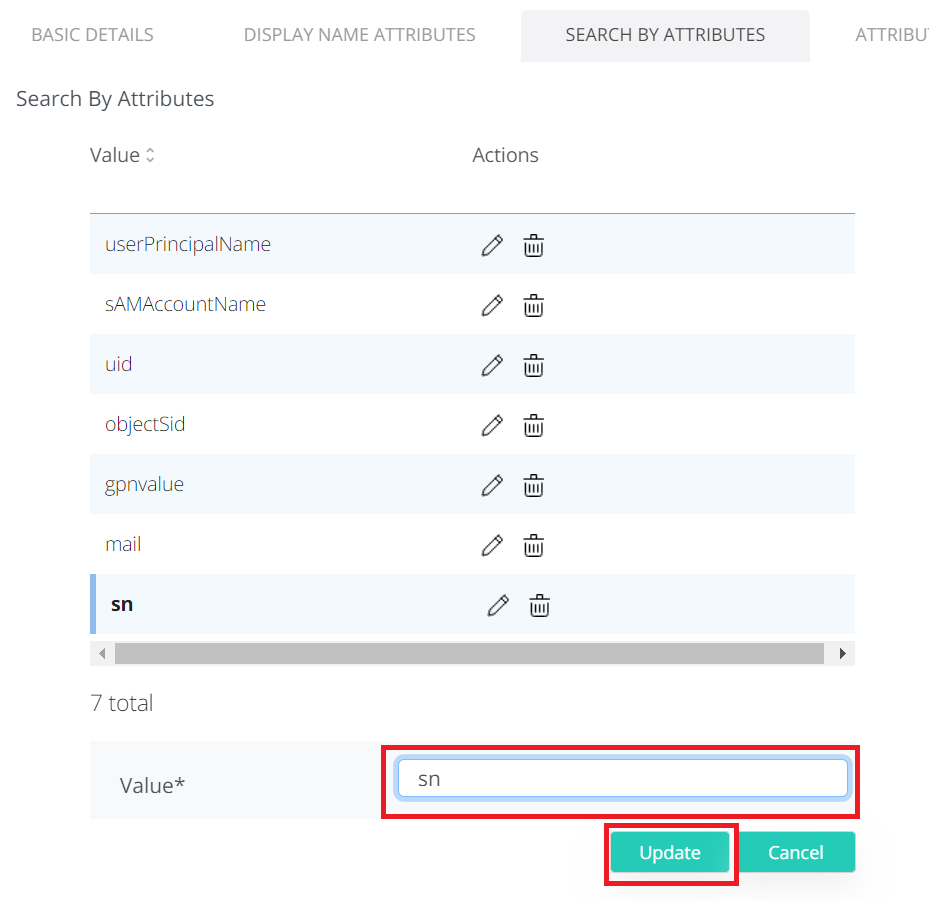
Change the value and click Update.
-
Click Save button on top right corner.
Delete attribute
-
To Delete attribute click Delete icon.
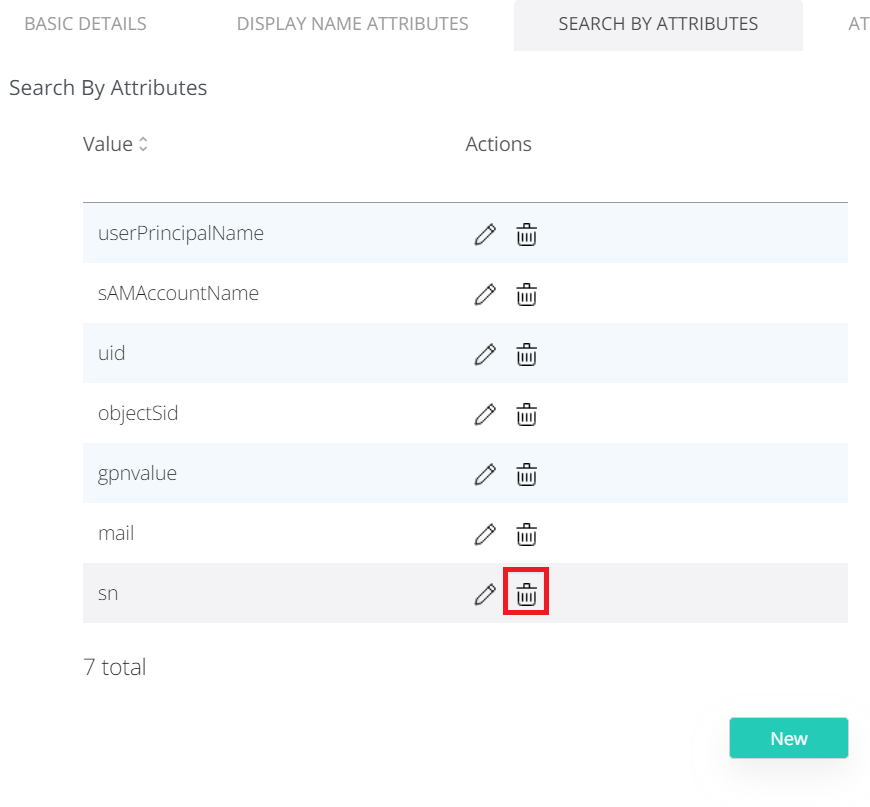
-
Click Save.