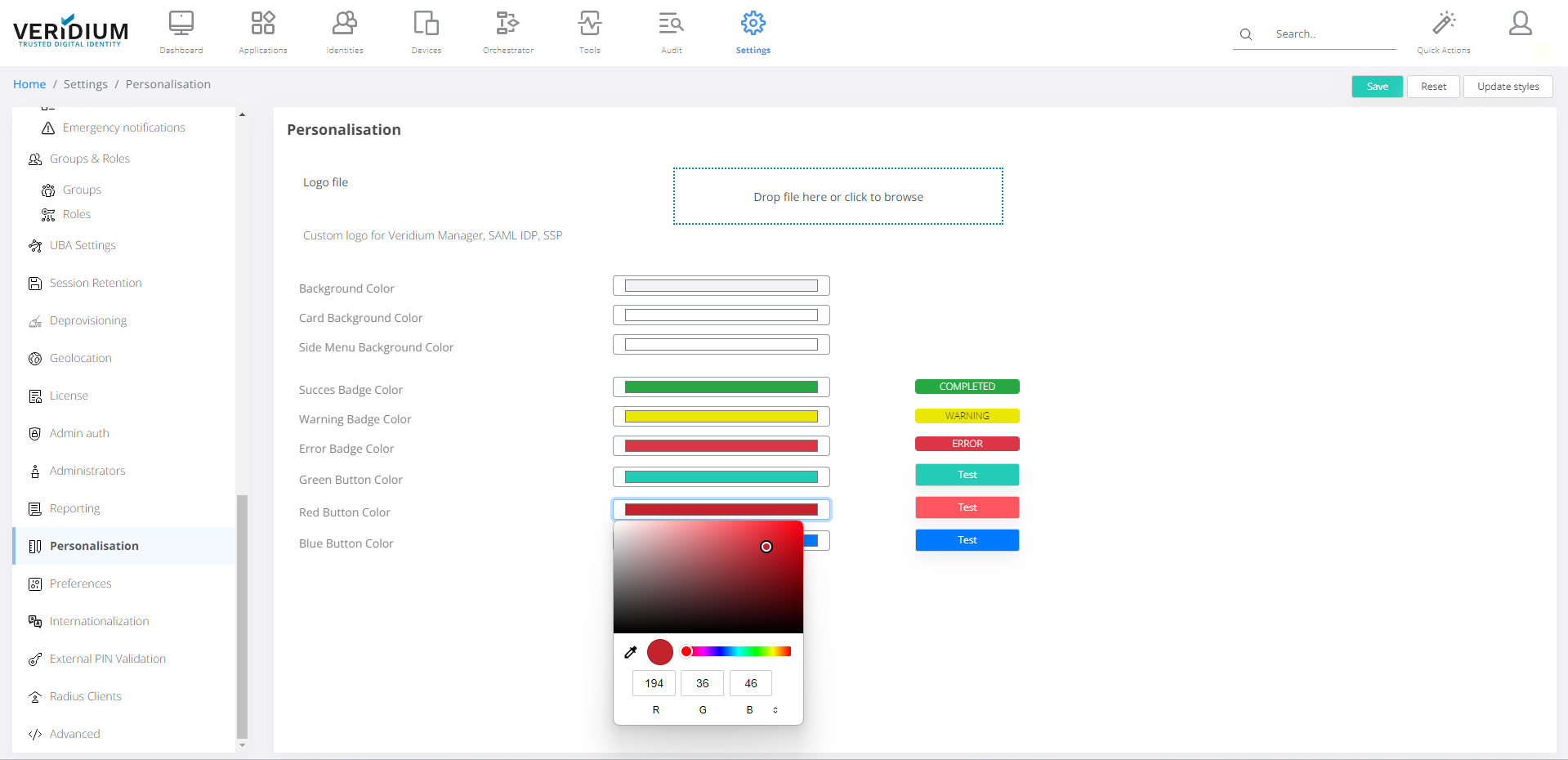
In Personalization setting the logo from top left corner and basic color scheme can be adjusted.
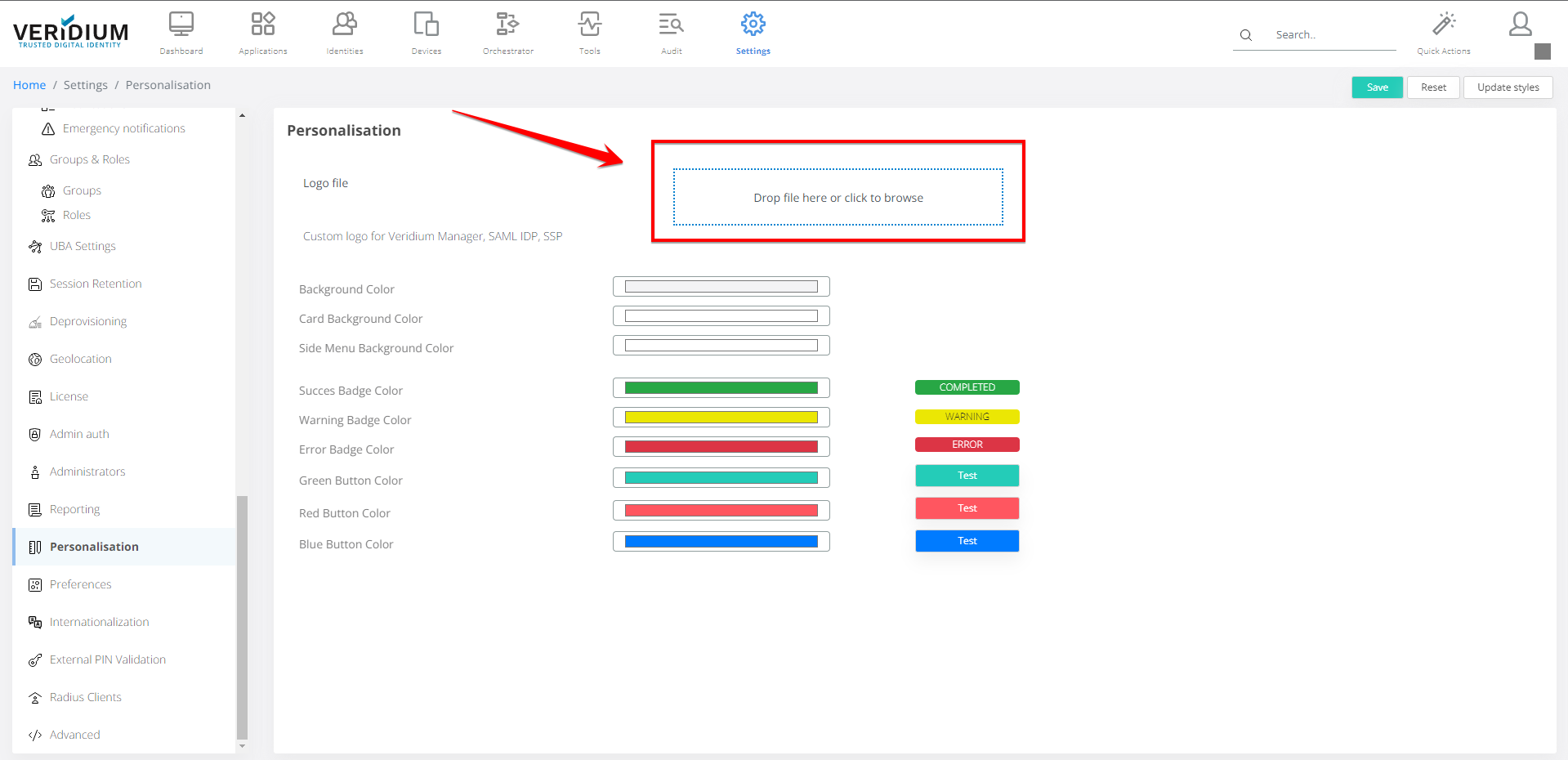
Logo Change:
Ad an image in the box indicated
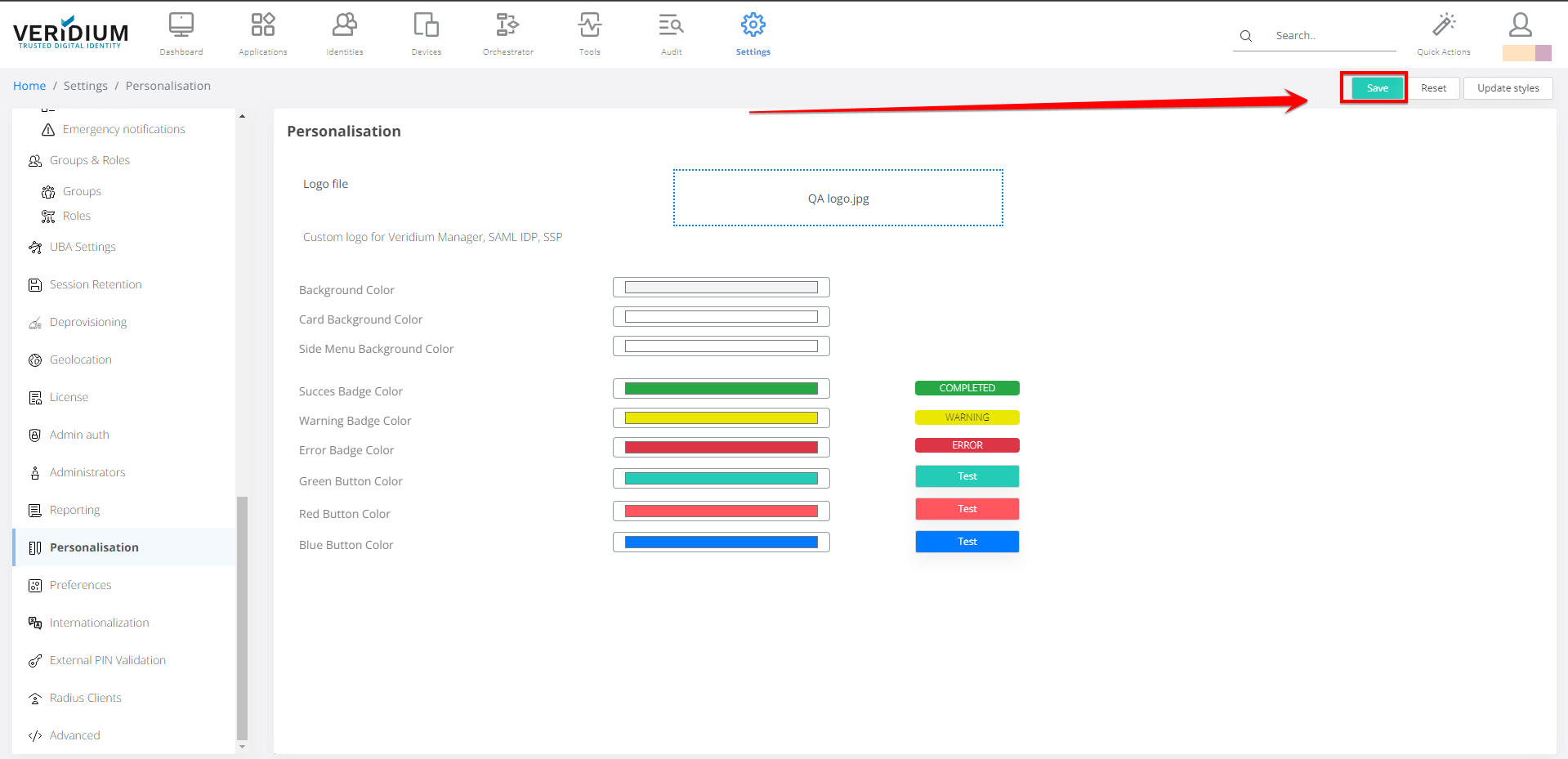
Click Save.
Color Change:
To change color click on box.
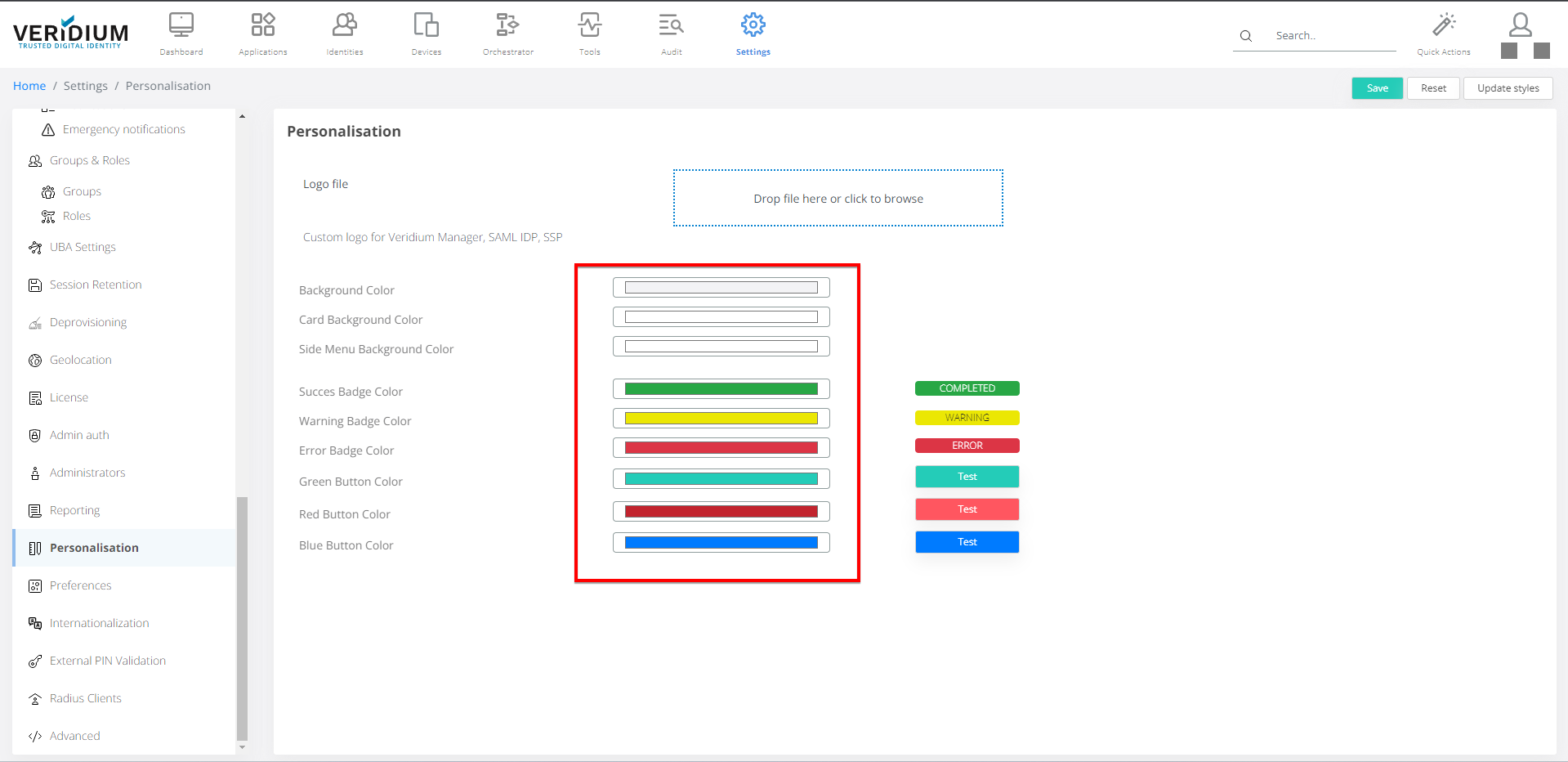
Edit the color.
Click Save.
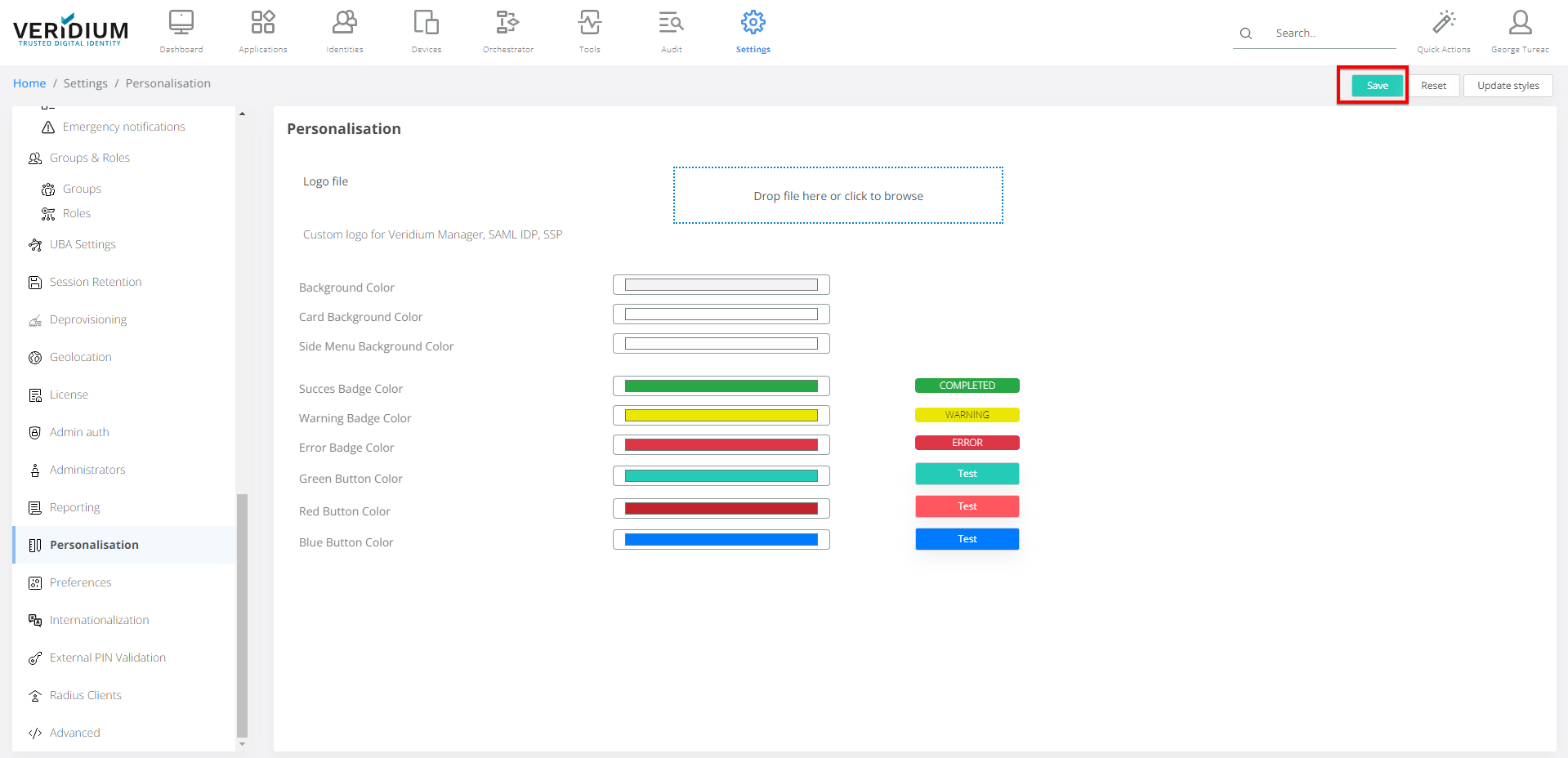
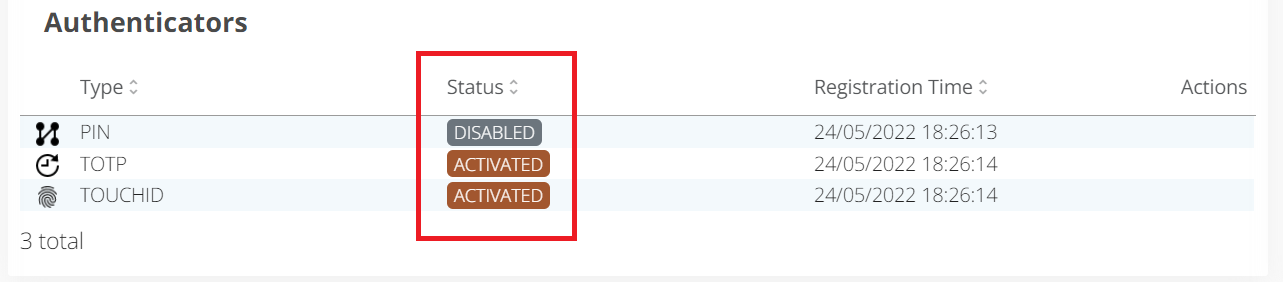
These colors are used in Authenticator status.