Accessing the section:
-
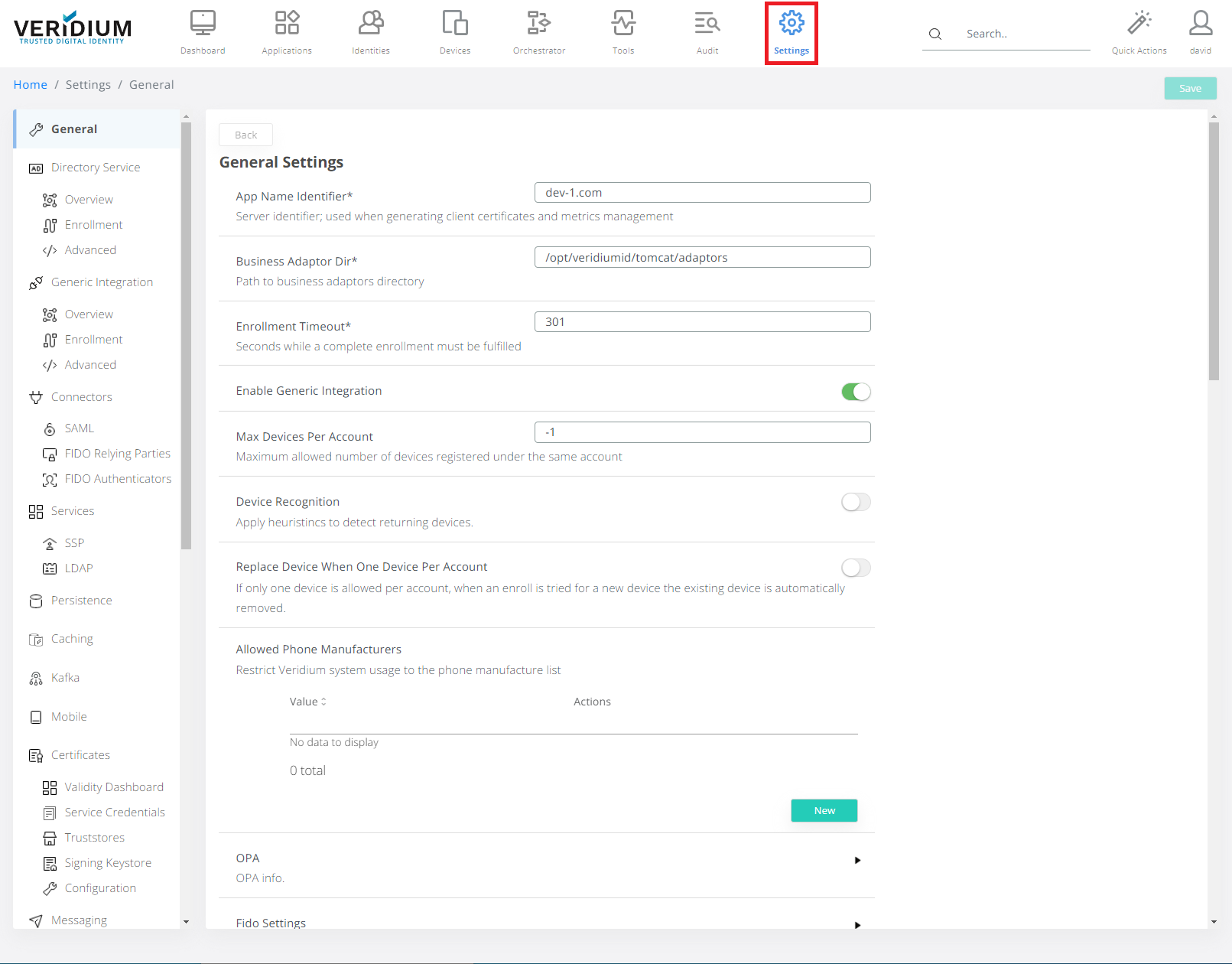
In Veridium Manager, click Settings on top navigation.
-
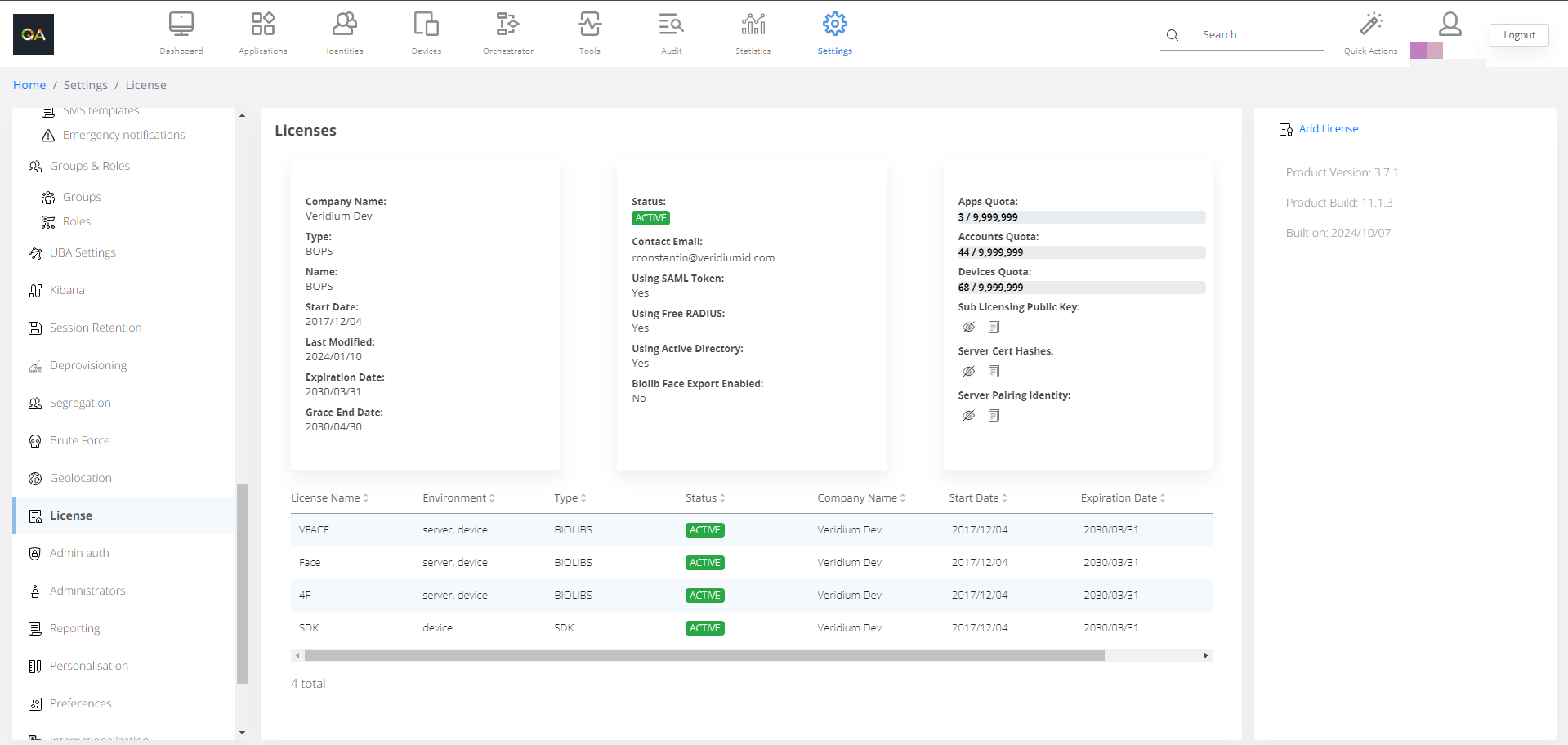
Click License on the left-side container.
-
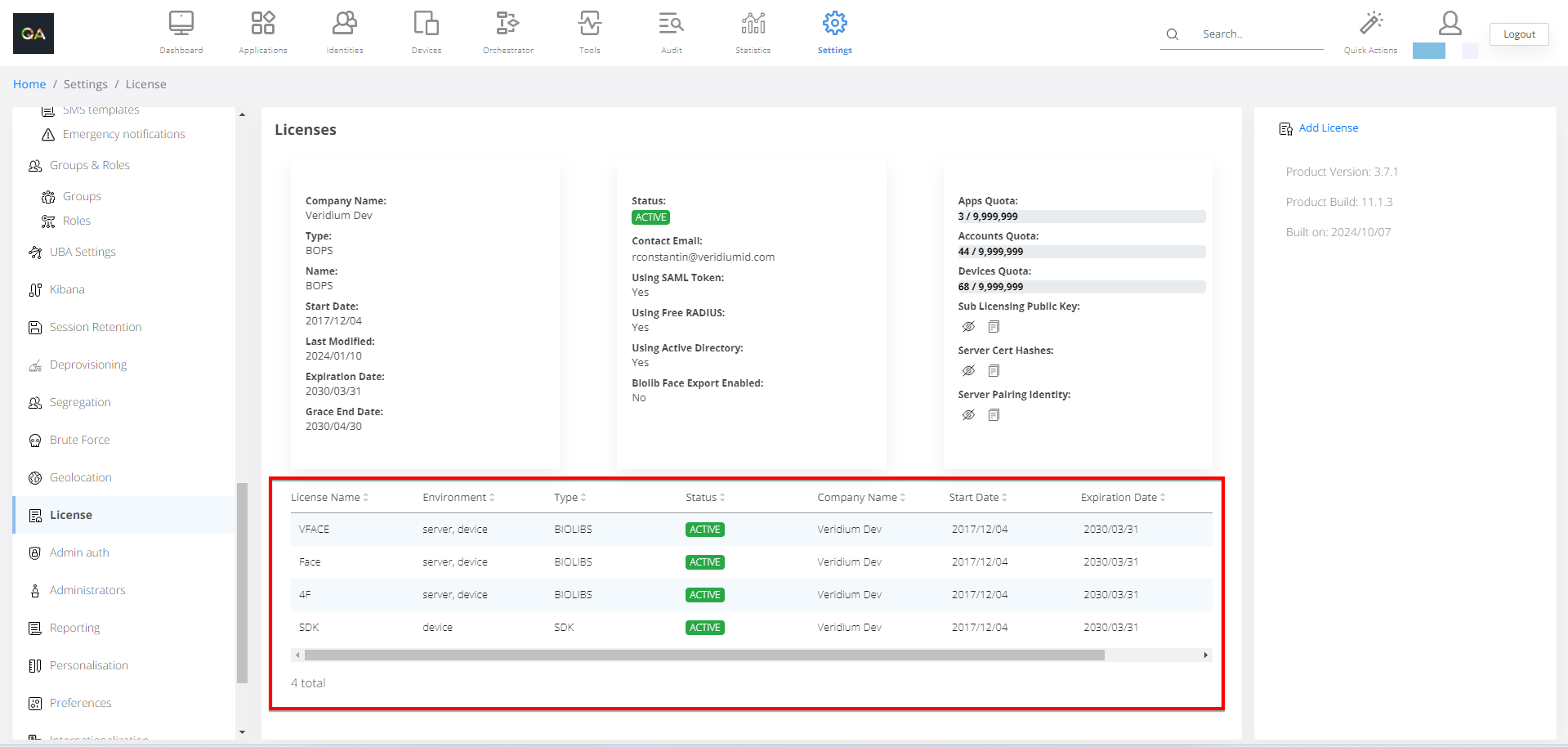
In the table bellow is a list of issued licenses and details about licenses. Start date and Expiration date is important.
Adding a license:
-
Click on Add License in the right-side container.
-
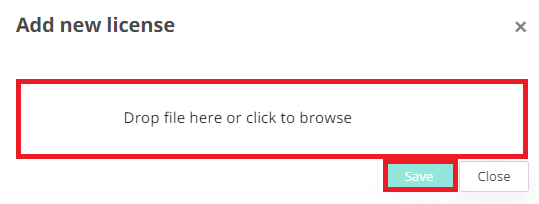
Navigate to the license file and click Save.