-
To view certificate in the Truststore click on Edit icon in the Action menu.

The following list of details will be shown: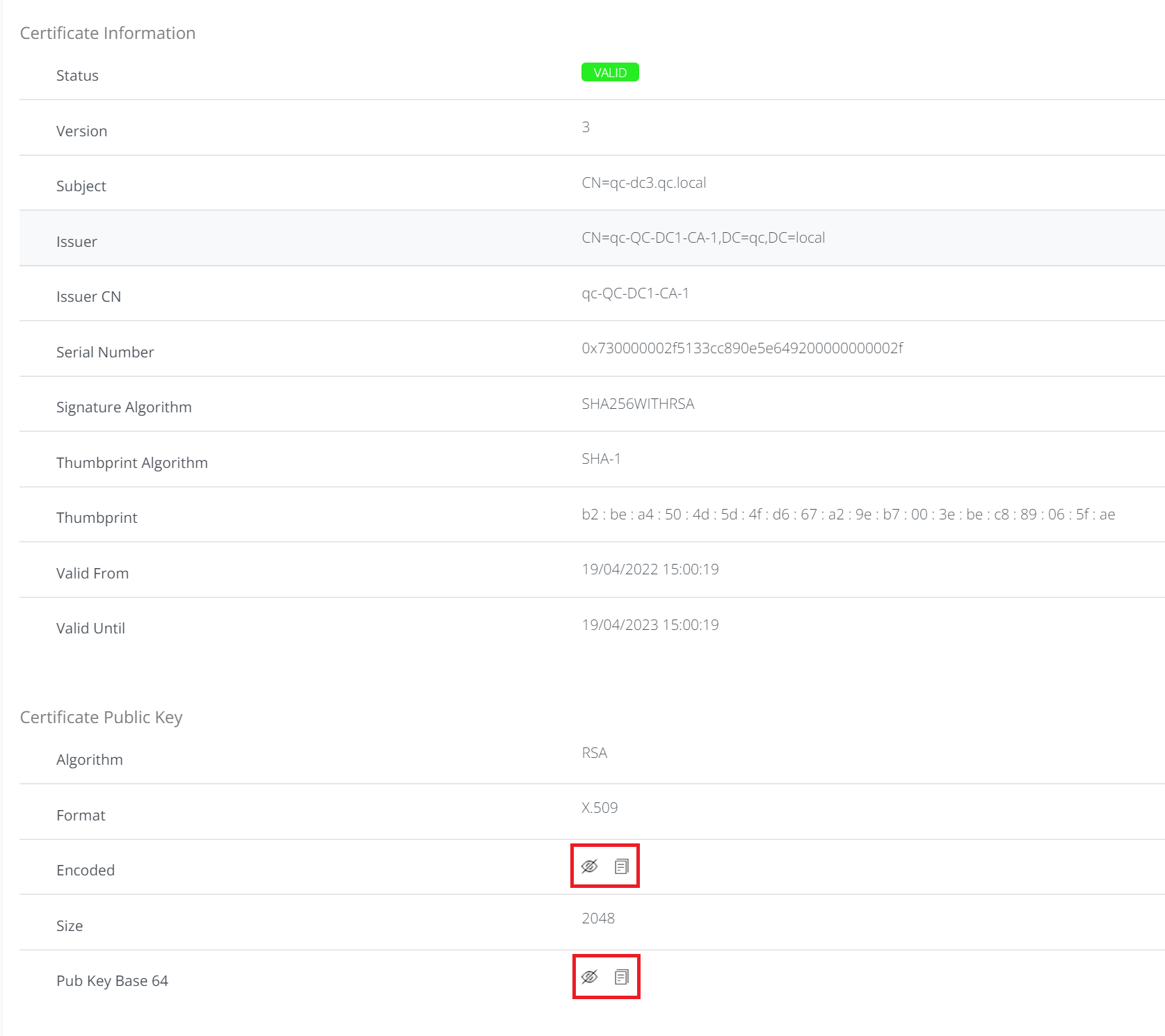
-
Highlighted icons might be used to show signing certificate in HEX or Base64 format:


To view certificate in the Truststore click on Edit icon in the Action menu.
The following list of details will be shown:
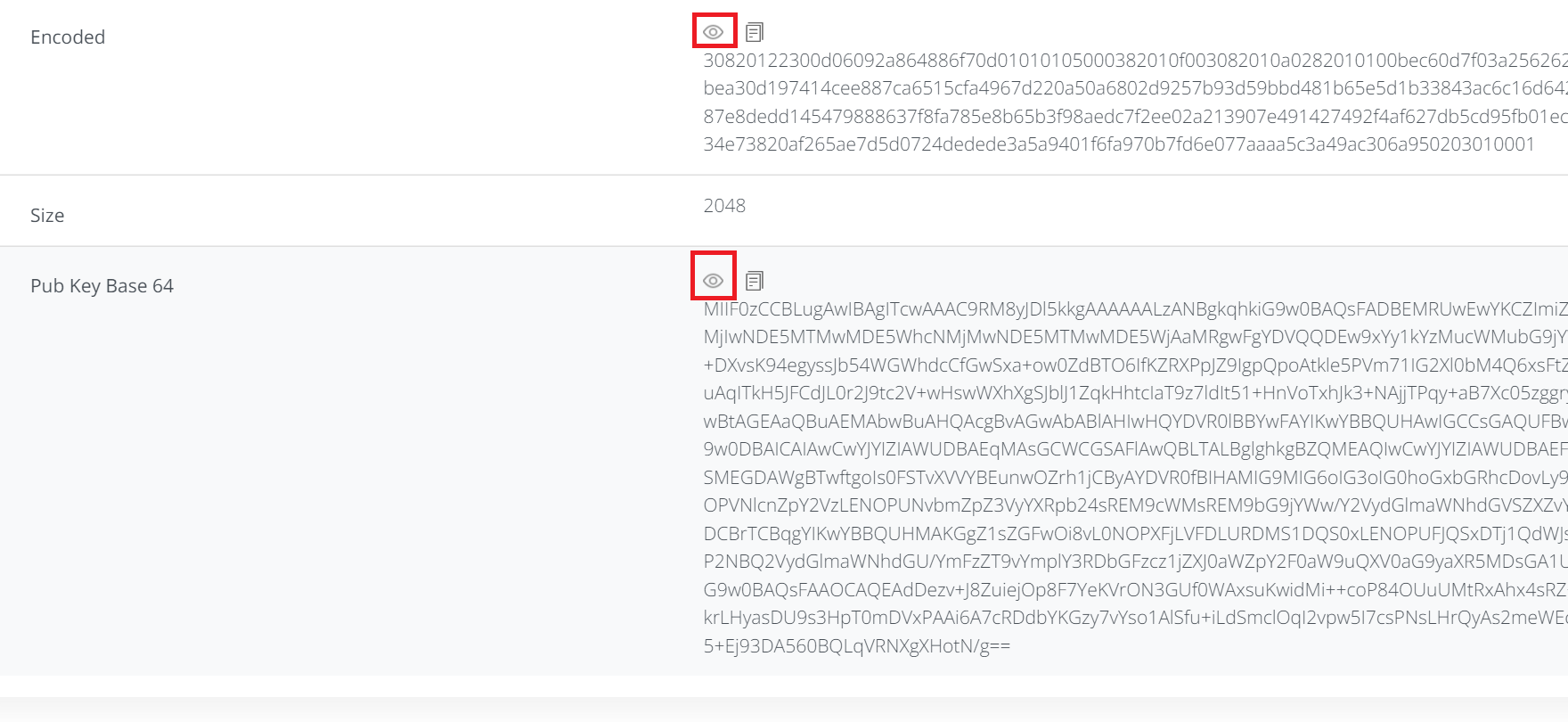
Highlighted icons might be used to show signing certificate in HEX or Base64 format: