

-
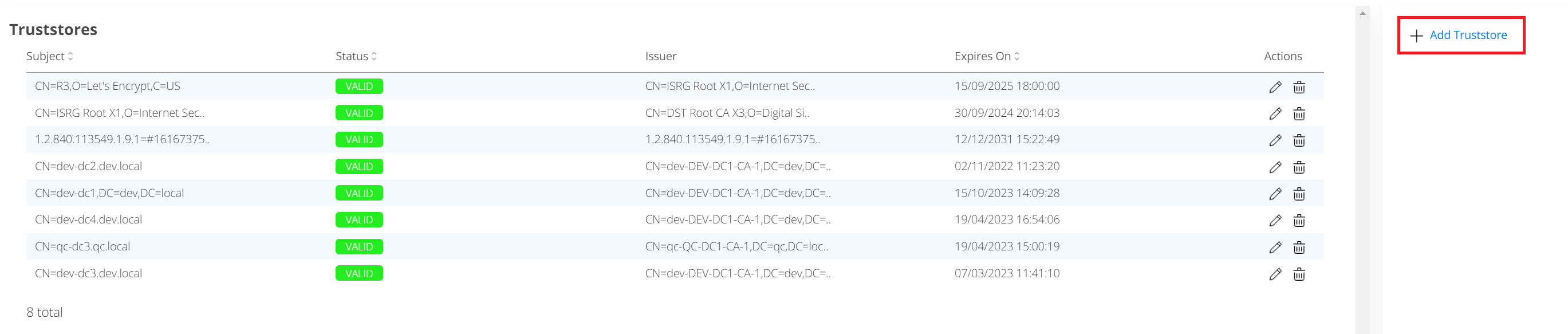
Press "Add Truststore" link in the right action menu to add new certificate to the TrustStore:
-
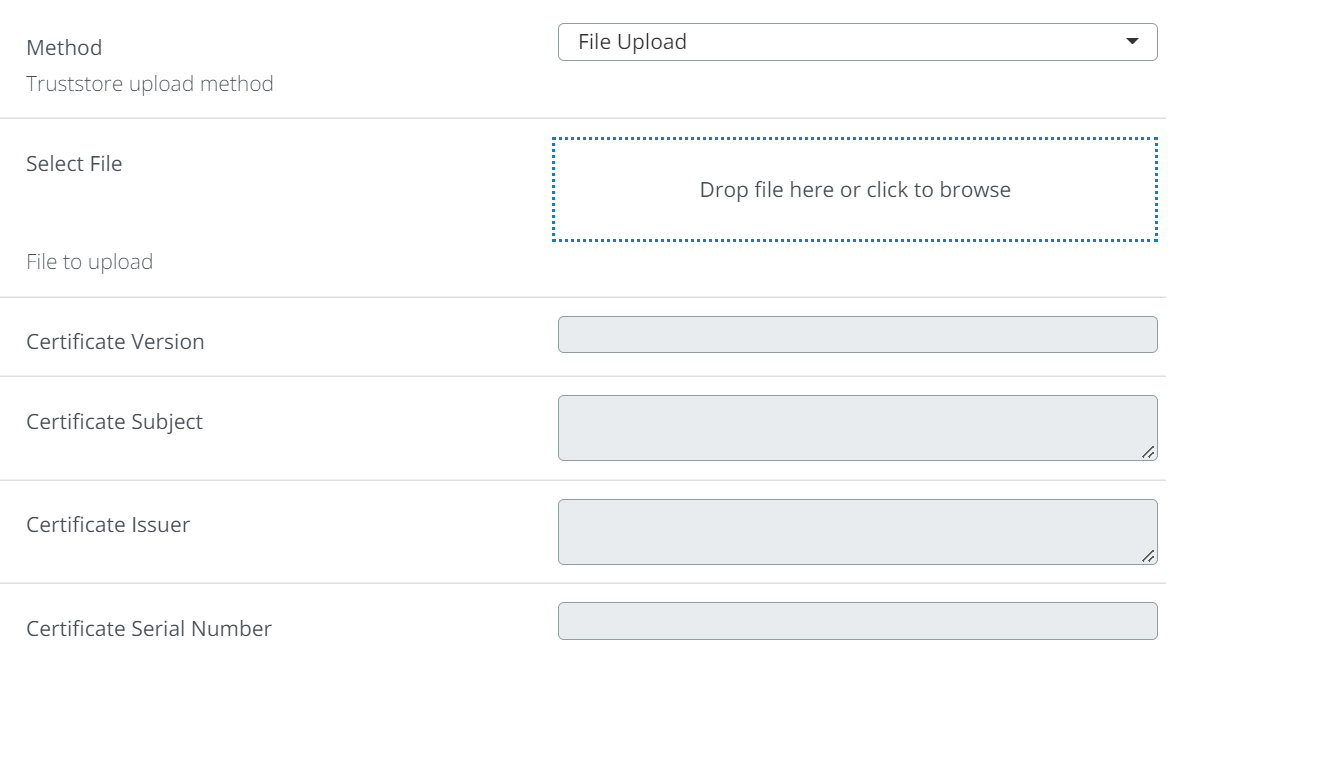
The following form will be shown:
-
There are two methods:
-
File upload
-
Certificate content
All other fields in the form will be filled automatically.
Click on Save button to store new certificate.
-