

Confirm the BopsLogonService has registered with the VeridiumID Server.
-
Click Start, enter Event Viewer and press Enter to open the event viewer.
-
Click Windows Logs > Application in the left pane.
-
Observe the following event from BopsLogonService: Register BOPS succeeded.
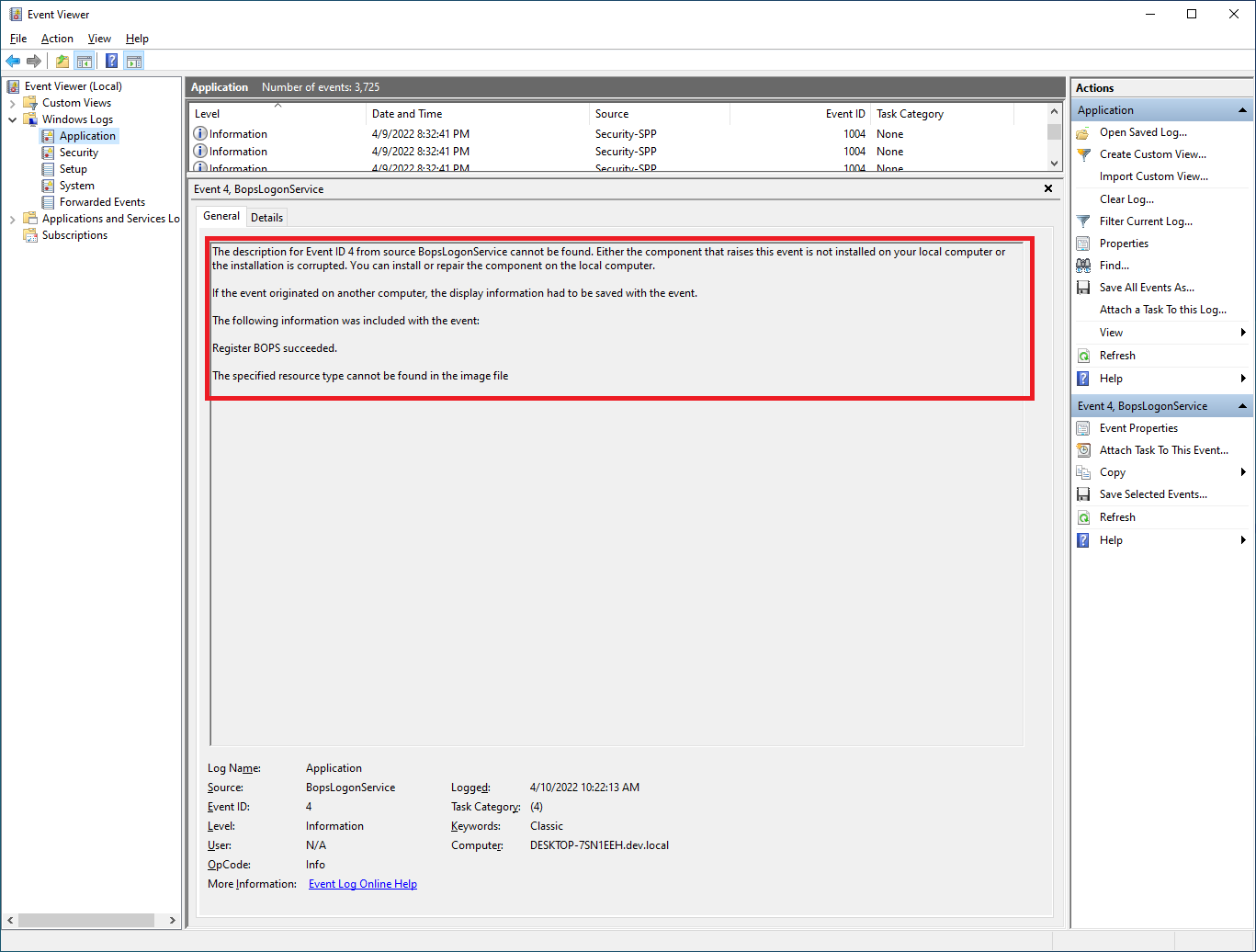
When this message is not shown, please verify:
-
Computer is joined to Active Directory domain
-
Verify connectivity to VeridiumEP server as described in CP - Technical Overview | Network communication schema