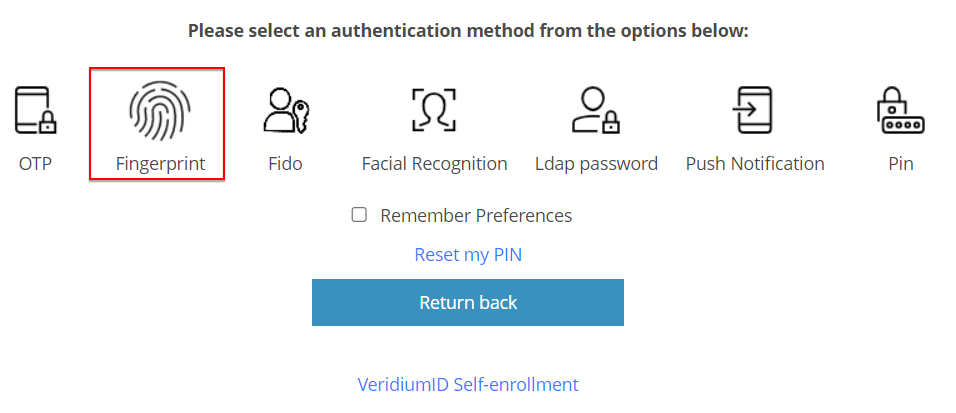
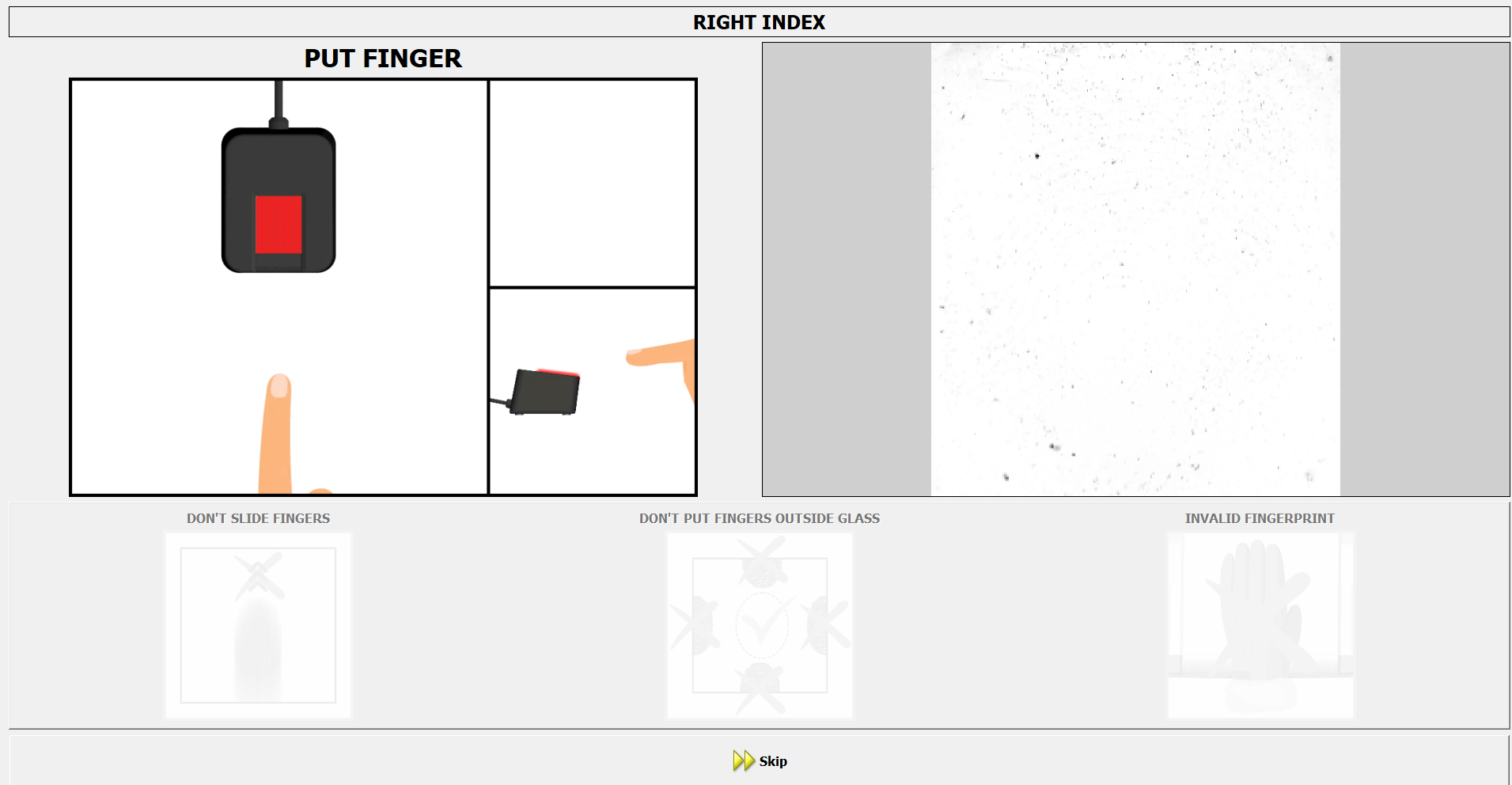
The enrolment and authentication flows are similar to the ones already present in Veridium platform, providing a streamlined and known experience for end users. This will help the adoption rate and minimizes additional support needed in production environments which already have this hardware option for authentication.
Configuration and functional operation:
After setting up the library on the server, the new method is available in Veridium Manager / Orchestrator / Authentication / Authentication Methods - DESKTOP_FINGERPRINT.
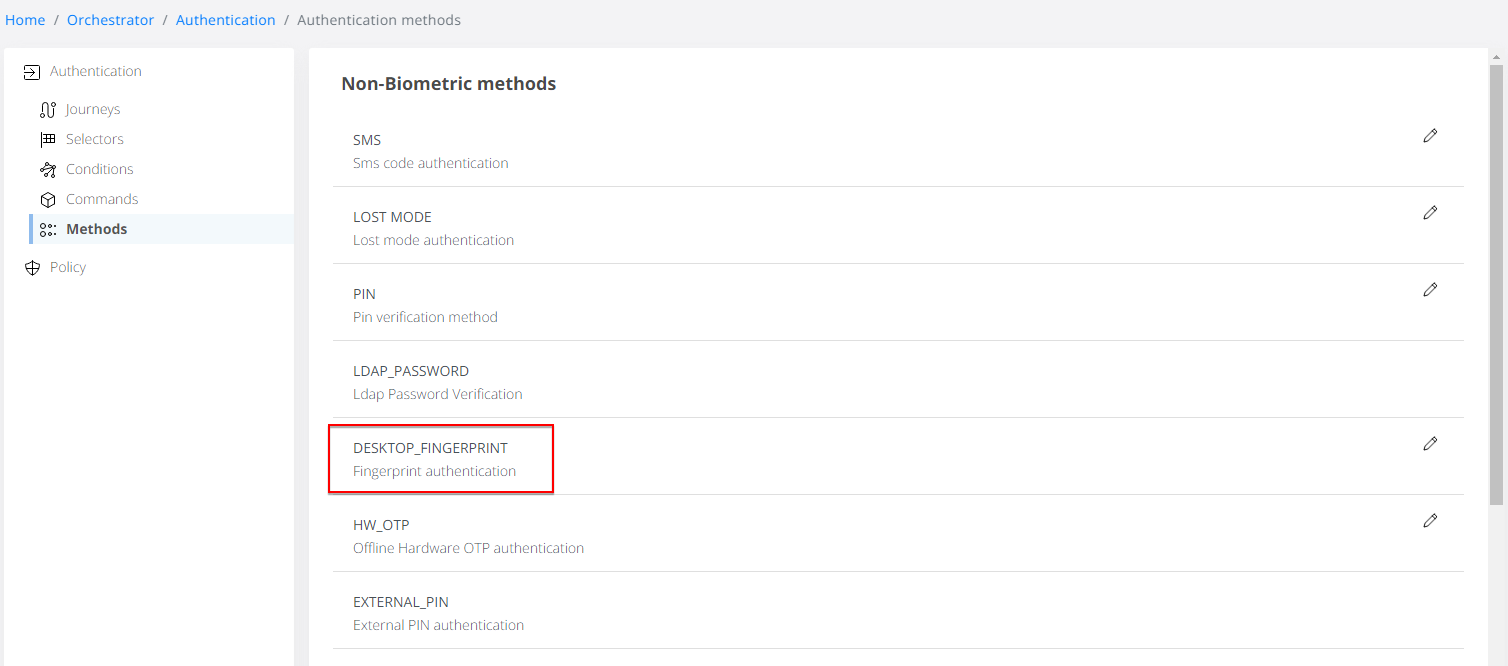
Editing this method has 2 available biometric template format options for saving the fingerprint:
-
GreenBit (proprietary from sensor manufacturer)
-
Bitmap (classic image format)
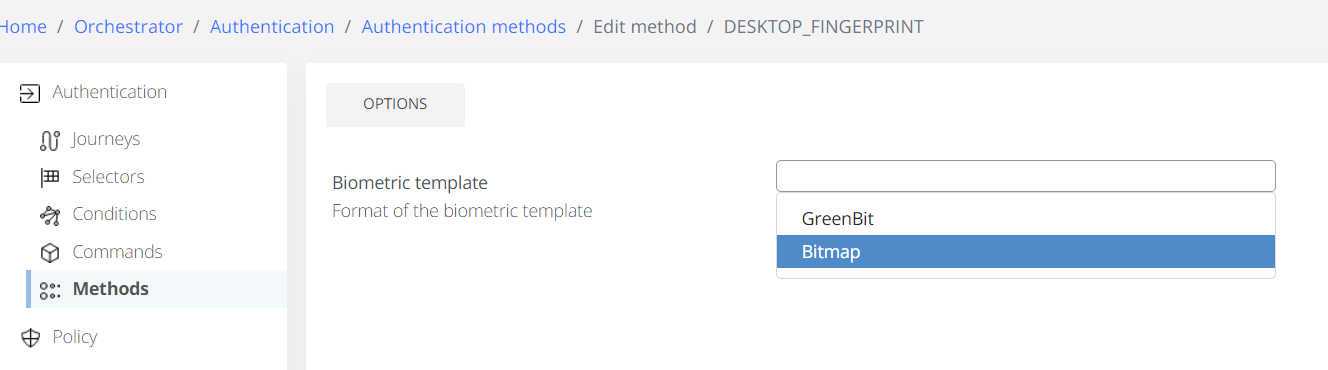
The 2 formats are not interoperable. Switching from one to another requires new user enrolments before authentication attempts are validated.
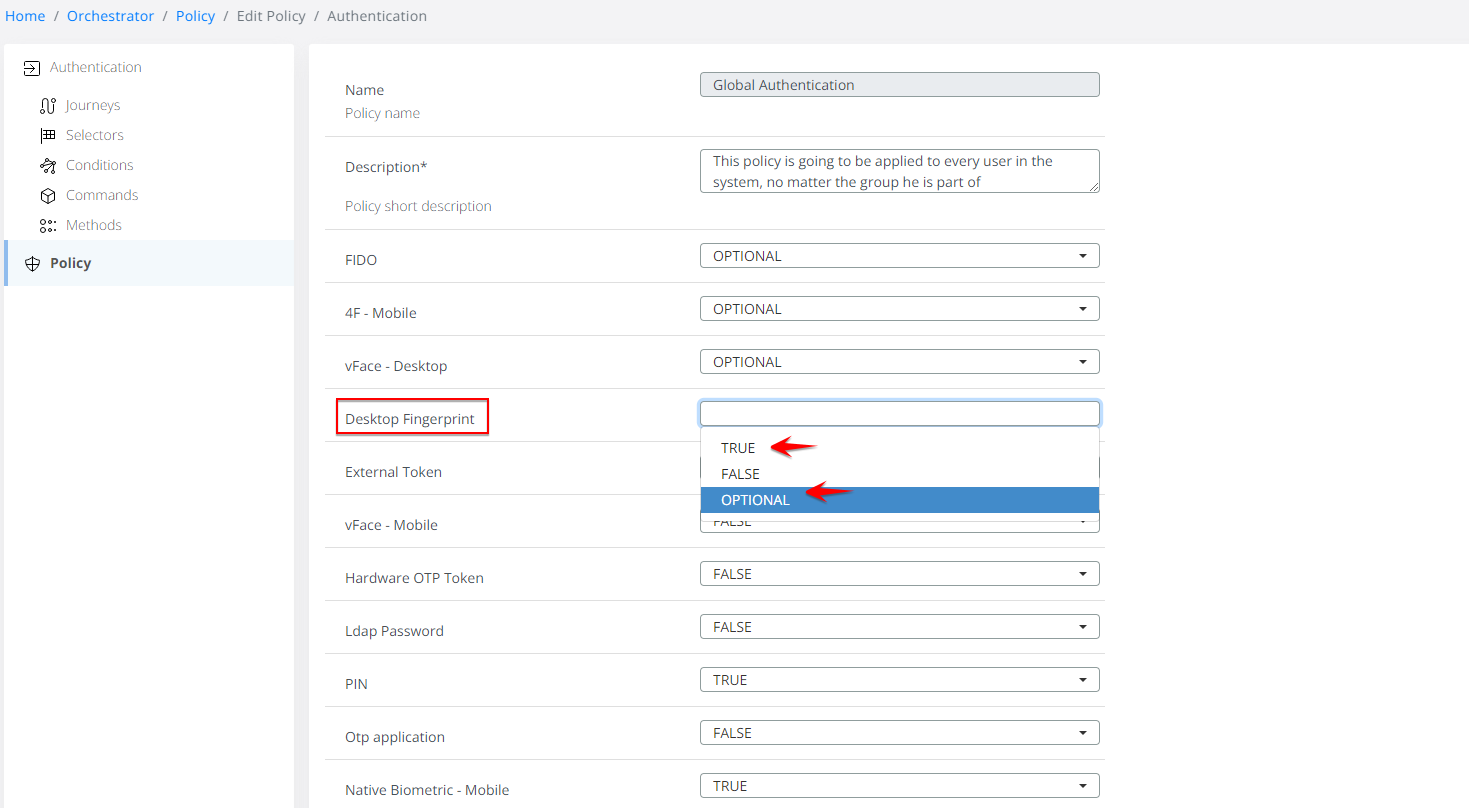
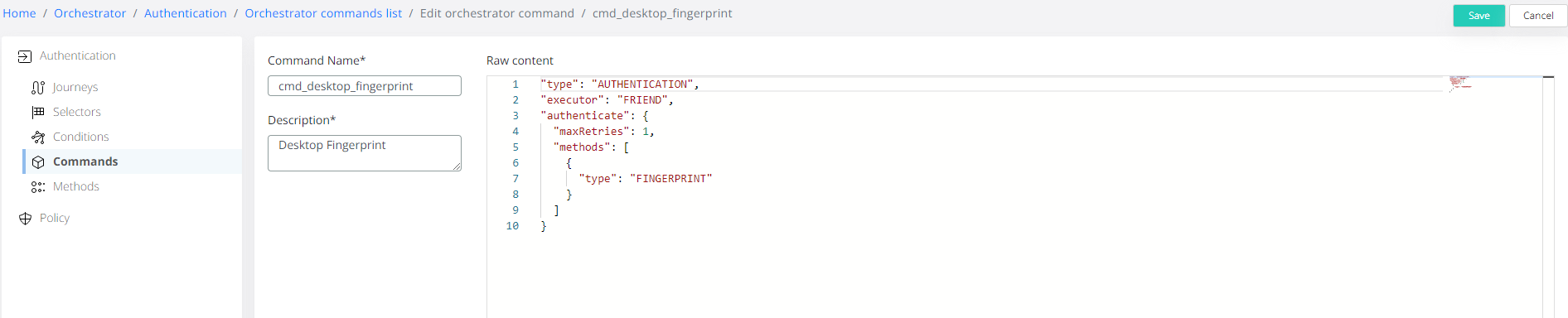
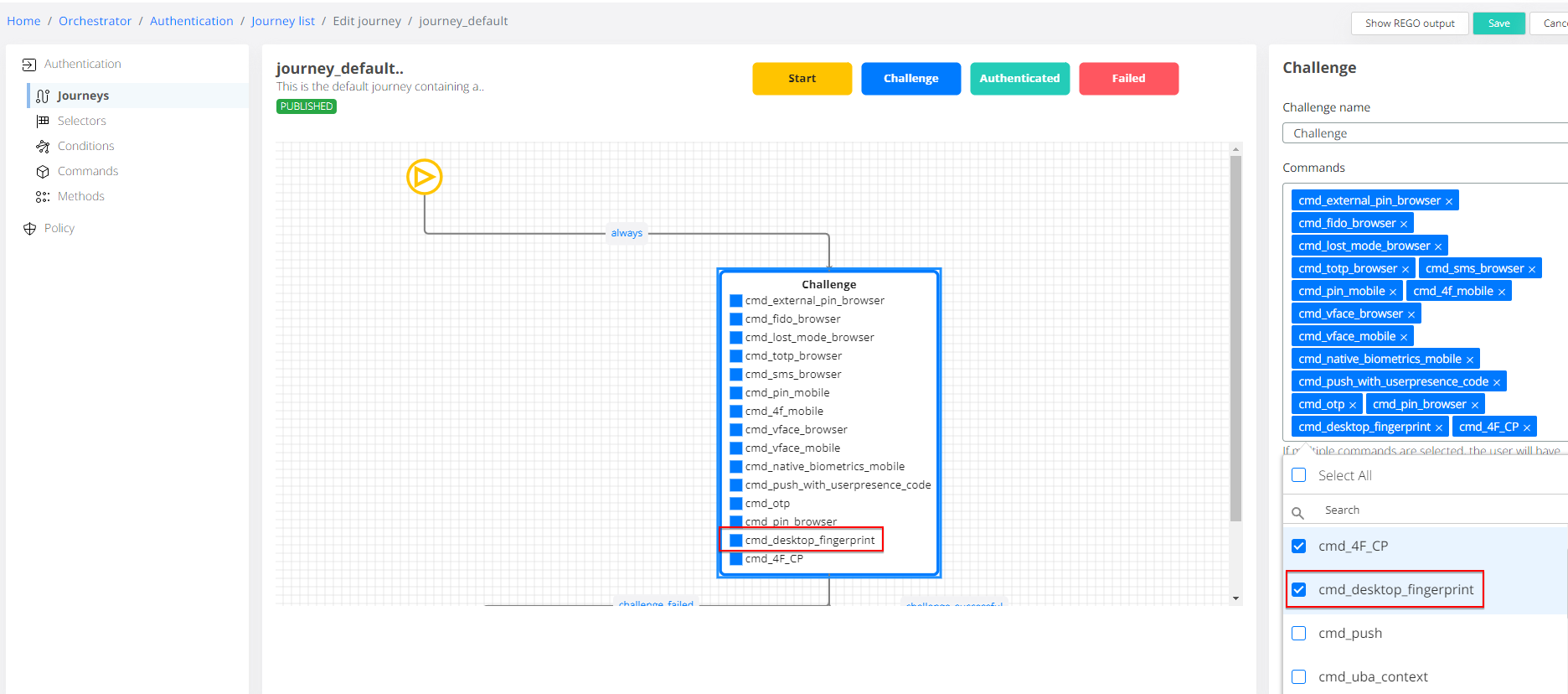
In order to activate the method in both Enrolment and Authentication flows, remember to enable it in Policy (either TRUE or OPTIONAL values), and add the predefined command “cmd_desktop_fingerprint” to the desired Journey flows.
Sample end-user flows in Self-Service Provider:
-
Enrollment flow:
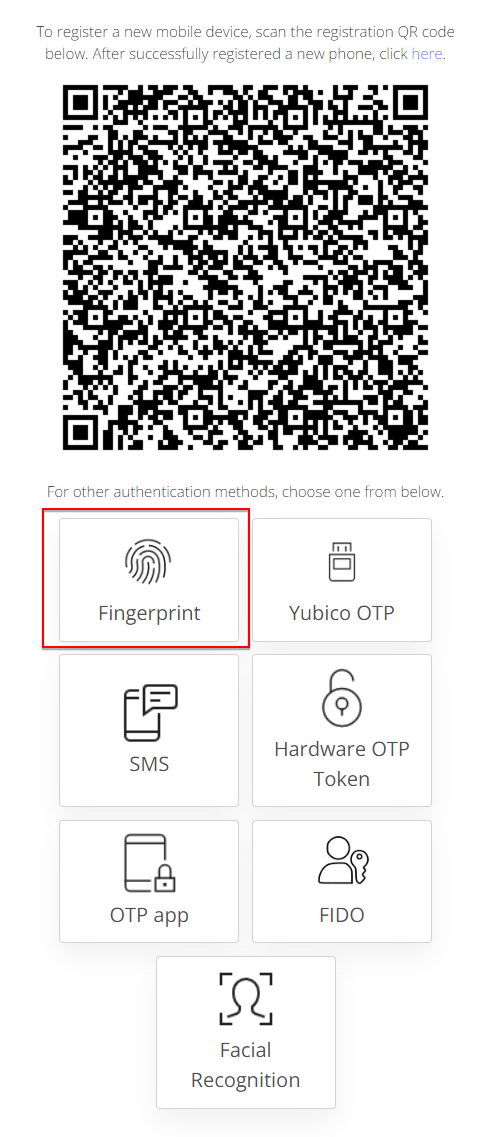
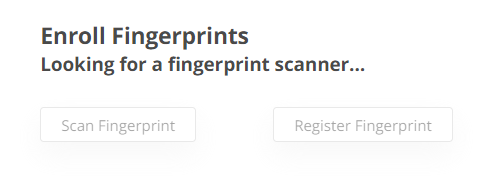
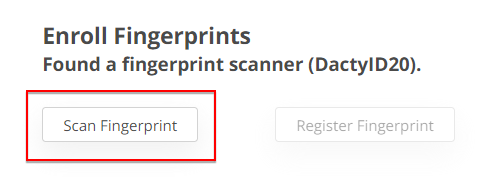
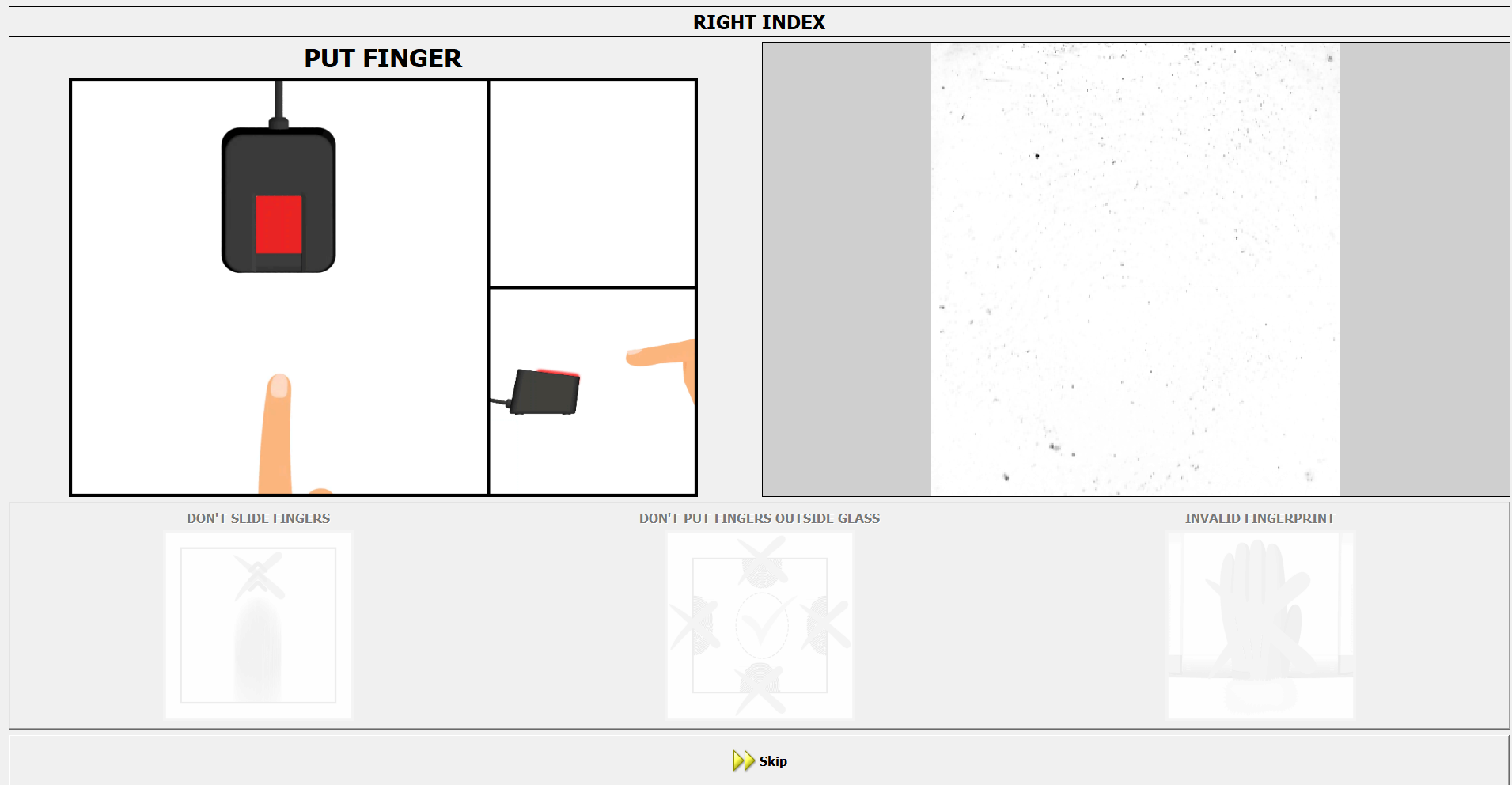

-
Authentication flow: