

-
Generate a new certificate
-
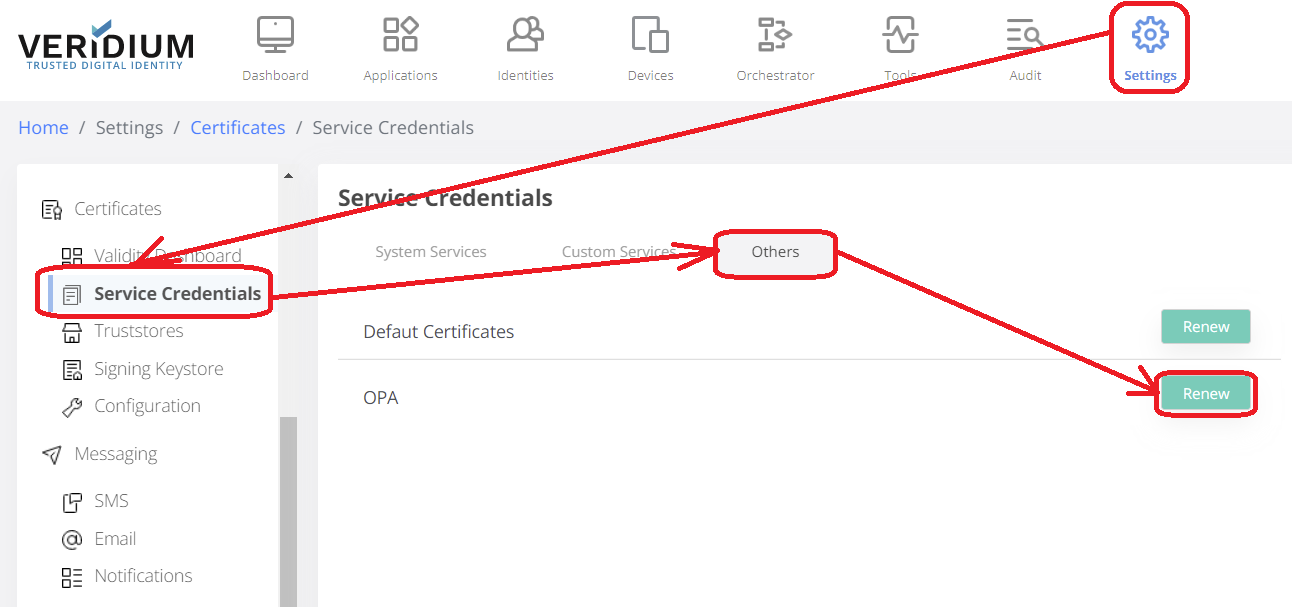
Open VeridiumManager and go to Settings - Certificates - Service Credentials and select Others. In the list below, locate OPA and click the Renew button next to it.
-
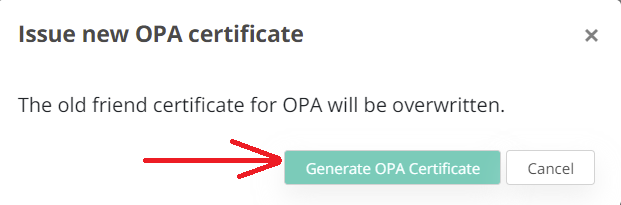
Press 'Generate OPA certificate' in the confirmation dialog:
-
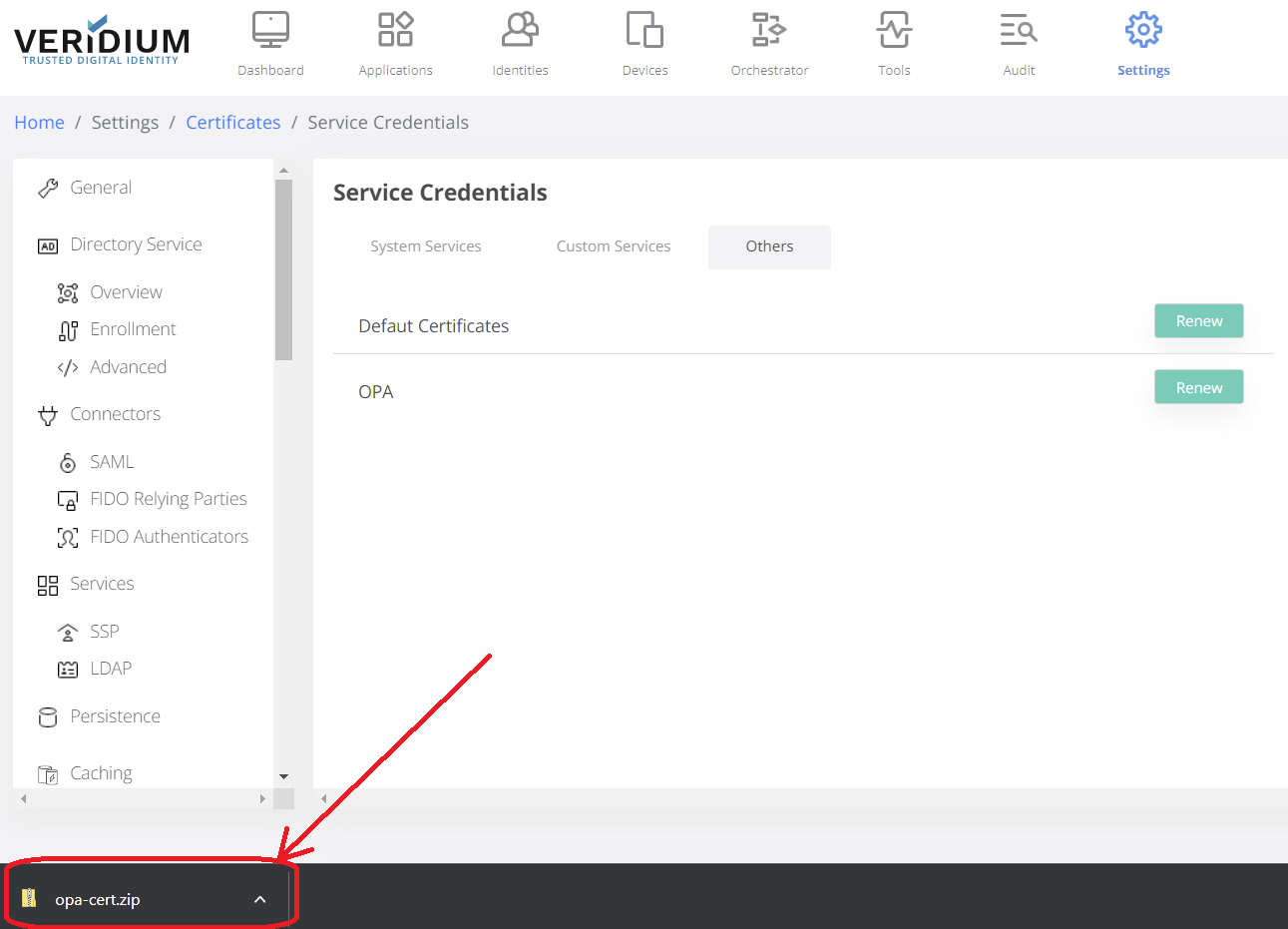
A zip archive containing the new certificate will be downloaded.
-
-
Install the new certificate
-
copy the zip file from your computer to the server where OPA service is installed
-
scp opa-cert.zip veridiumid@<IP_ADDRESS>:/home/veridiumid
-
-
ssh into the server where OPA service is installed:
-
ssh veridiumid@<IP_ADDRESS>
-
-
execute the following
-
sudo /opt/veridiumid/opa/bin/config-opa.sh -c /home/veridiumid/opa-cert.zip
-
-