

Create a Custom Service certificate for the Veridium RA and Veridium EP Server. A Custom Service certificate is a client certificate used for secure communication between Veridium RA/EP and VeridiumID server.
After creating the certificate, you copy it to your Windows server to complete the installation of the VeridiumID RA & EP Server.
Procedure:
-
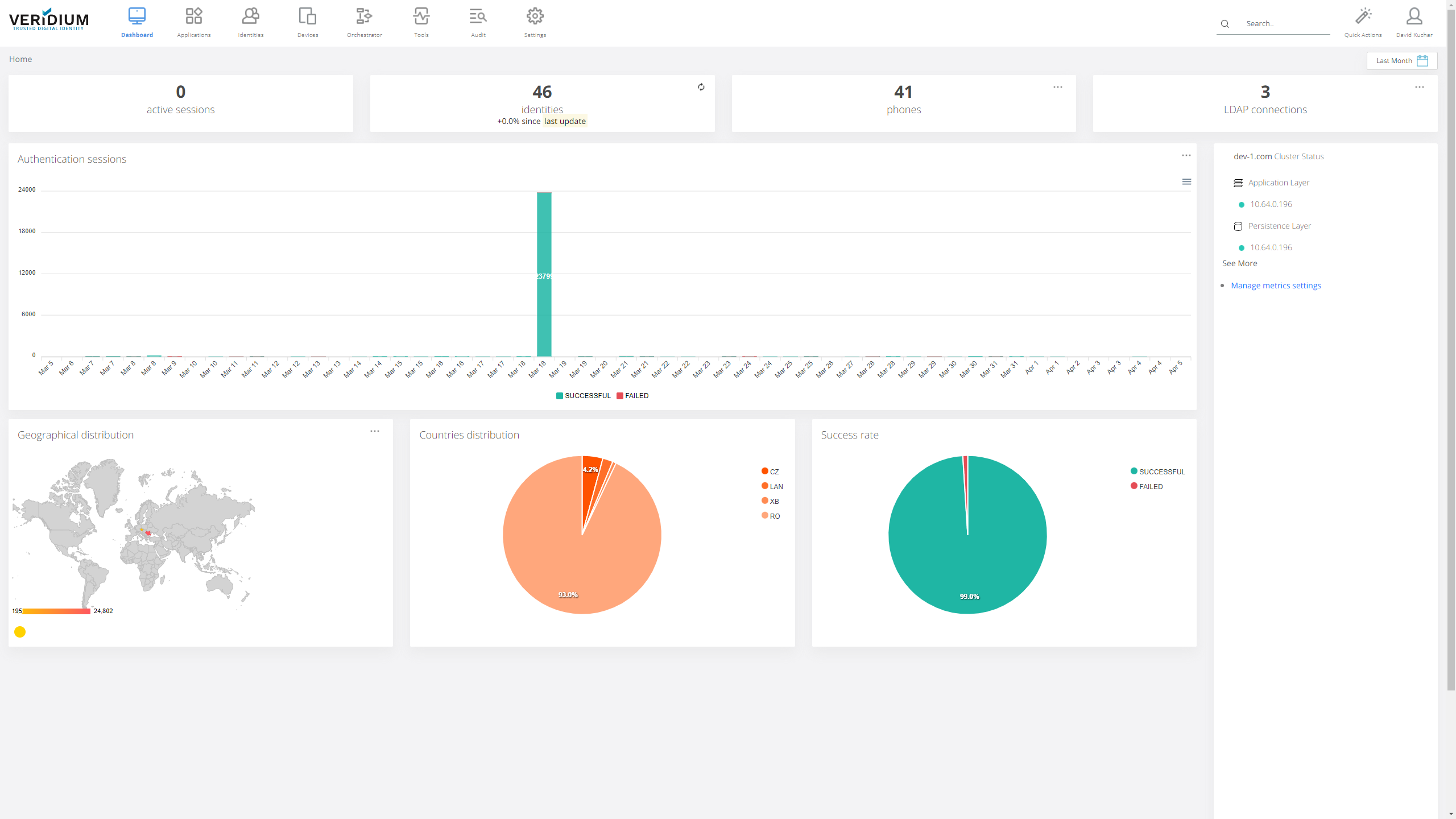
Log in to the VeridiumID server Administration Console as Administrator.
-
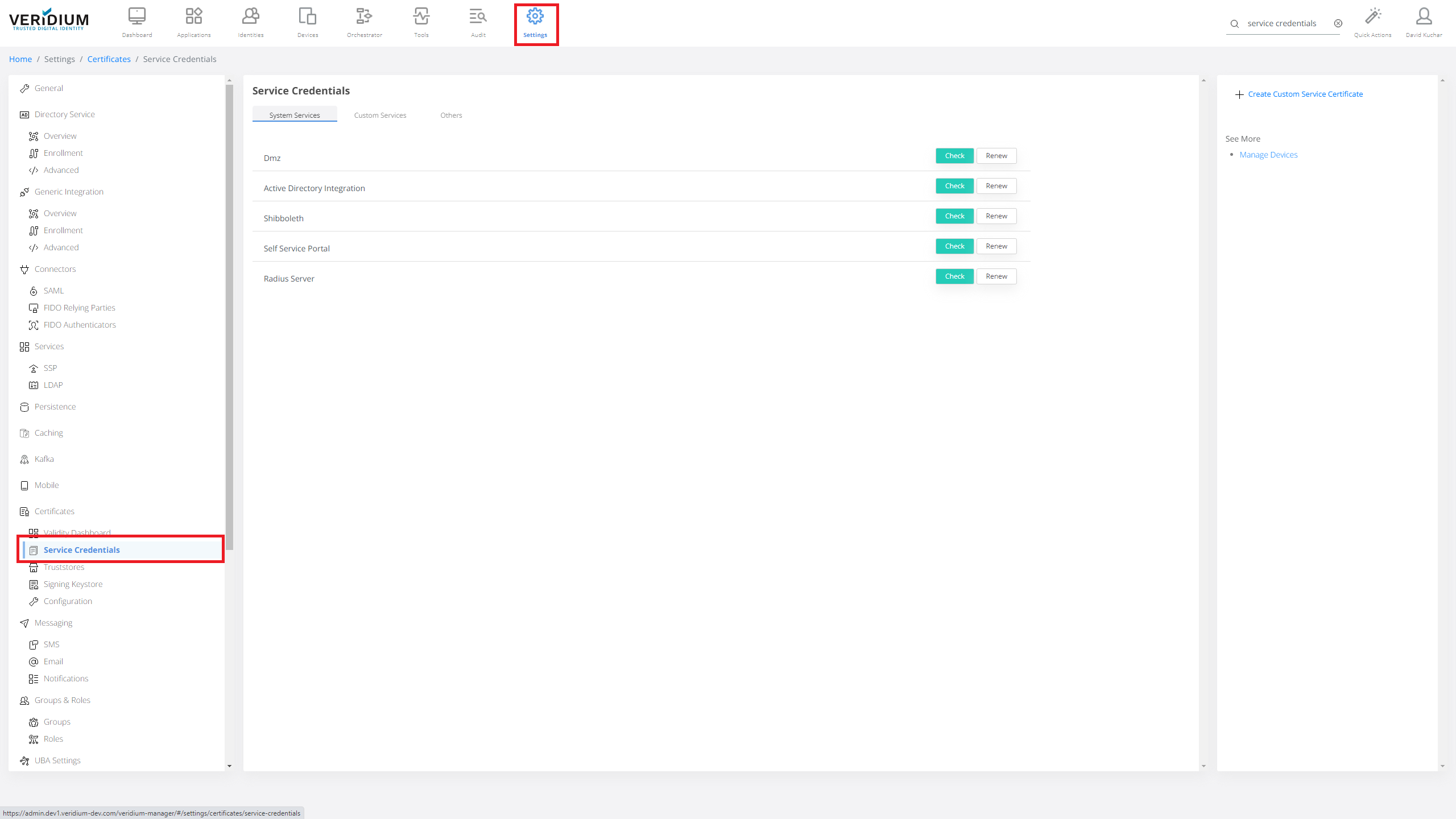
Click Settings then Service Credentials.
-
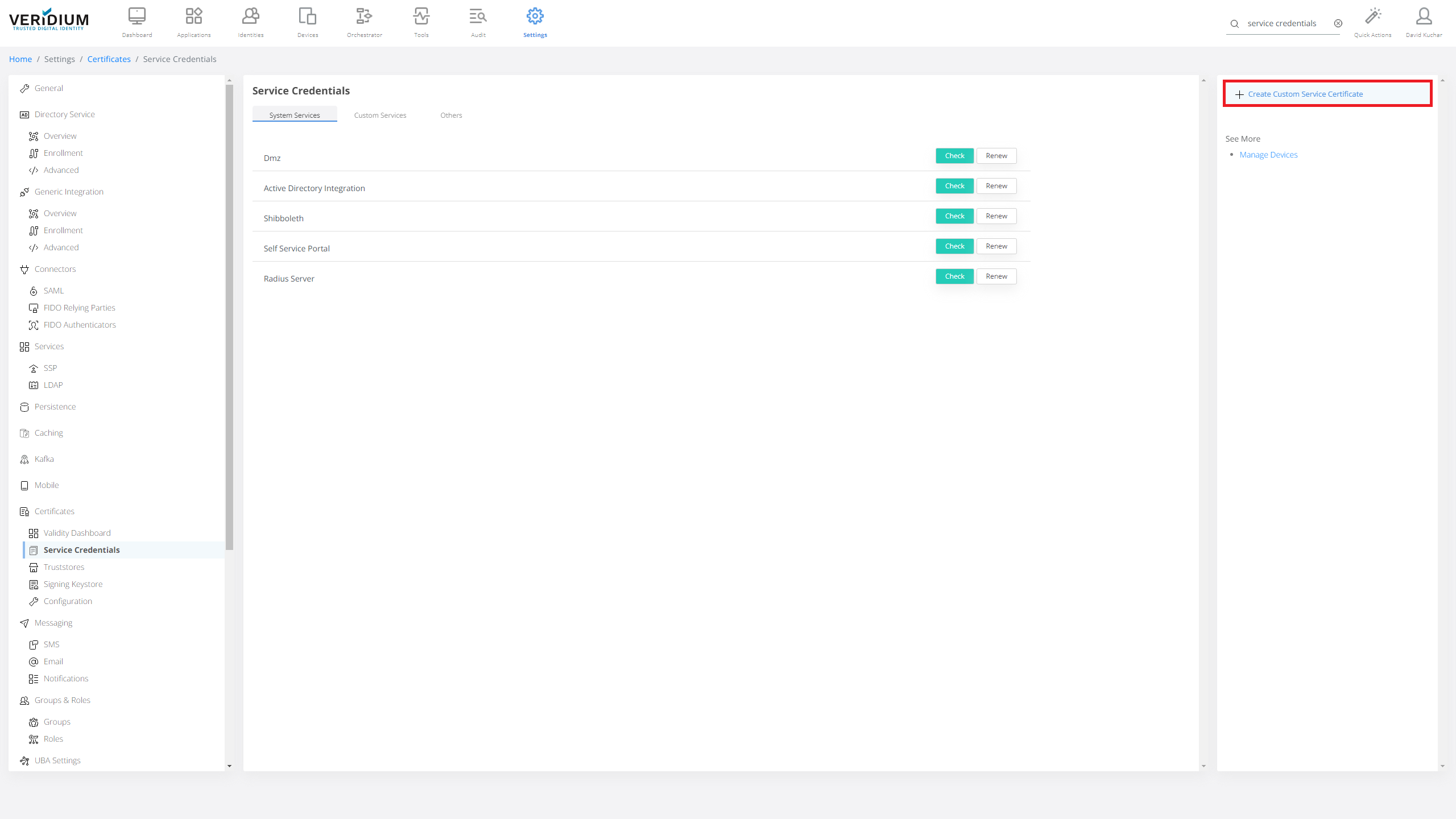
Click on Create Custom Service Certificate.
-
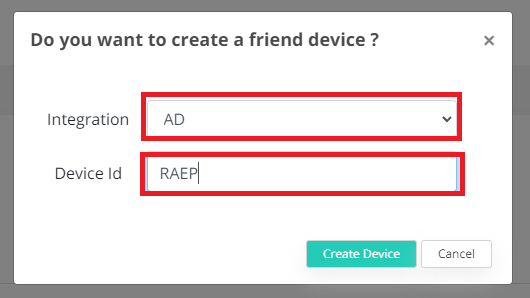
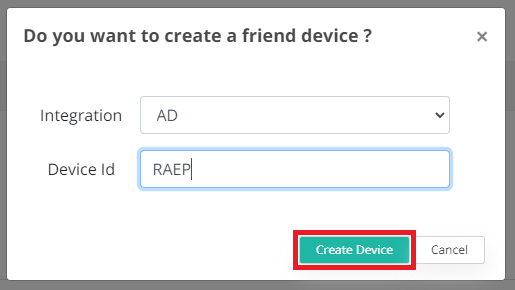
Select AD in the first box. In the Device Id enter a meaningful name.
-
The certificate downloads to your browser.

-
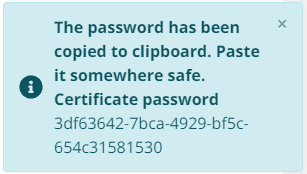
Certificate password will be copied to clipboard automatically.
-
Note down Certificate password for latter use.