

VeridiumID Server connection verification
Procedure:
-
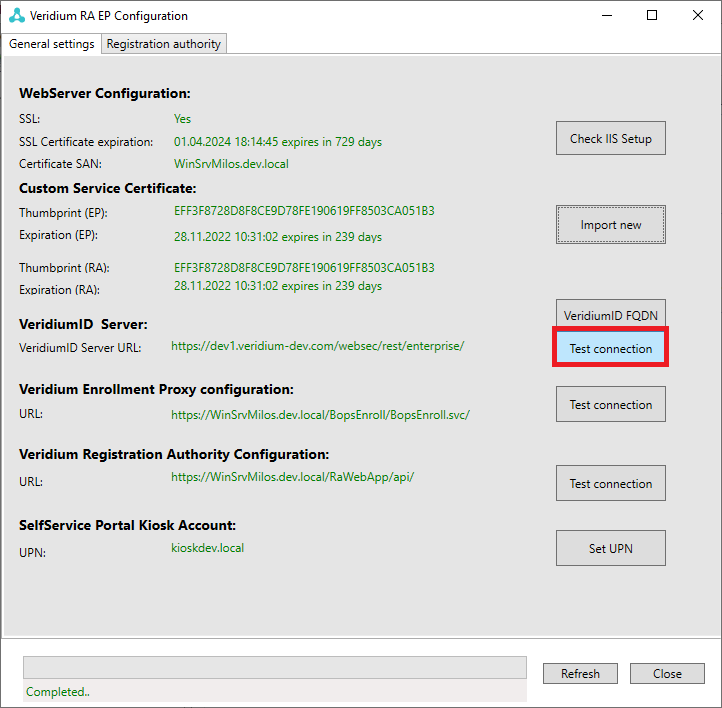
Start VeridiumID RA EP configuration and in the section "VeridiumID Server", press "Test connection" button.
-
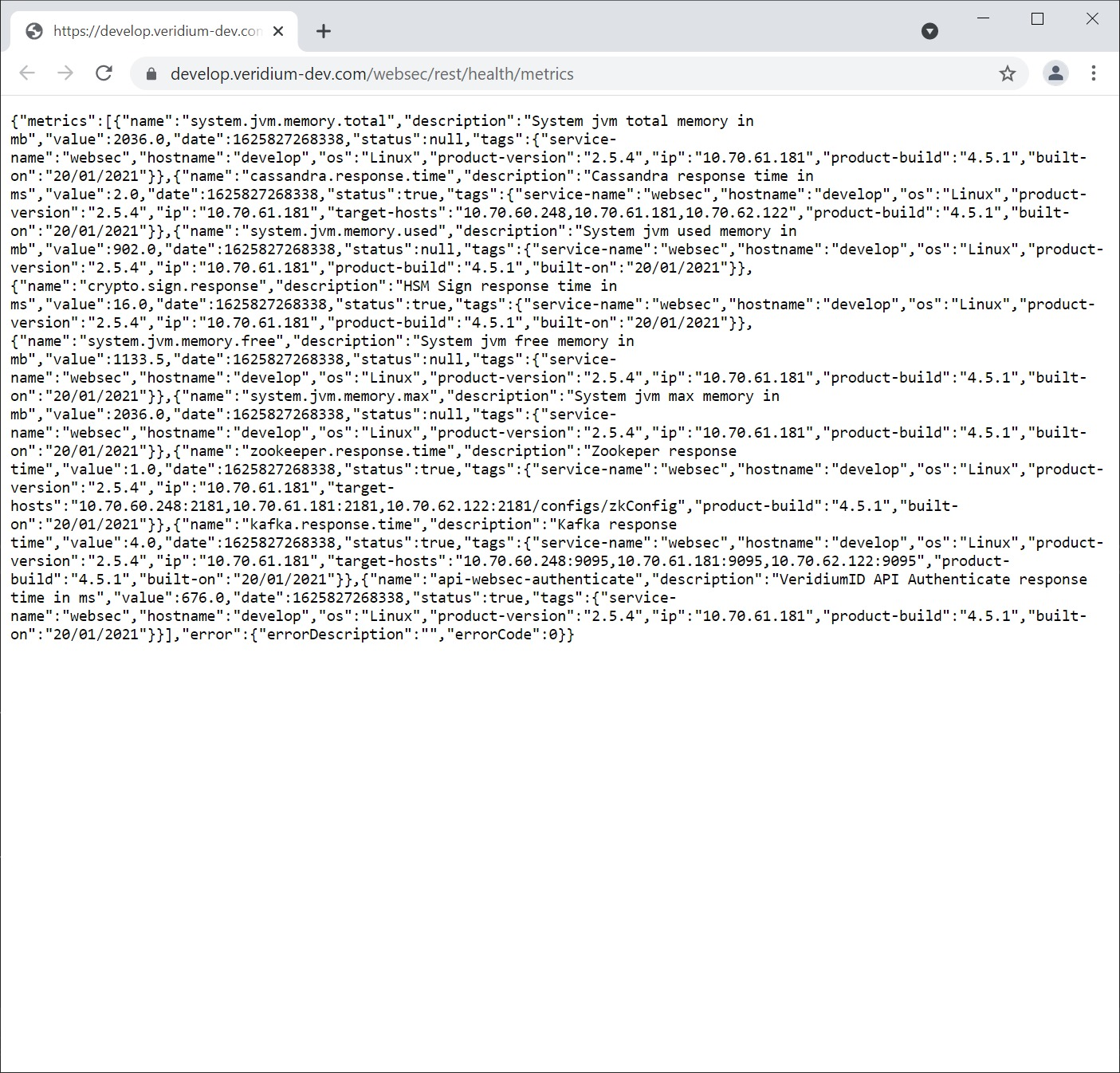
Following window will appear.
VeridiumID Enrollment Proxy verification
Procedure:
-
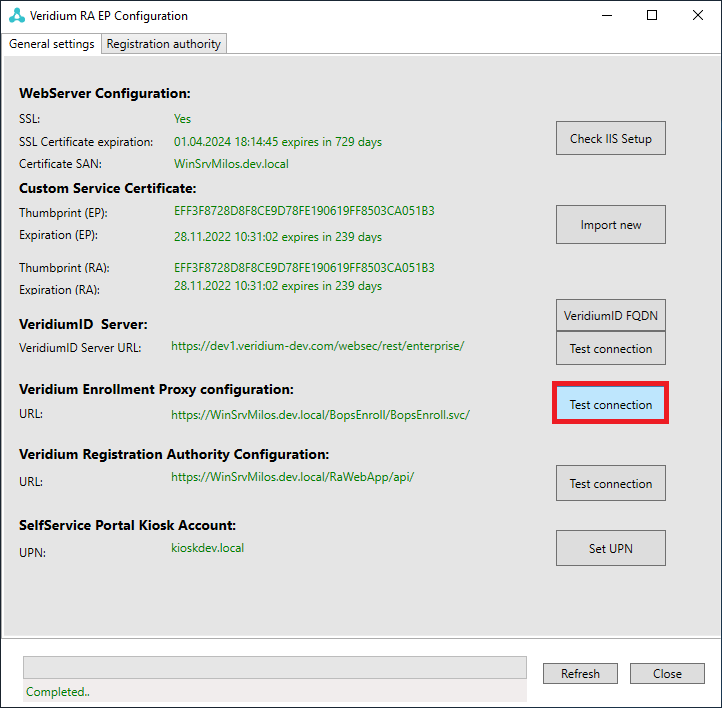
Start VeridiumID RA & EP configuration and in the section "Veridium Enrollment proxy configuration", press "Test connection" button.
-
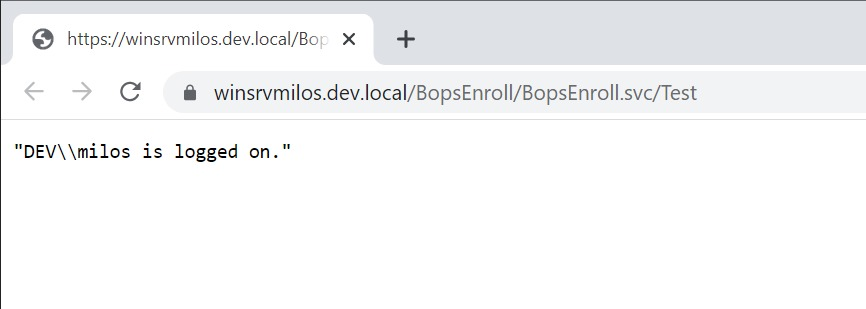
Following window will appear.
VeridiumID Registration authority verification
Procedure:
-
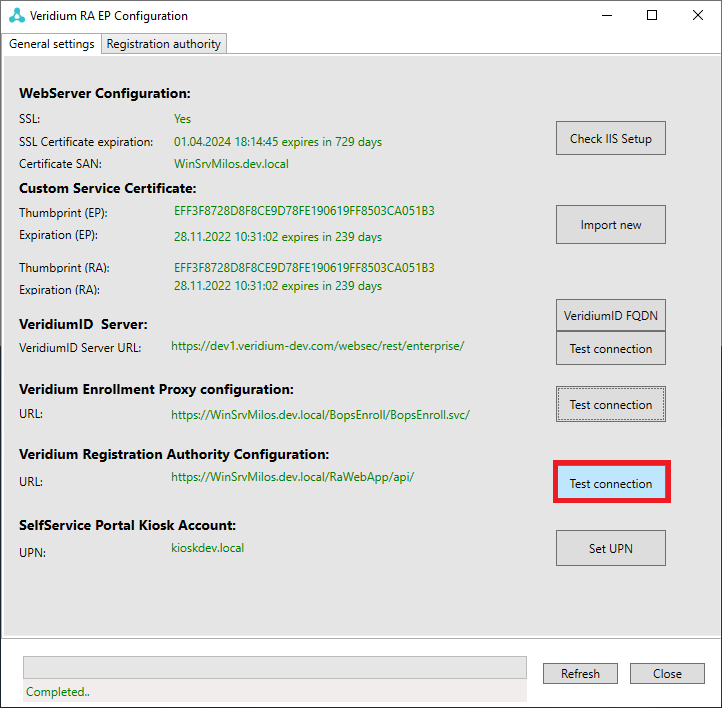
Start VeridiumID RA & EP configuration and in the section "VeridiumID Registration Authority configuration", press "Test connection" button.
-
Following window will appear.
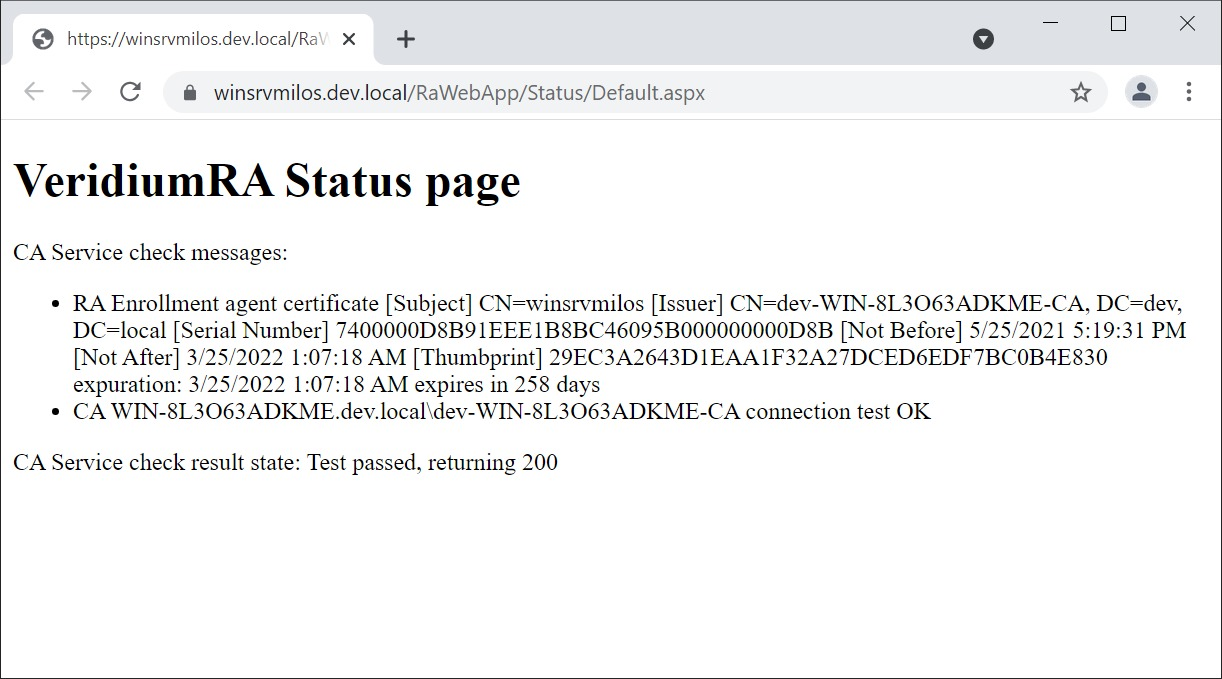
Note: The following URL can be used to verify status of RA by load balancers: https://ra_server/RaWebApp/Status/Default.aspx In case Test passed, page returns 200, otherwise 207.