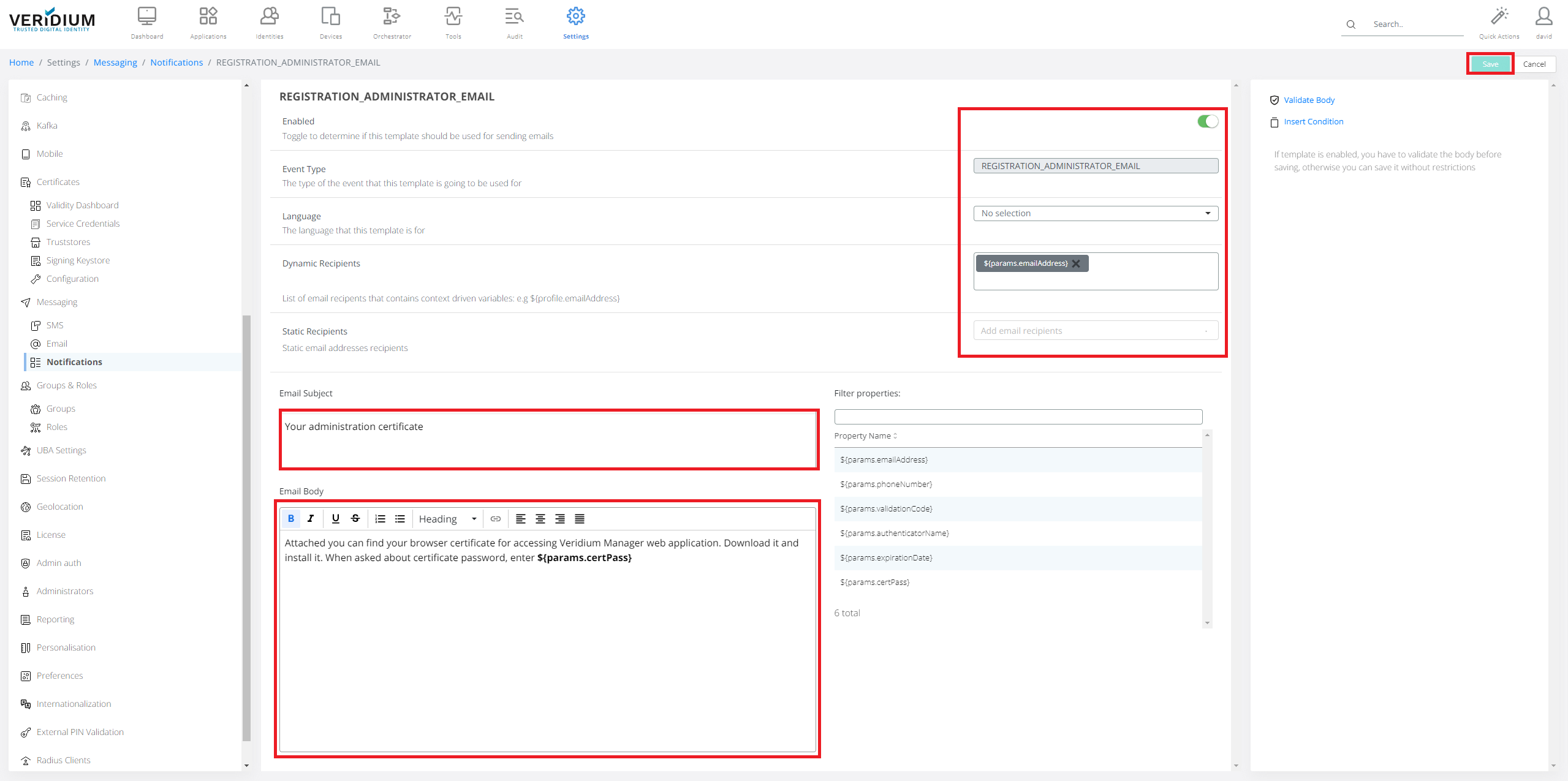
Notifications are typically email/SMS notifications send in case of different actions. Following steps shows how to modify default templates texts.
-
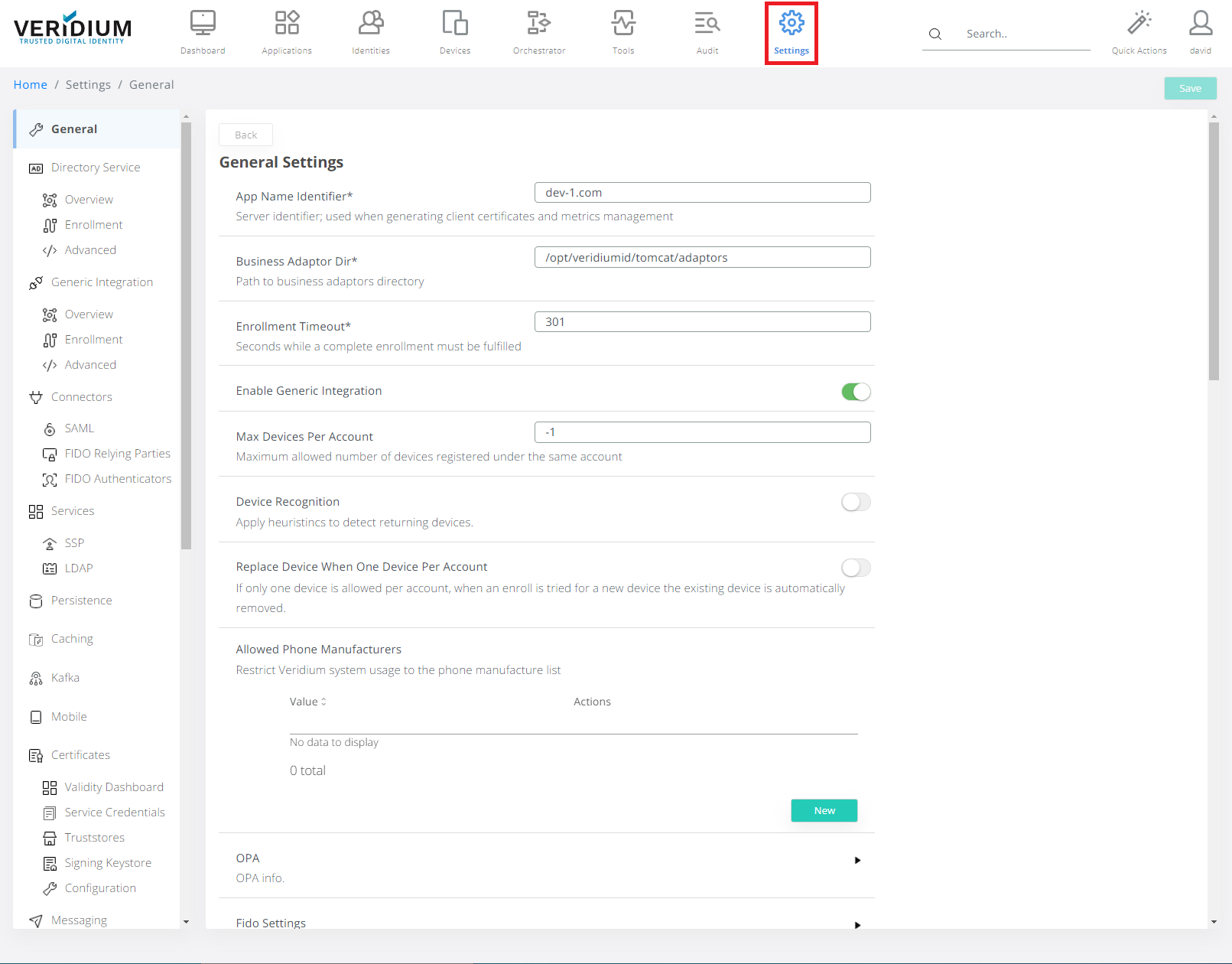
In Veridium Manager, click Settings on top navigation.
-
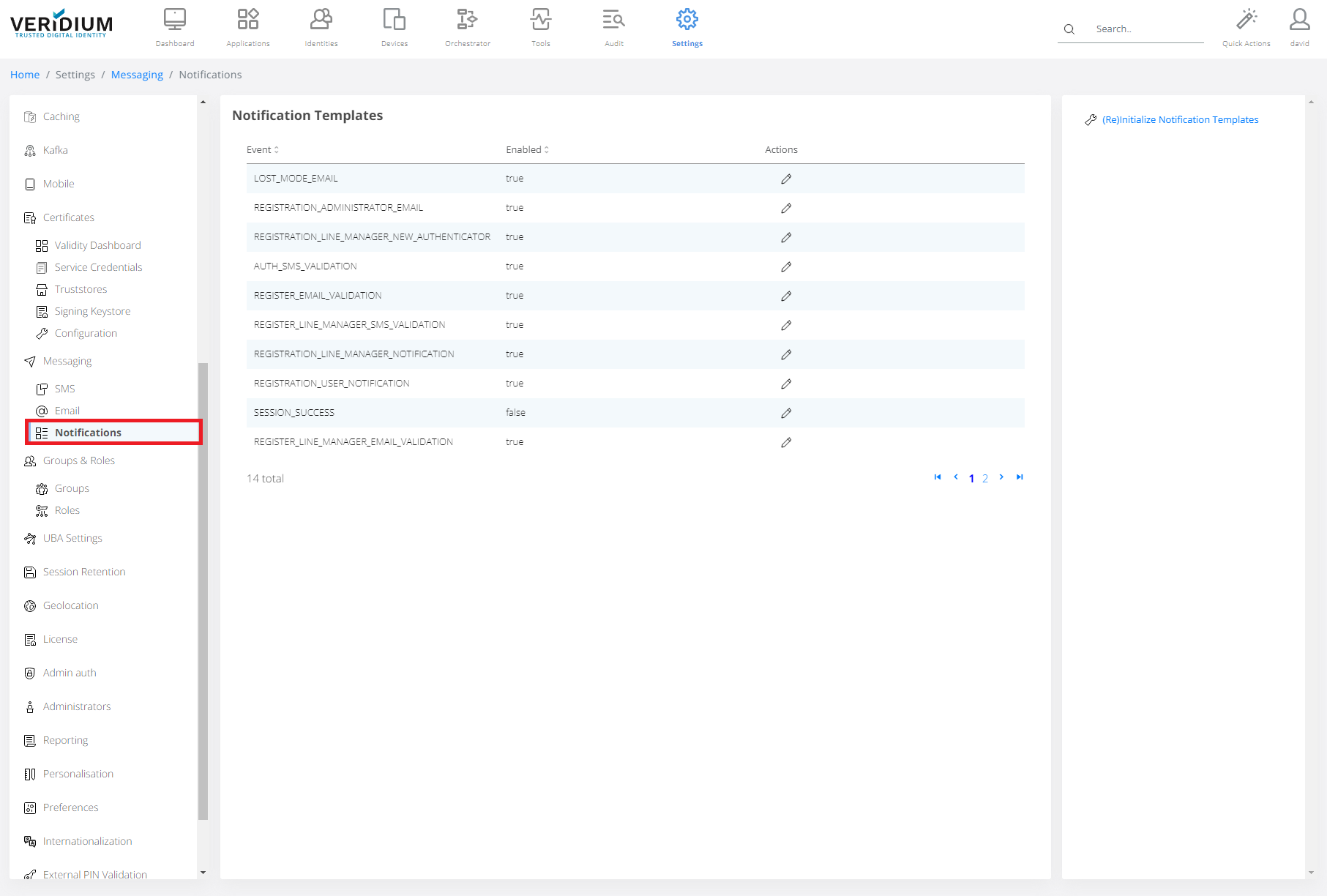
Click Notification on the left-side container.
-
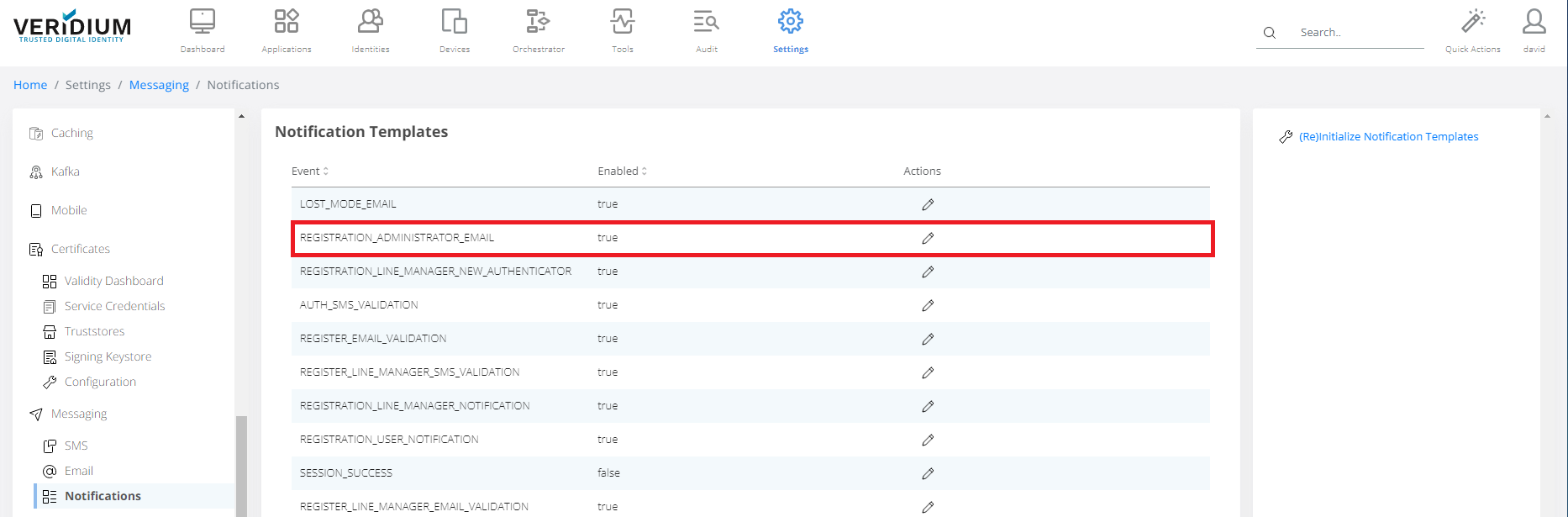
Click on Template.
-
Set Settings, set Mail Subject and set Email Body. Click Validate Body and Save.