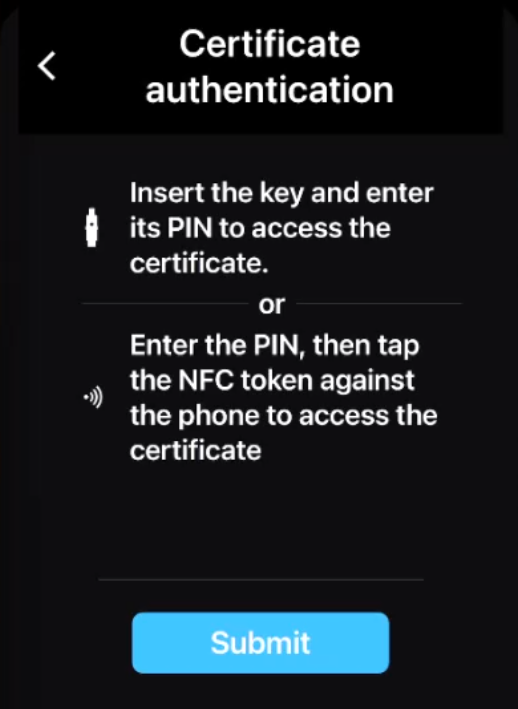
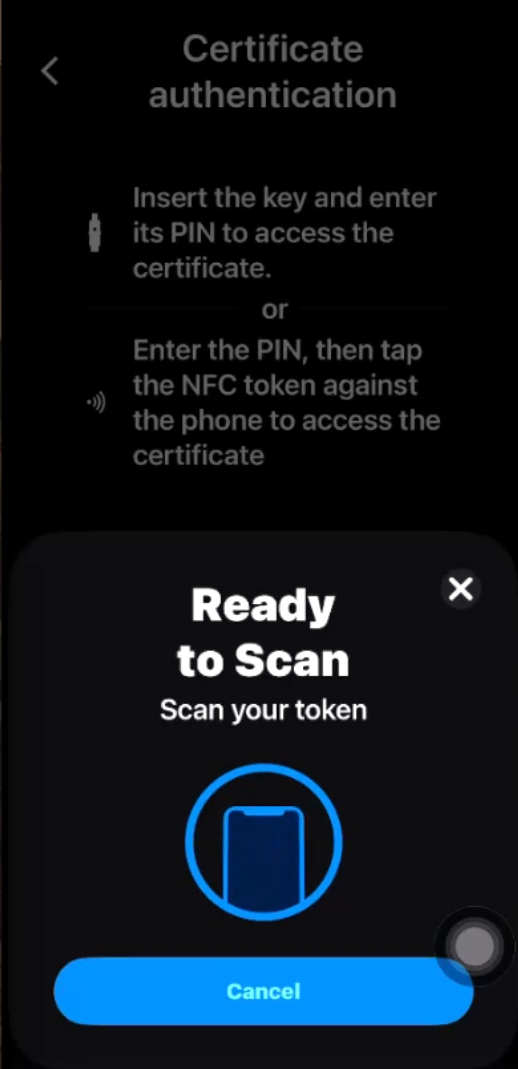
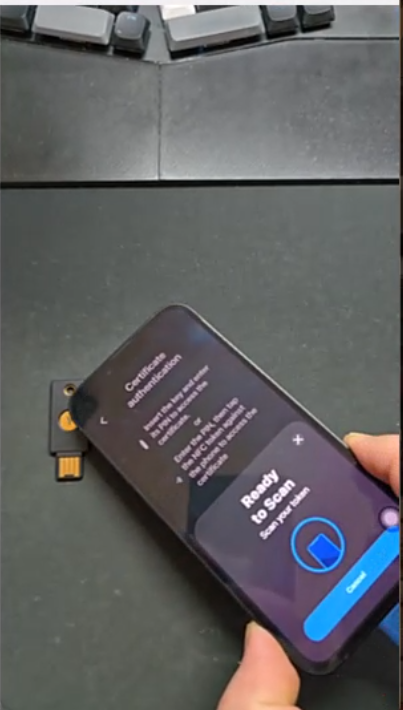
Veridium’s mobile app supports certificate authentication stored on security keys, via NFC or USB protocols.
A sample use case is shown in the video, together with step-by-step instructions below. USB protocol behaves the same, with the key inserted in the device data port:
Step-by-step instructions:
-
Have a YubiKey with certificate(s) installed on it.
-
Have a journey configured in Orchestrator with cmd_certificate_mobile command added as a challenge.
"type": "AUTHENTICATION",
"executor": "PHONE",
"authenticate": {
  "methods": [
     {
      "type": "CERTIFICATE",
      "configuration": {
          "isSecurityKeyRequired": true
      }
    }
  ]
}

-
Have an account enrolled in the mobile app.
-
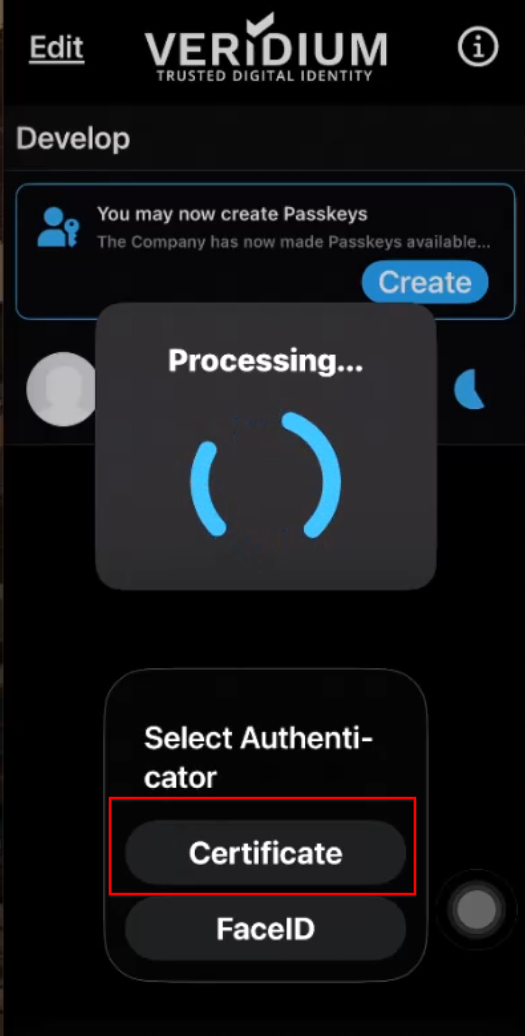
Trigger an authentication flow, and choose Certificate method:
-
Provide the YubiKey PIN and then touch the YubiKey holding the user certificate to the NFC receiver on the phone.