

This update delivers significant improvements in device certificate management, offline handling, and supported authentication workflows.
Key enhancements include:
-
Increased robustness of the existing device certificate renewal process, reducing the risk of delayed renewals and ensuring timely certificate refresh, including during lock/unlock scenarios.
-
Improved resilience during connectivity issues:
- when communication between the Credential Provider (CP) and the Veridium server fails, the CP now offers the option to switch to offline mode or retry the connection.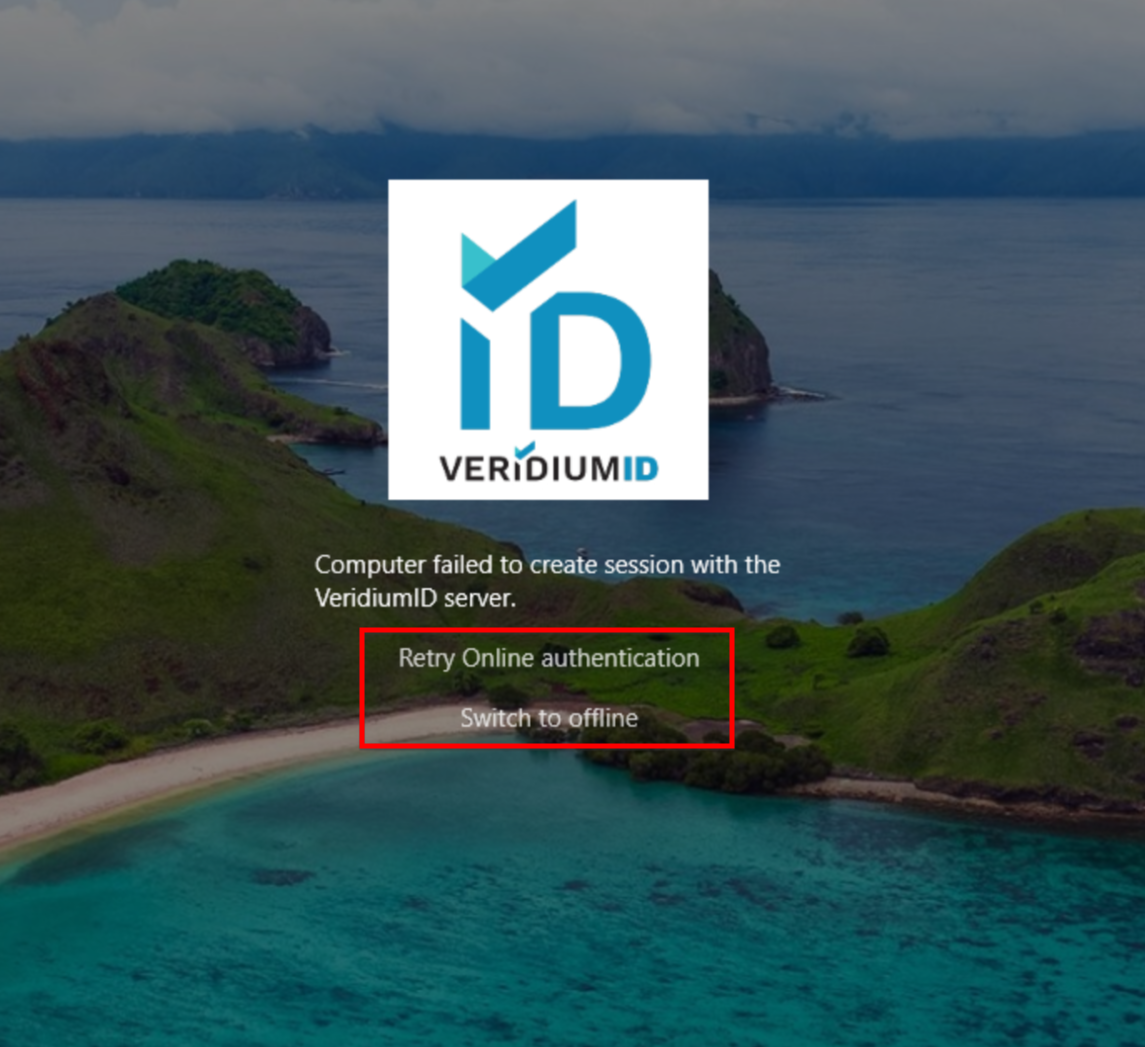
-
In RDP SSO scenarios, user certificate caching has been disabled to prevent invalid certificate reuse.
-
Added support for apostrophes in UPN and email addresses (e.g.
john.o´brian@company.com). -
Support for the update/upgrade process of the Windows Credential Provider installation. New versions can be installed over the existing ones, without the need of uninstallation of the existing version.
-
Bug fix: WBF with a second authentication step is now fully supported.
-
New configuration option to independently control “Other user” and “User tiles”:
|
Setting |
Location |
Default Value |
Description |
|---|---|---|---|
|
SupressCpOtherUserTiles |
[HKEY_LOCAL_MACHINE\SOFTWARE\VeridiumID\VeridiumAD] |
dword:00000000 |
When set to 0, Veridium is available on “Other User“ option. When set to 1, Veridium is not available on “Other user“ option. |
Packages
|
Filename |
md5 |
Description |
|---|---|---|
|
abd6ff1824a6f258571d17e2d5e44cc3 |
Windows Credential Provider 64bit |
|
|
3f110c8f5f4f1f9e36ebeb311a09fea1 |
RAEP GUI Installer |