

-
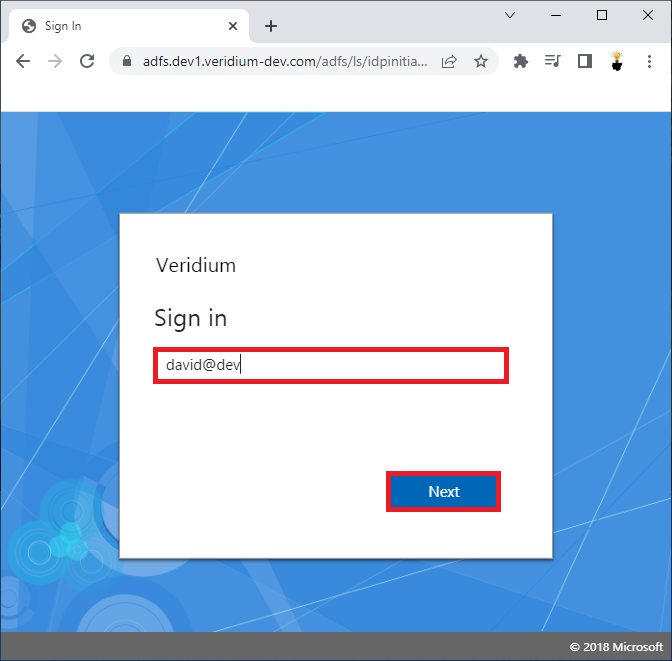
Enter your email address or User principal name and click Next.
-
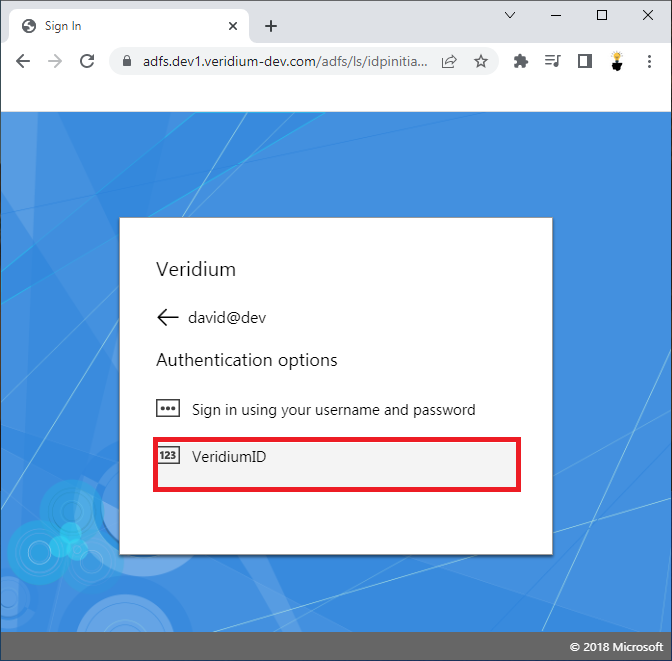
Select VeridiumID authentication option and click on it.
-
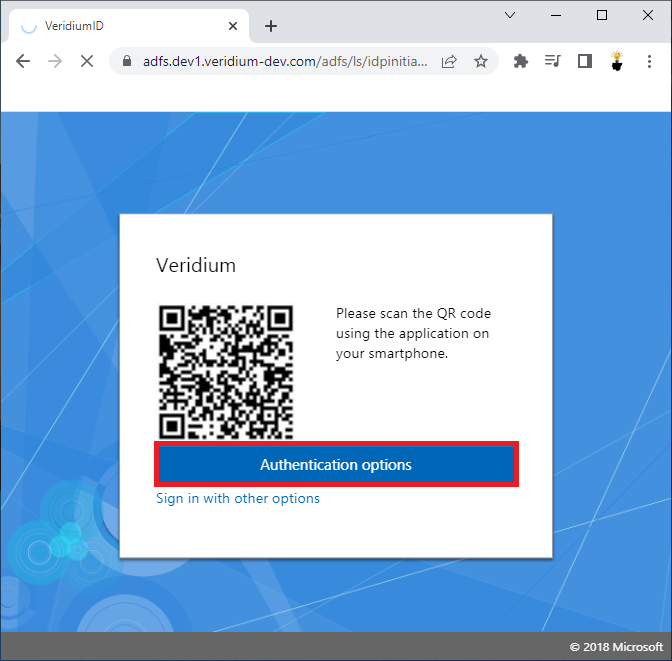
Click on the Authentication options.
-
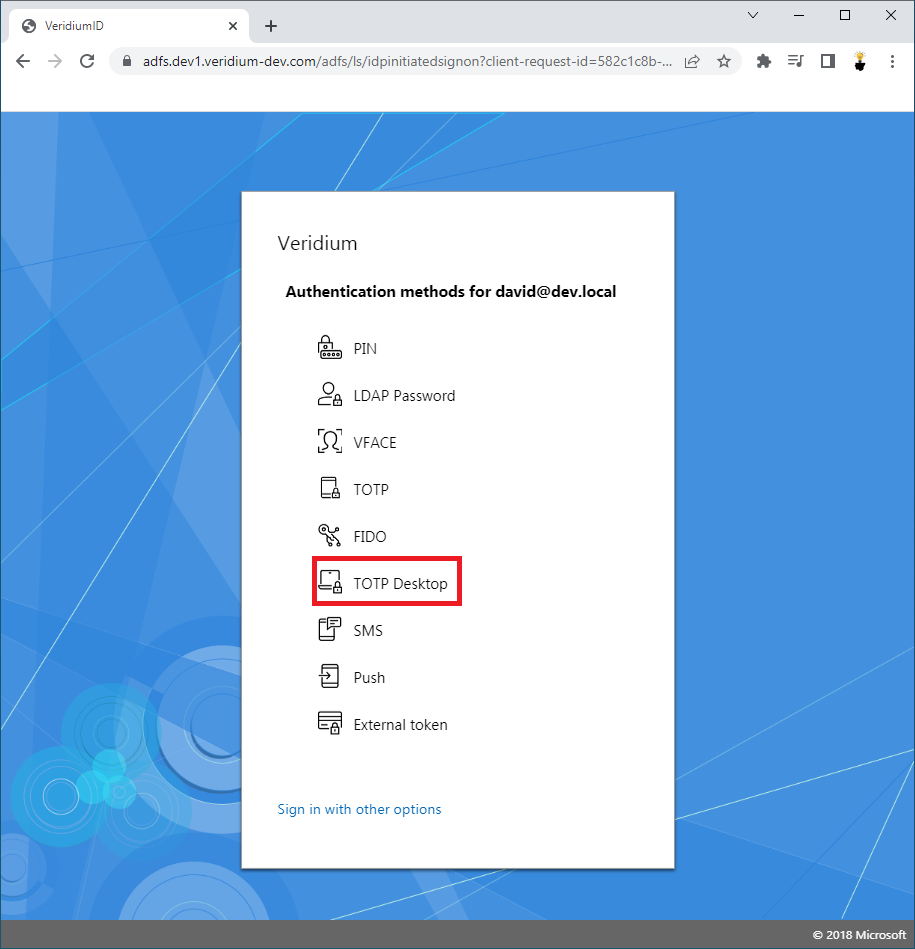
Click on the TOTP Desktop authentication method.
-
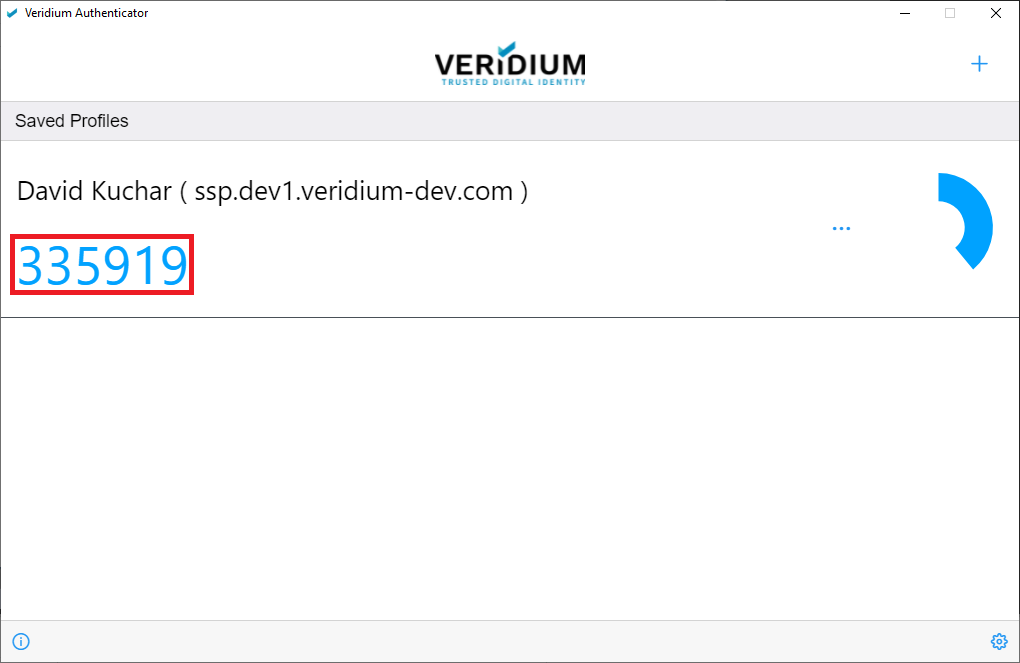
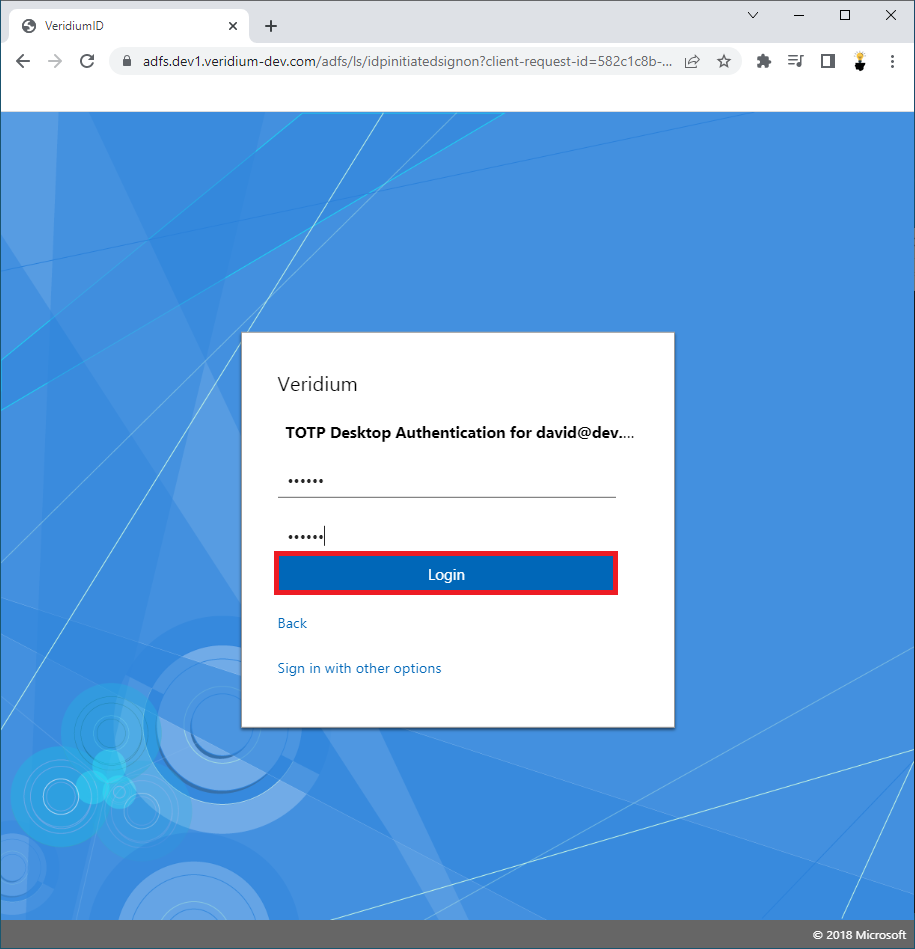
Enter your PIN and TOTP Desktop from Veridium Authenticator App and click Login.
-
User is successfully Logged-in.