
PIN
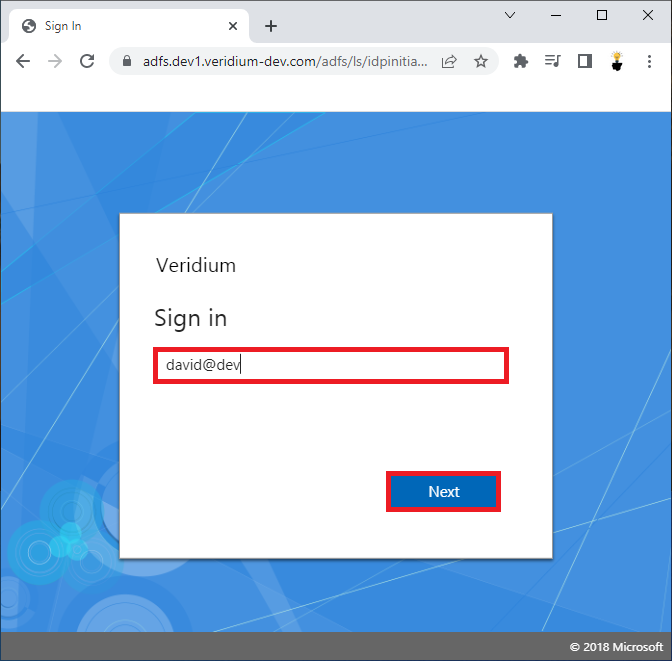
Enter your email address or User principal name and click Next.
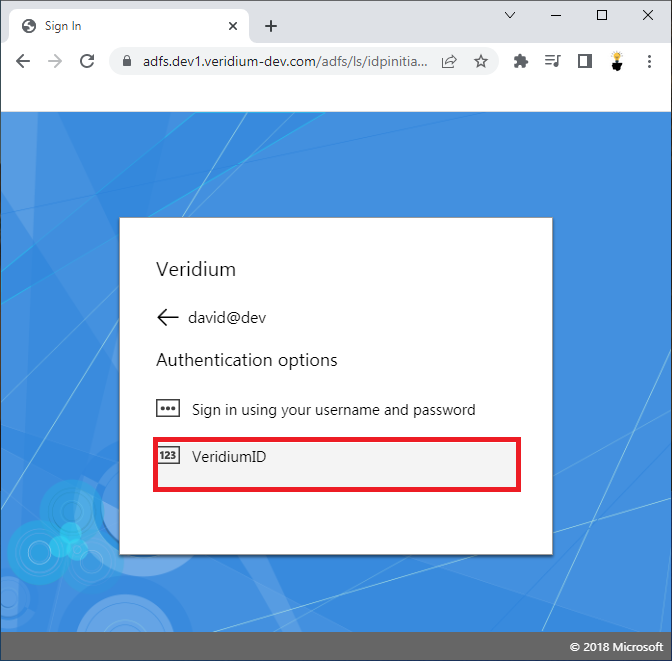
Select VeridiumID authentication option and click on it.
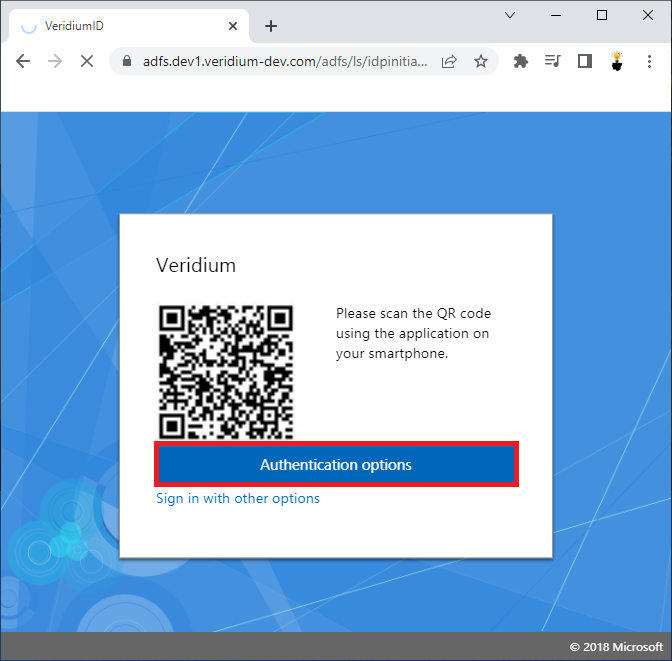
Click on the Authentication options.
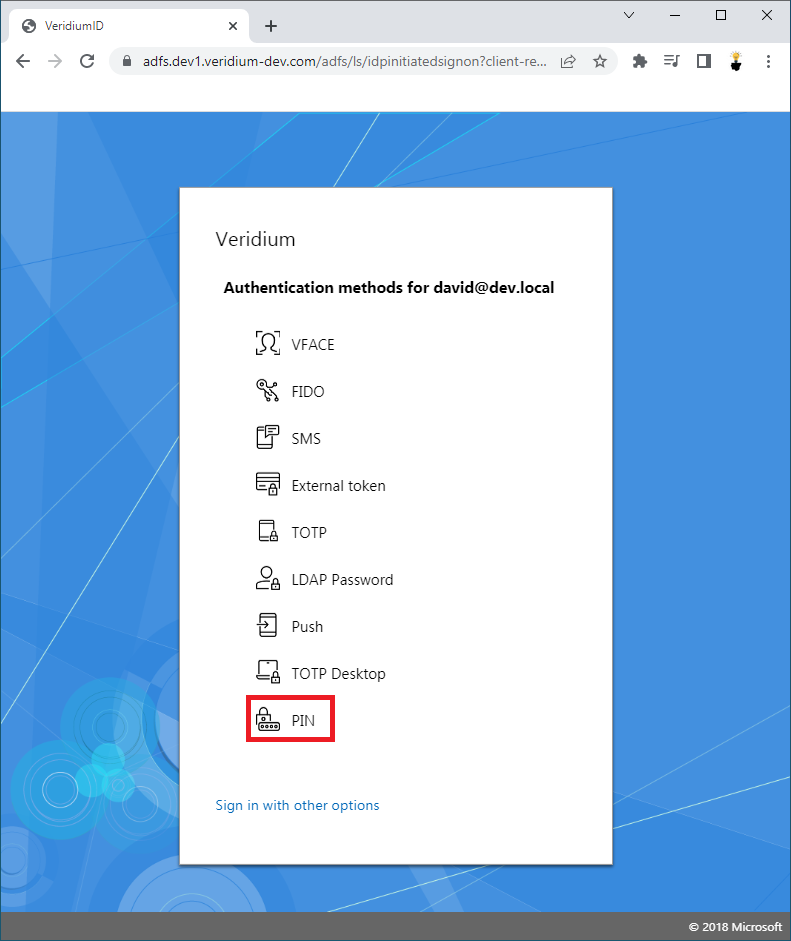
Click on the PIN authentication method.
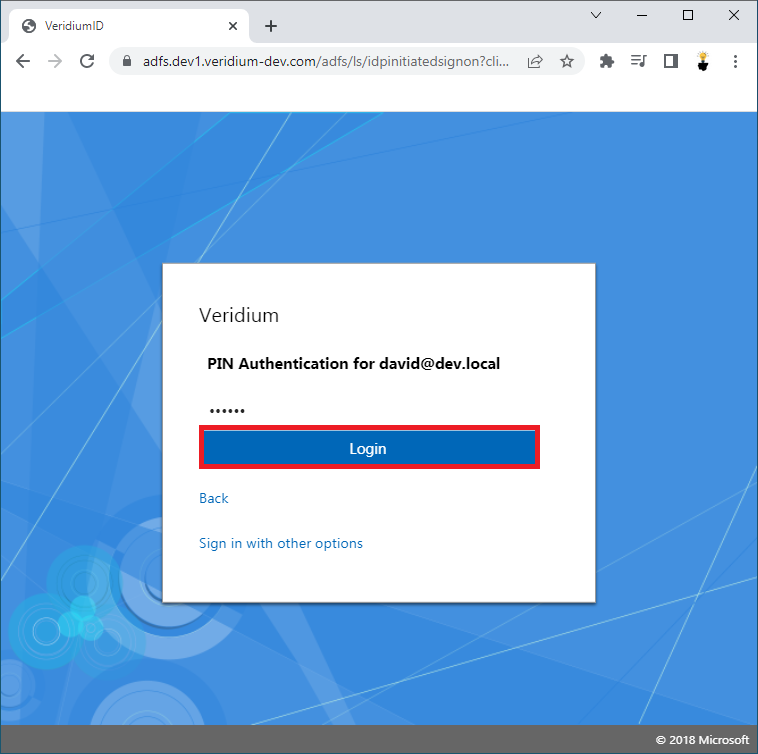
Enter your PIN and click Login.
User is successfully Logged-in.