To Enroll your SMS authenticator, follow these instructions:
-
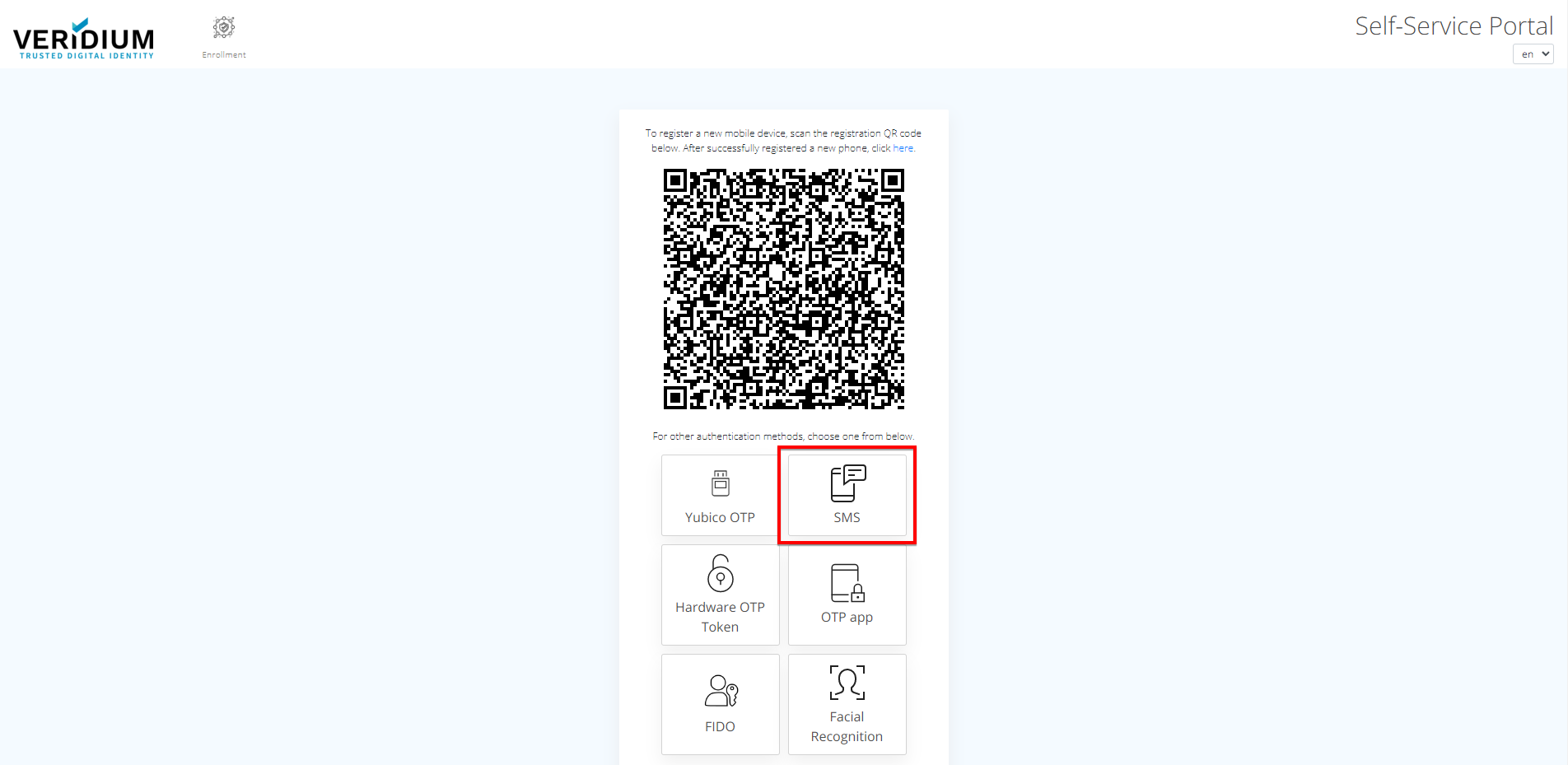
Go to VeridiumID Self-enrollment and click on "SMS".
-
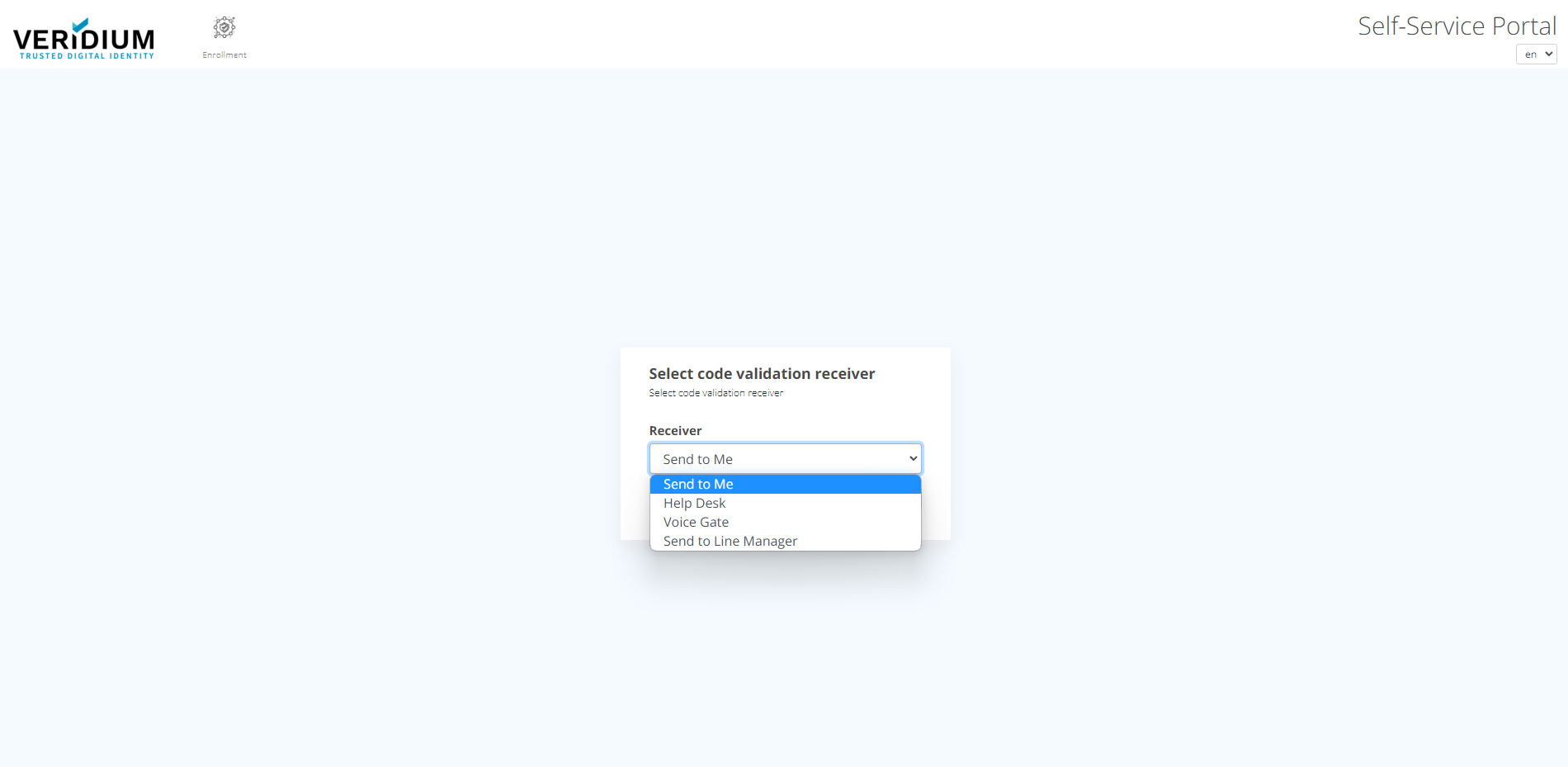
From the next screen, choose the appropriate option to validate the account.
-
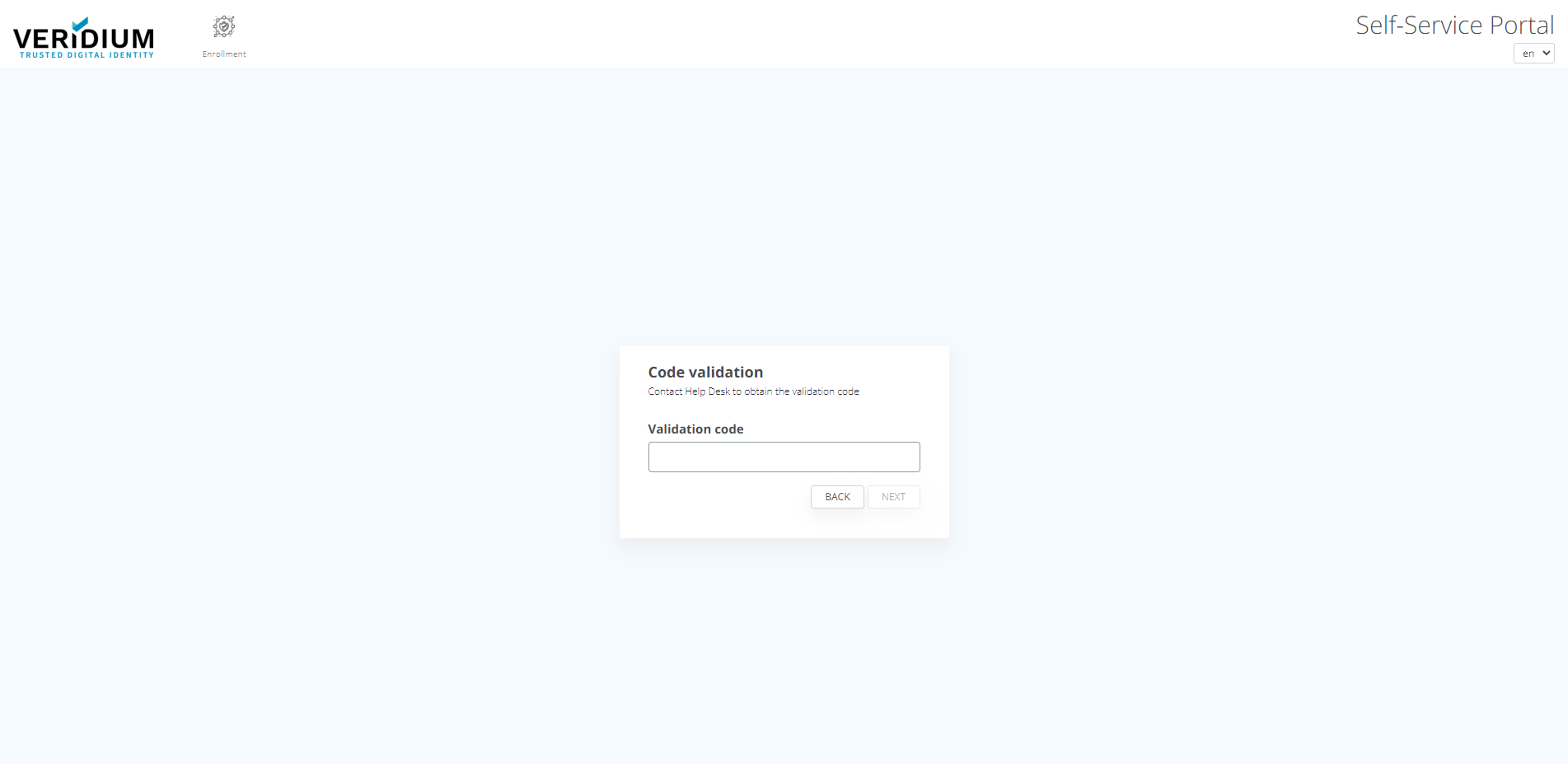
After selecting the method to validate the account, the user is redirected to a screen where the validation code needs to be inserted.
-
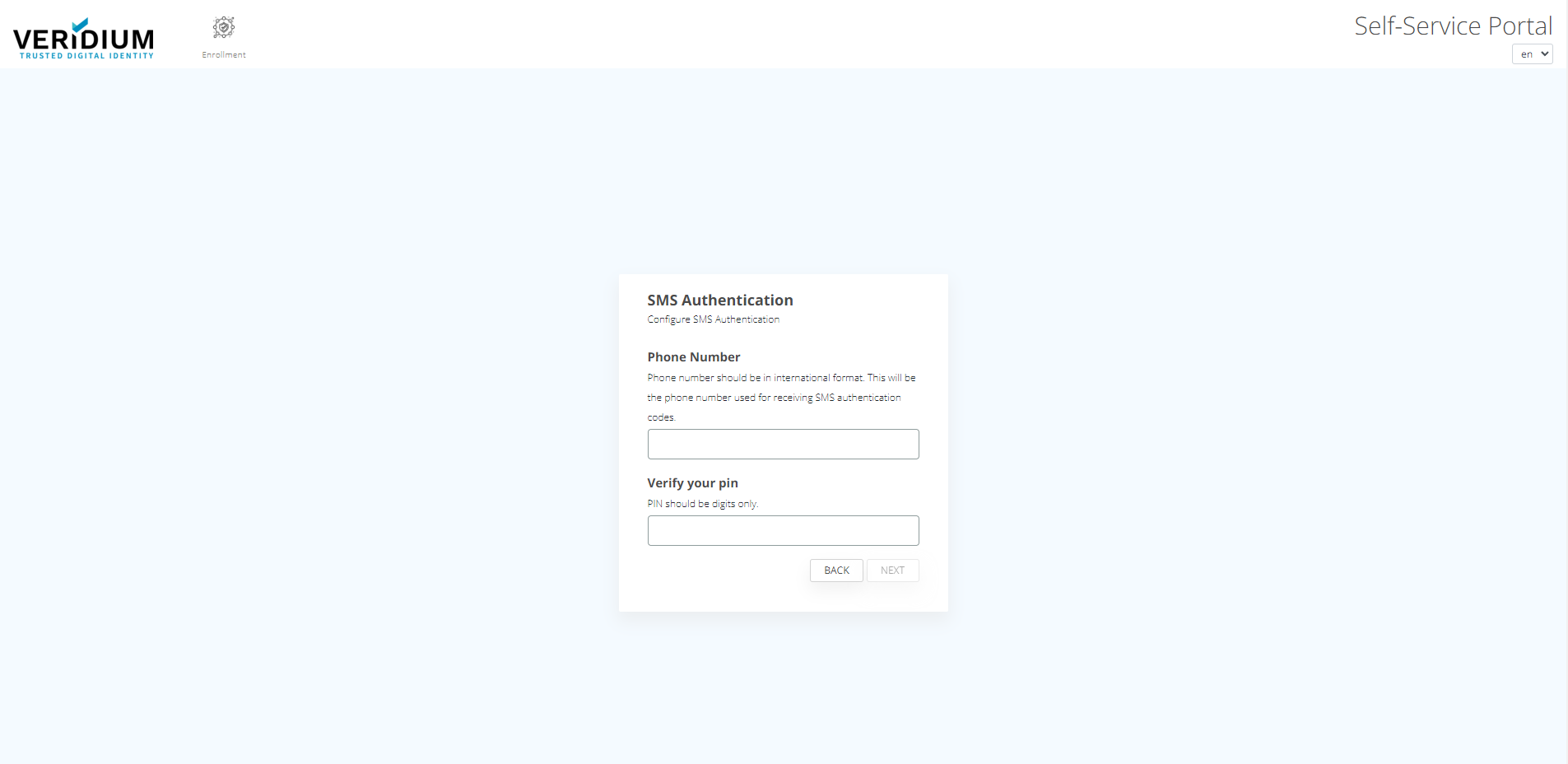
After inserting correct validation code, the user is redirected to a screen where phone number and PIN are asked.
-
After inserting correct PIN and phone number, click “Next” button.
-
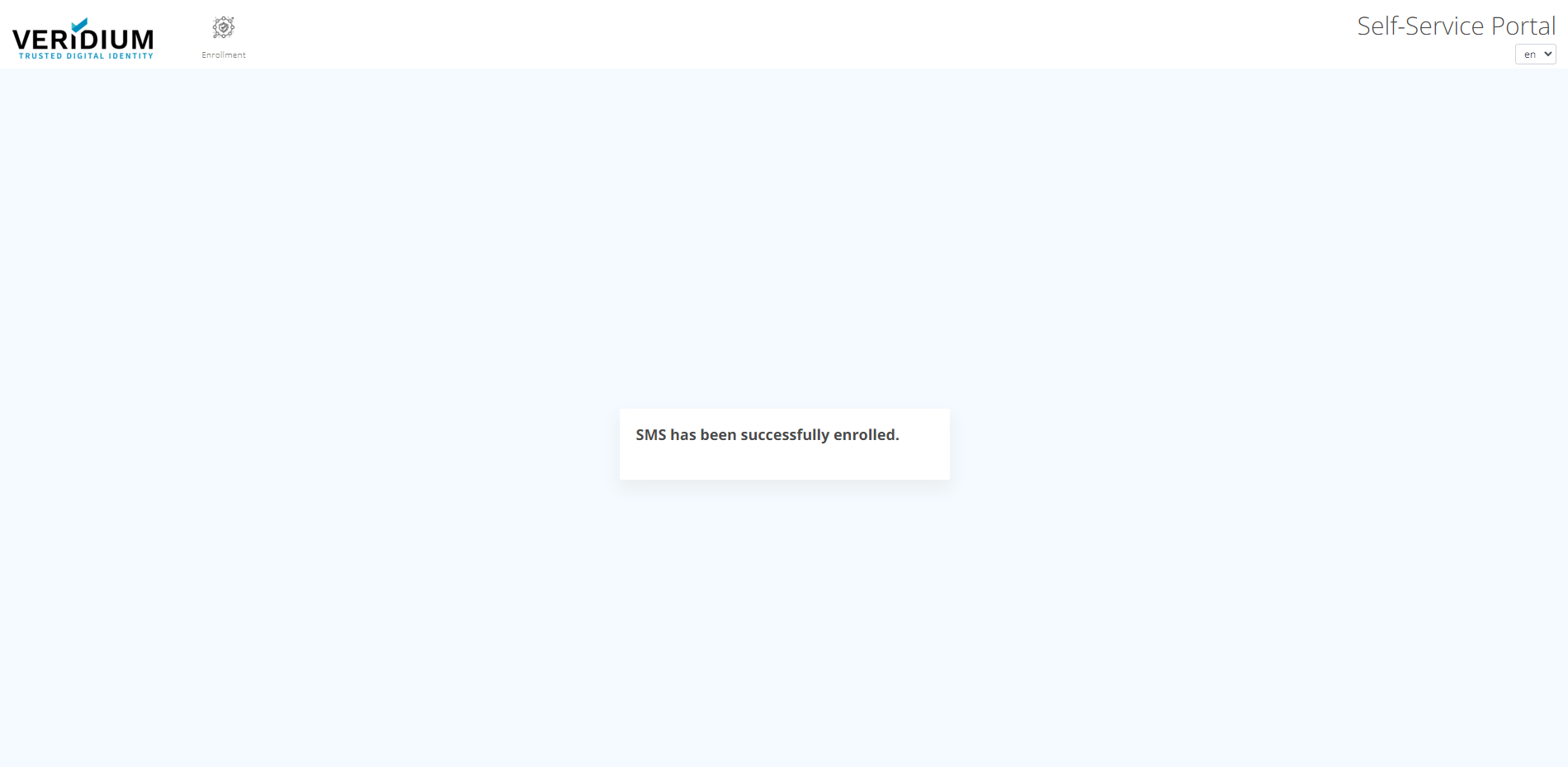
SMS is successfully enrolled.