Procedure:
Download VeridiumID mobile application from Apple App Store or Google Play.
|
iOS |
Android |
|---|---|

|

|

|

|
-
Start Mobile application
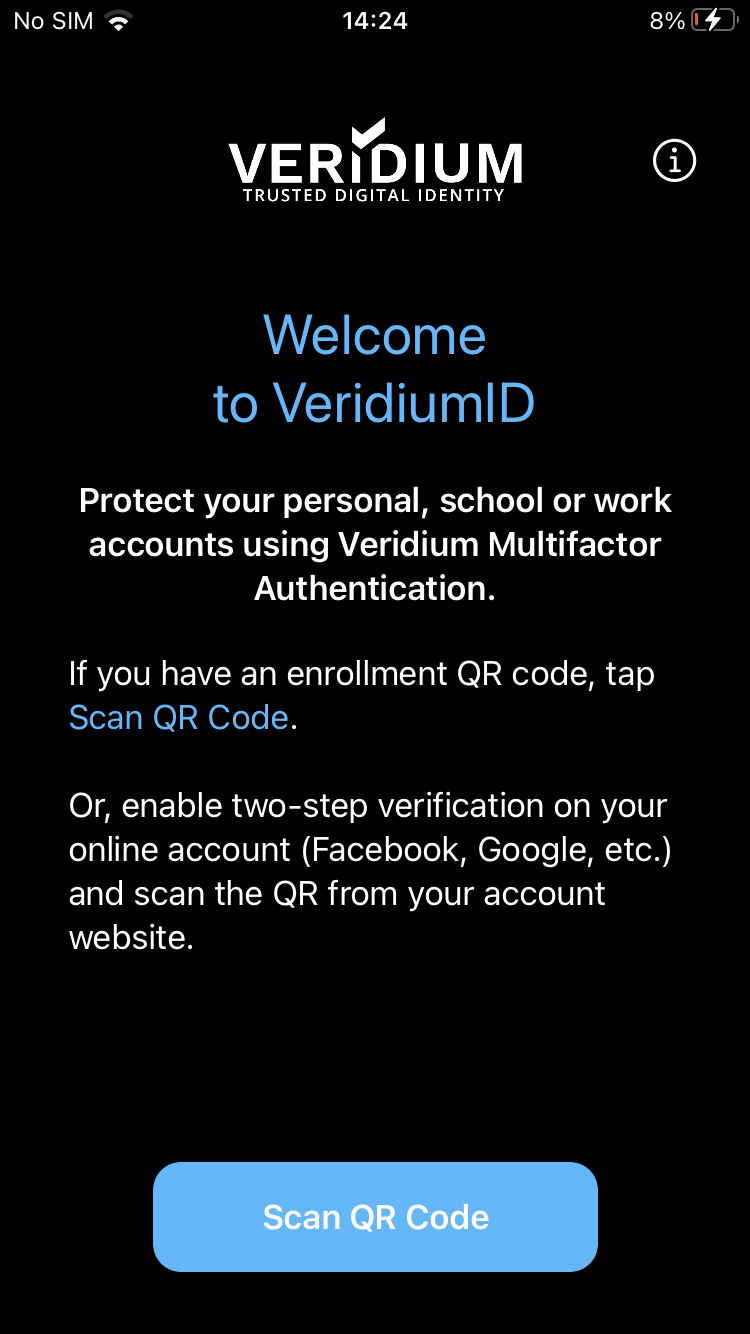
, and scan the QR from VeridiumID Self-enrollment page using the.
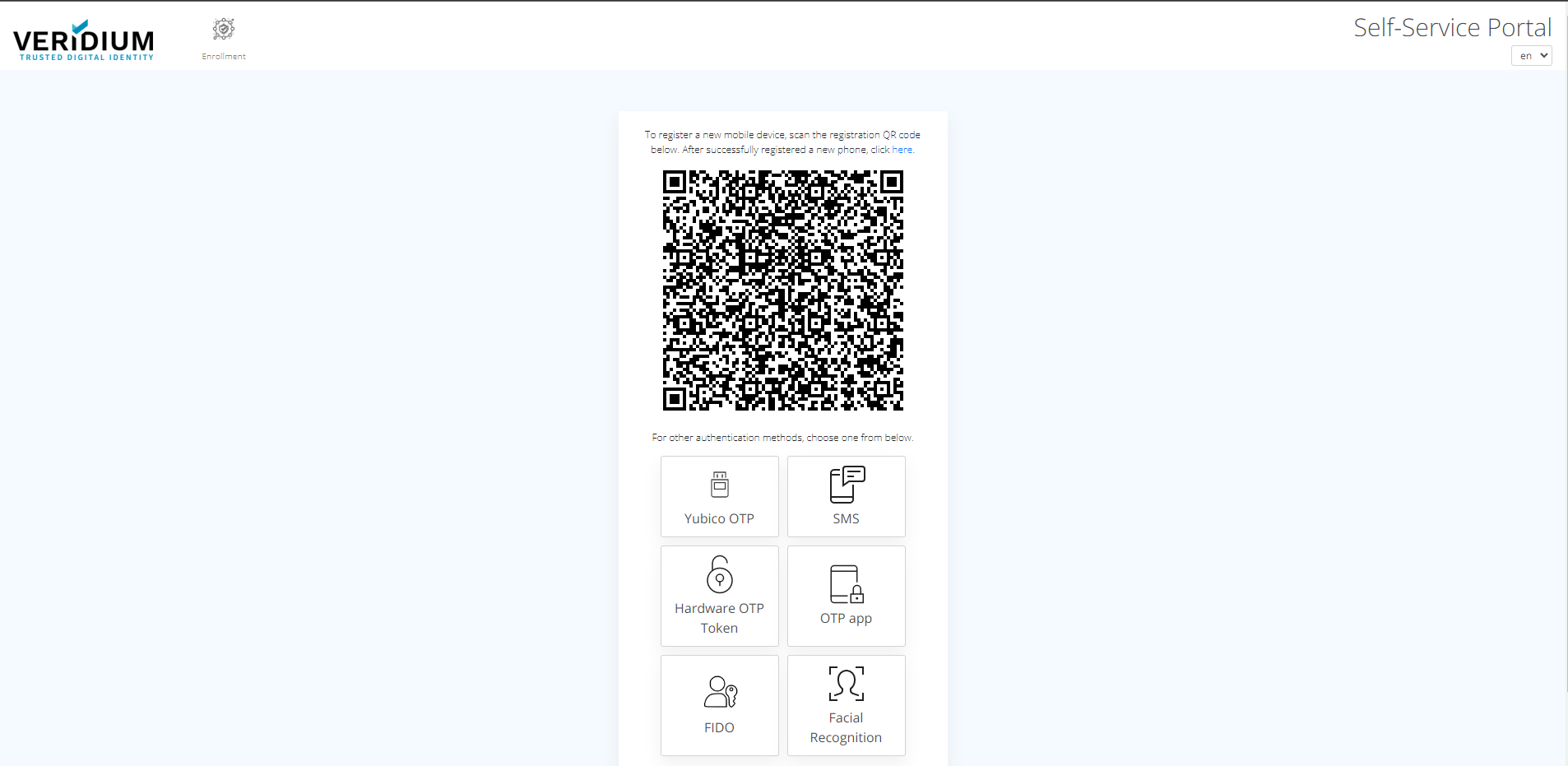
-
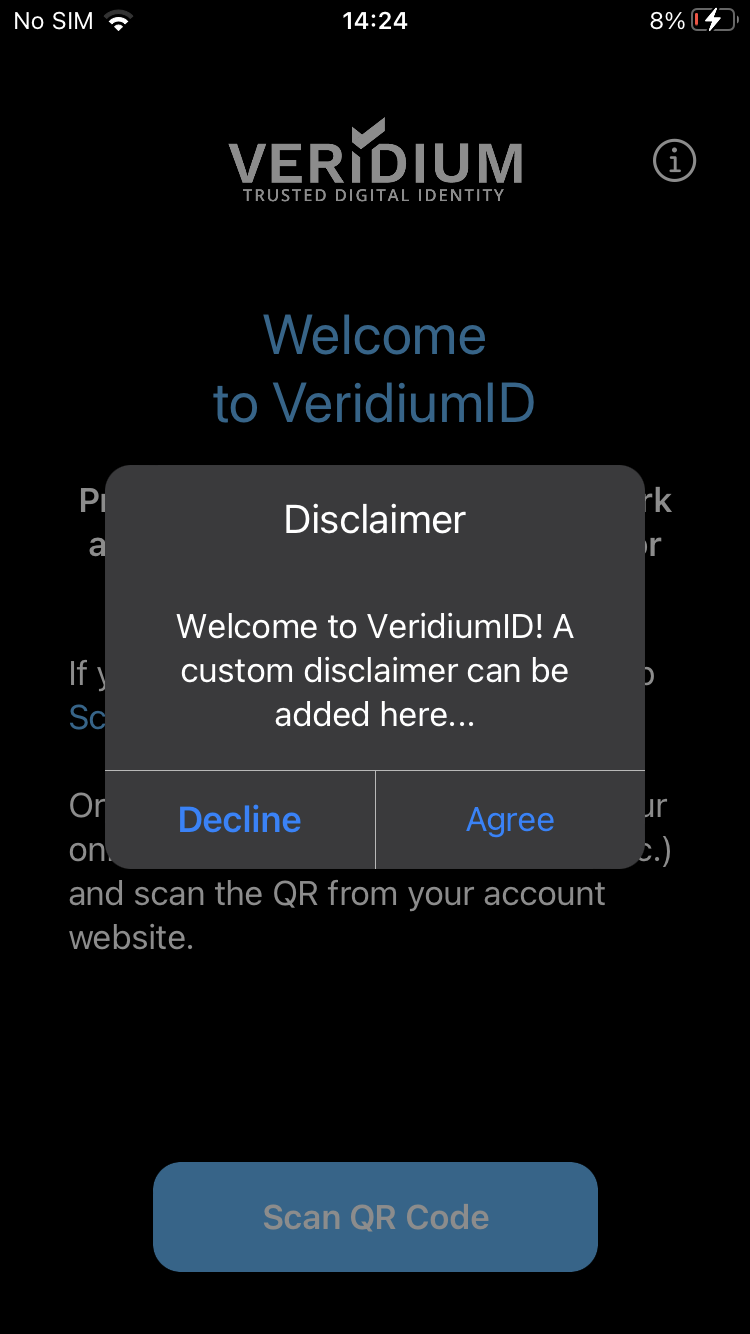
After scanning the QR code, tap the "Agree" button on your phone to continue enrollment.
-
From the next screen, choose any method available in order to confirm your enrollment.
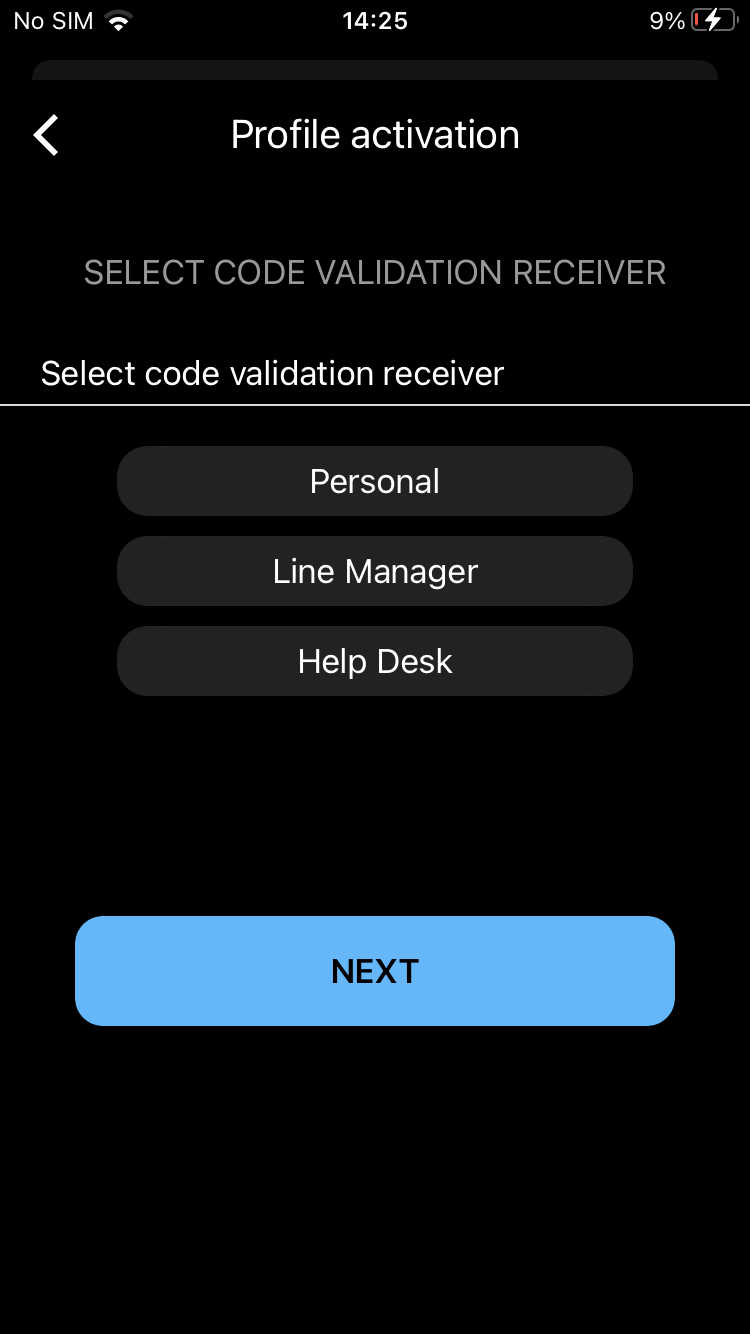
-
After selecting any option, retrieve the activation code and insert it in mobile app.
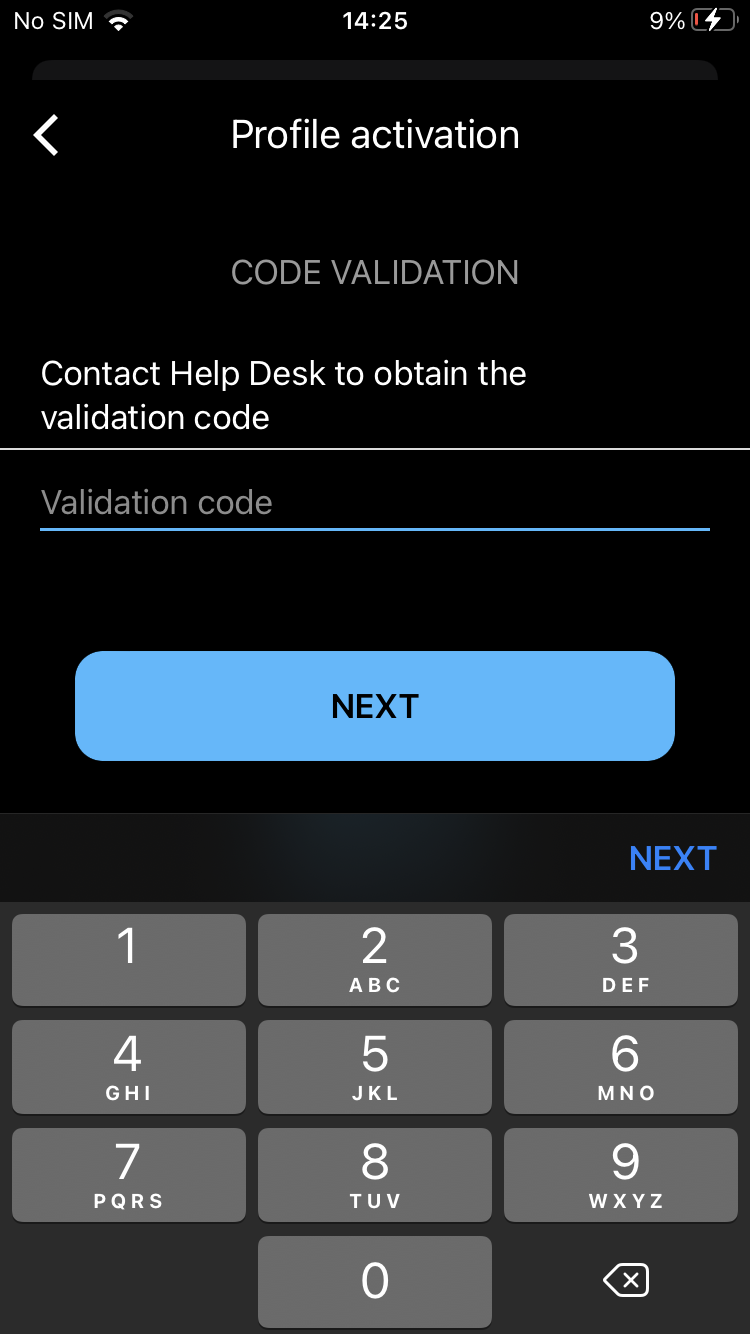
-
Enroll all required authenticators needed (PIN, vFace, 4f - according to the policy setup).
-
After all authenticators are enrolled, the phone is successfully enrolled.
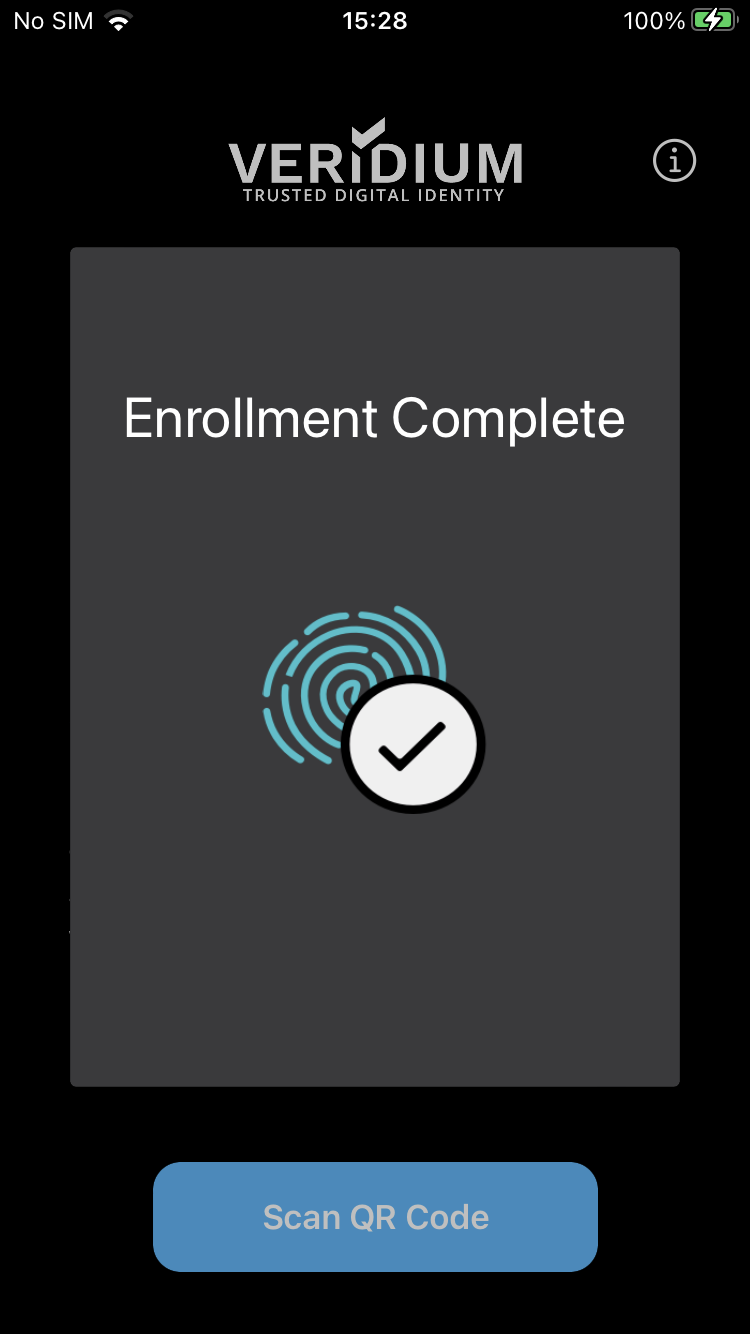
-
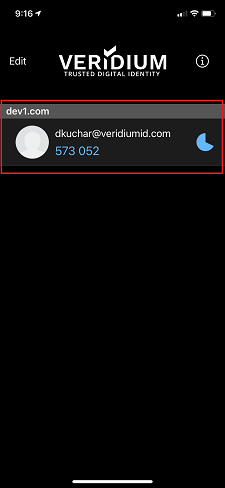
You can see your profile named by your email address.