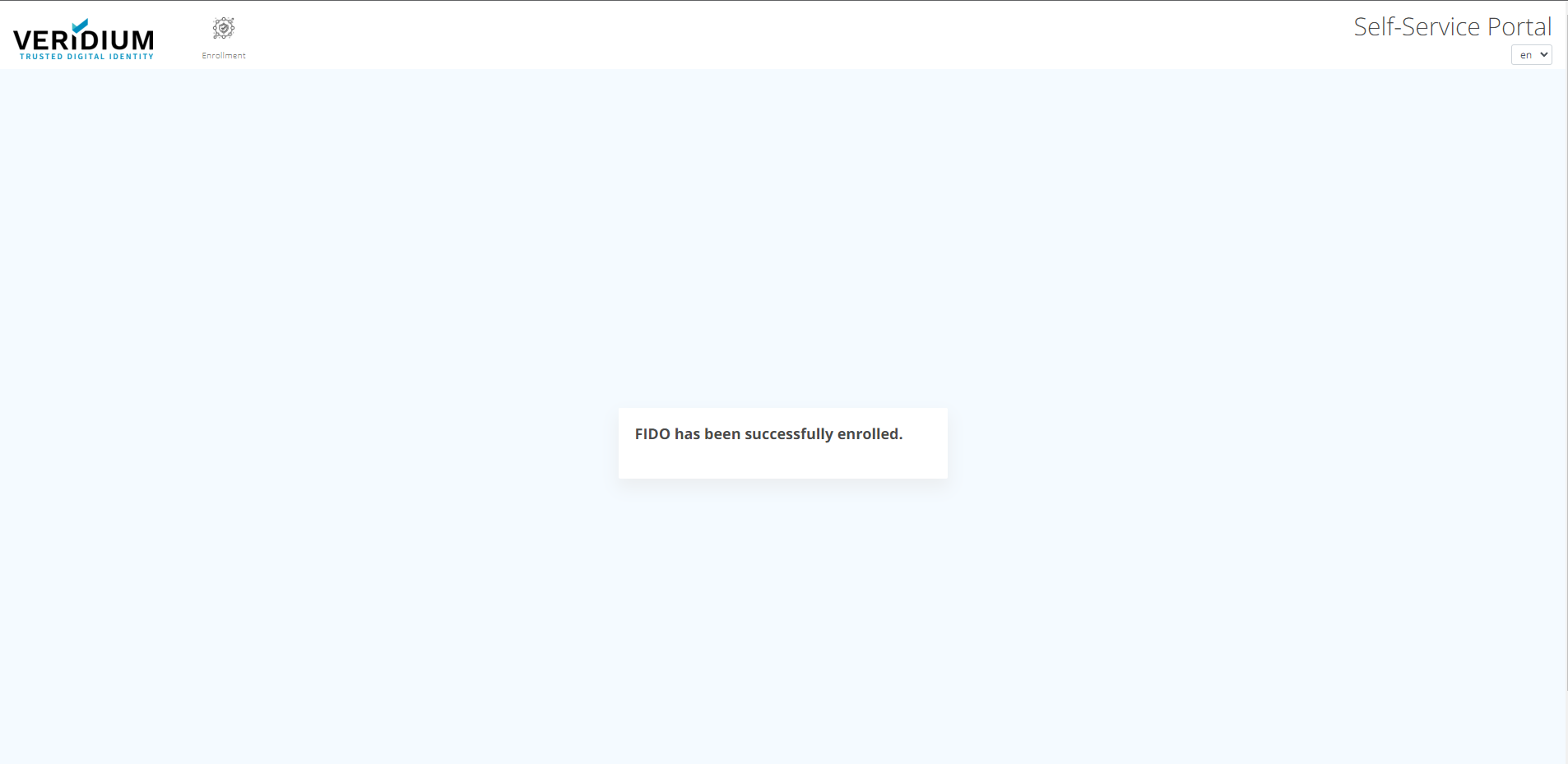
To Enroll your FIDO token, follow these instructions:
-
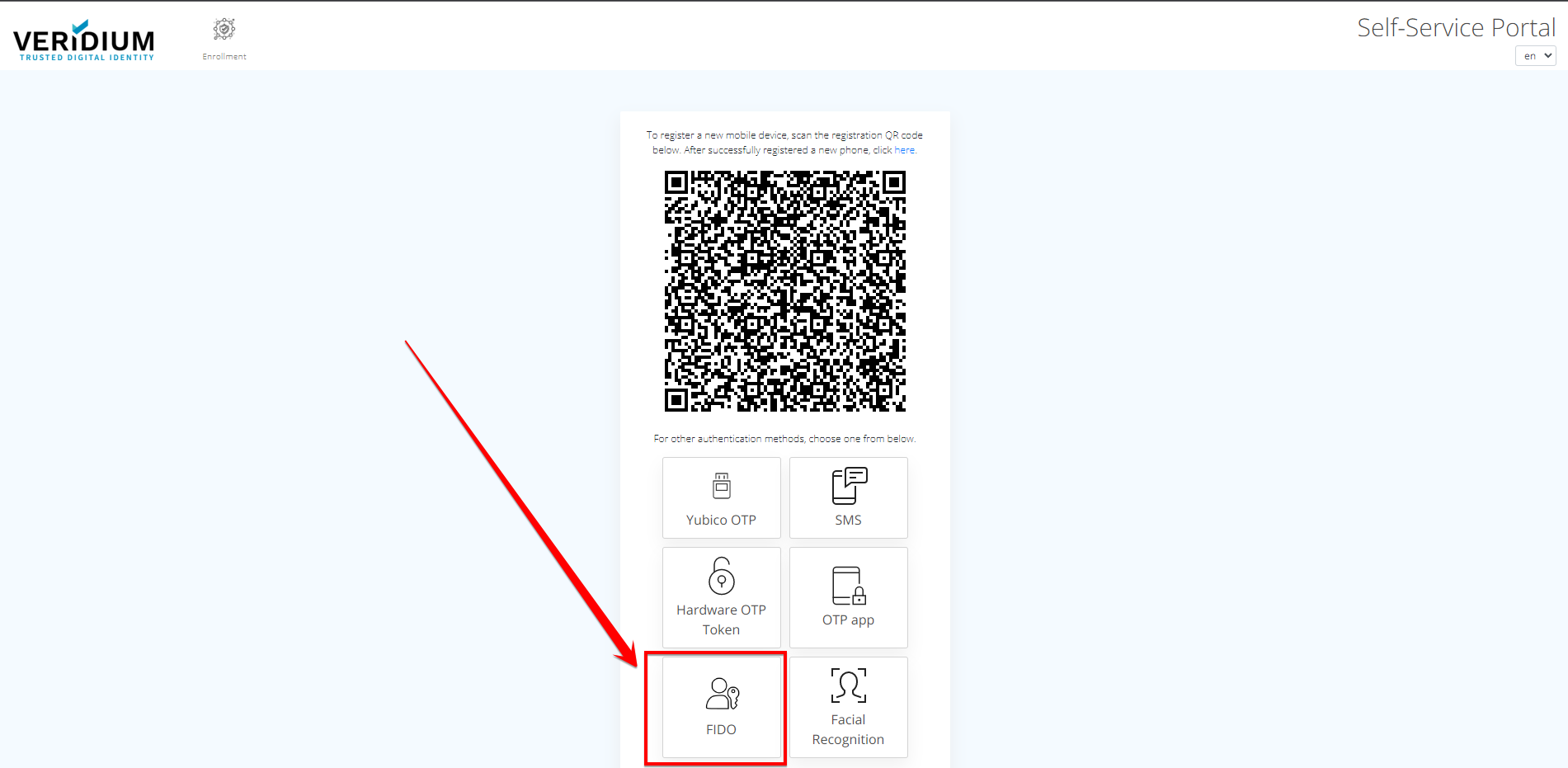
Go to VeridiumID Self-enrollment and click on "FIDO".
-
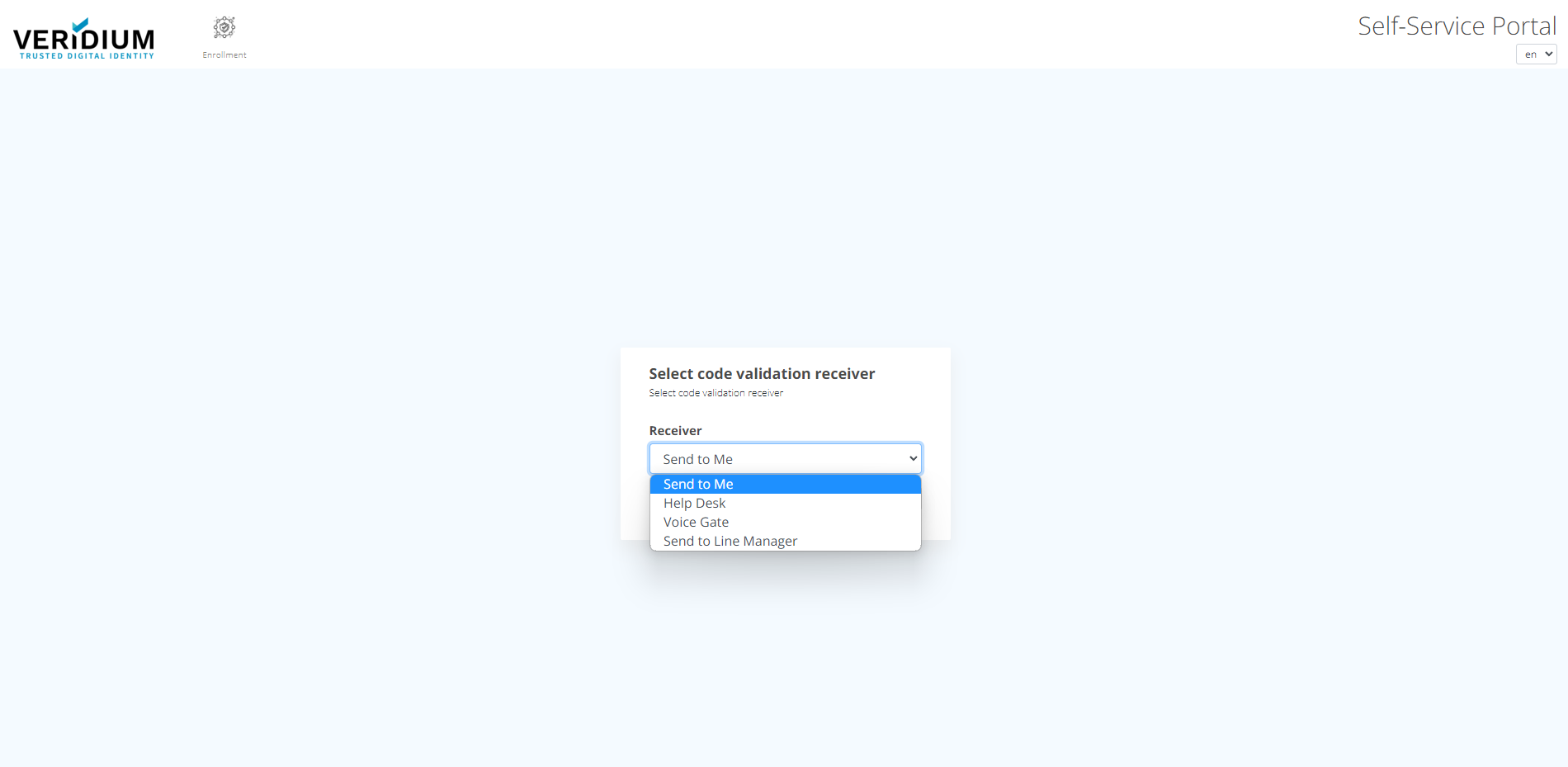
From the next screen, choose the appropriate option to validate the account.
-
Press "Continue".
-
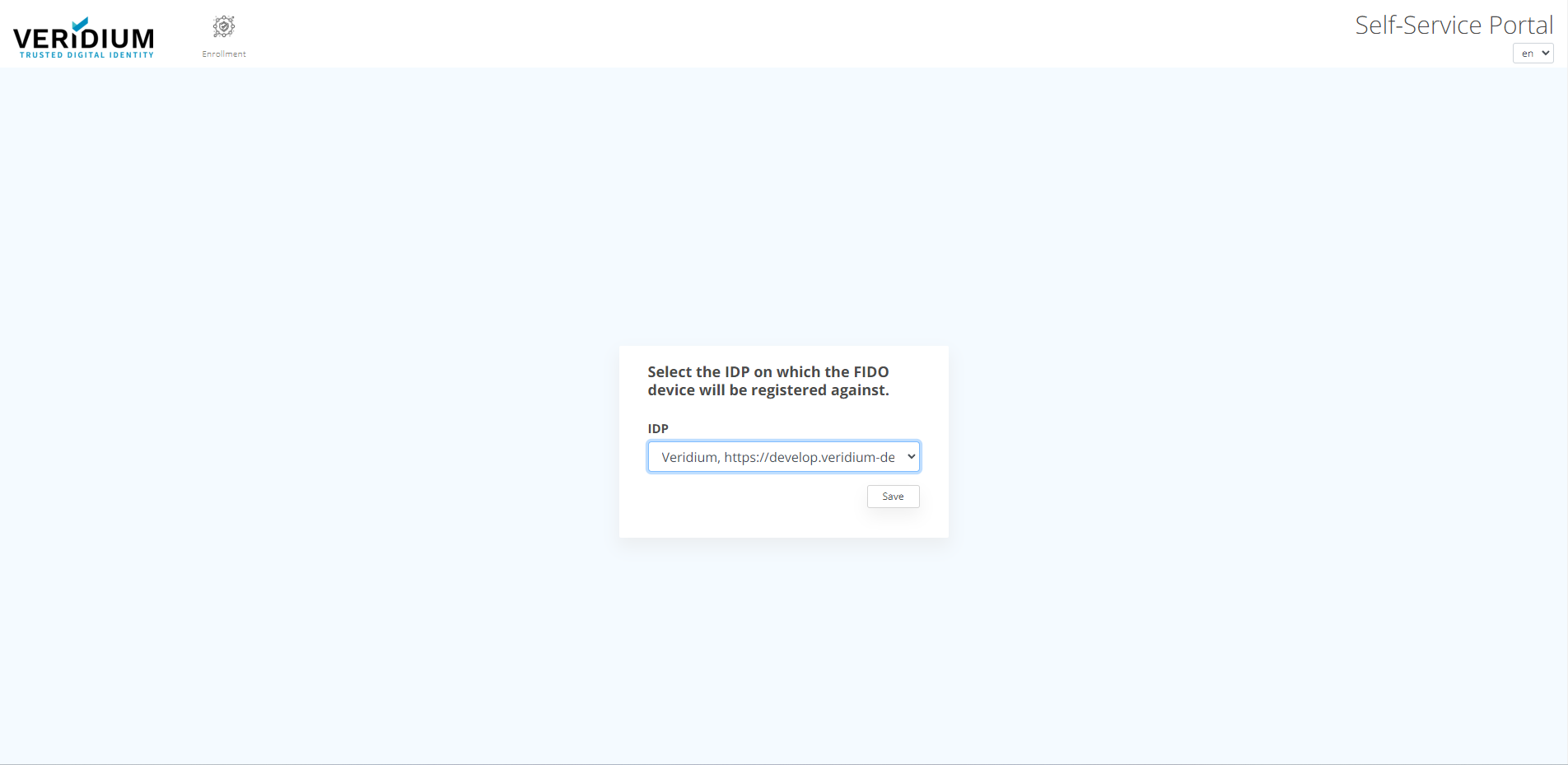
Optional Step: Select IDP for FIDO registration. You get this information from your Admin.
-
Click "Save" button.
-
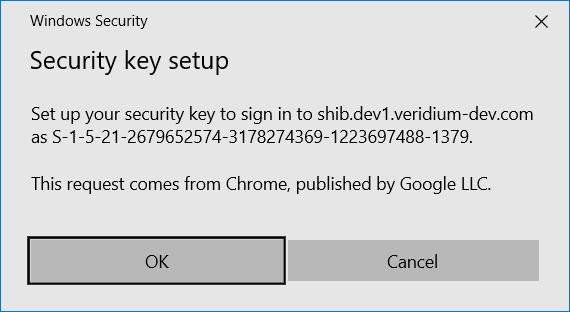
Following Security key setup should appear. Click "OK".
-
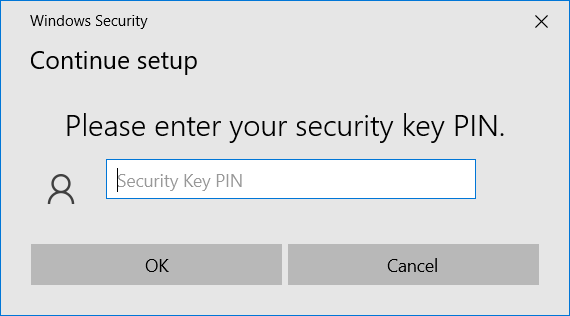
Enter your fido key Security PIN.
-
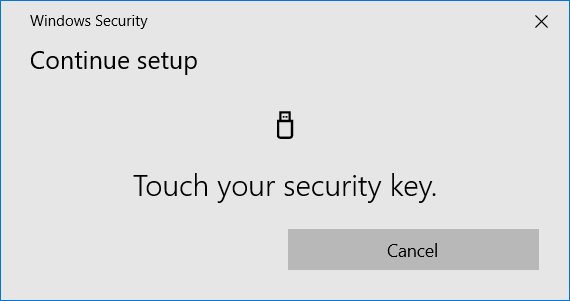
Touch your Security key.
-
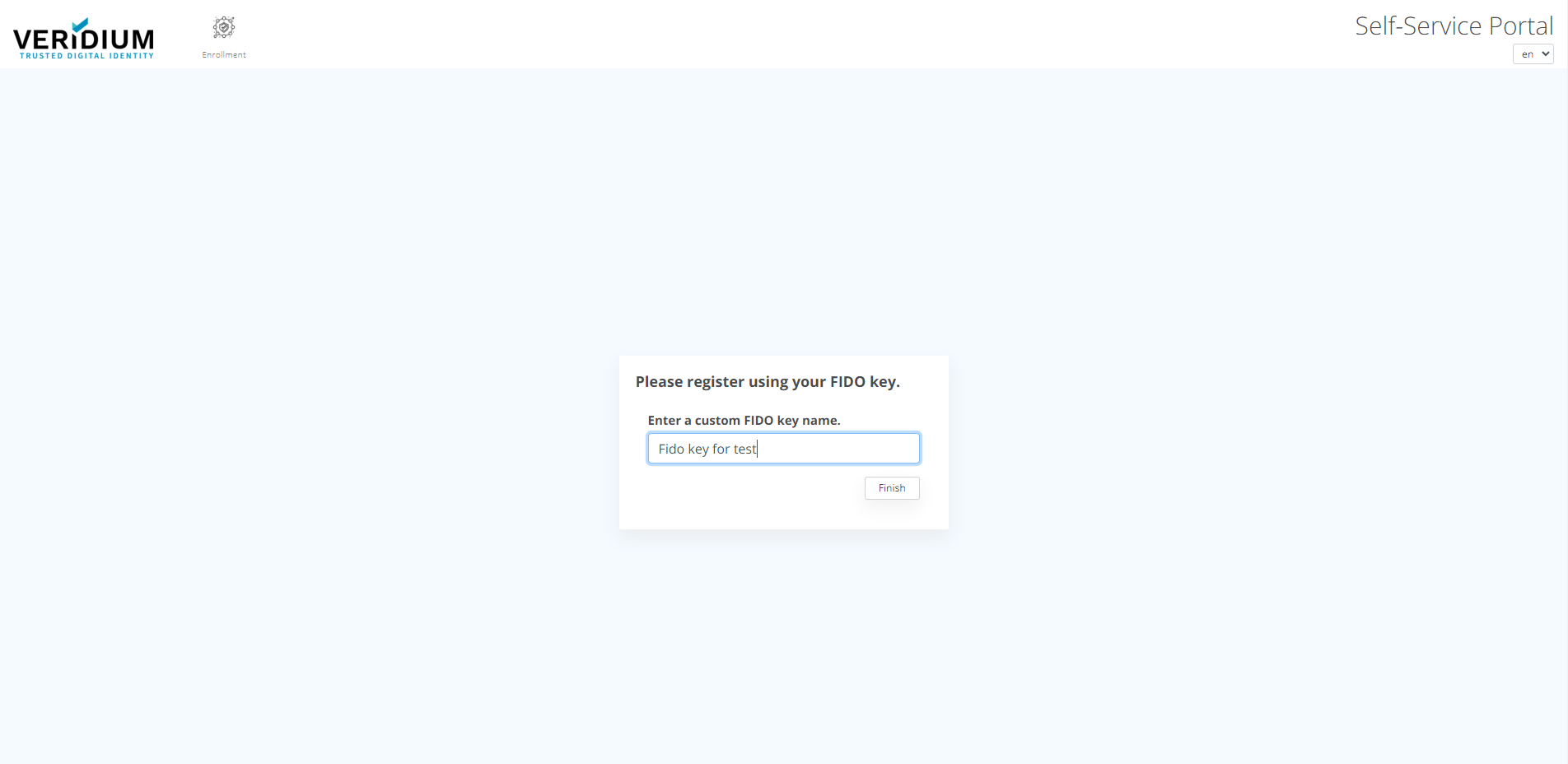
The user may insert a custom name for the fido key.
-
FIDO token registration has been successfully completed.