This section allows to add/edit/delete Radius client configuration.
Add new client
-
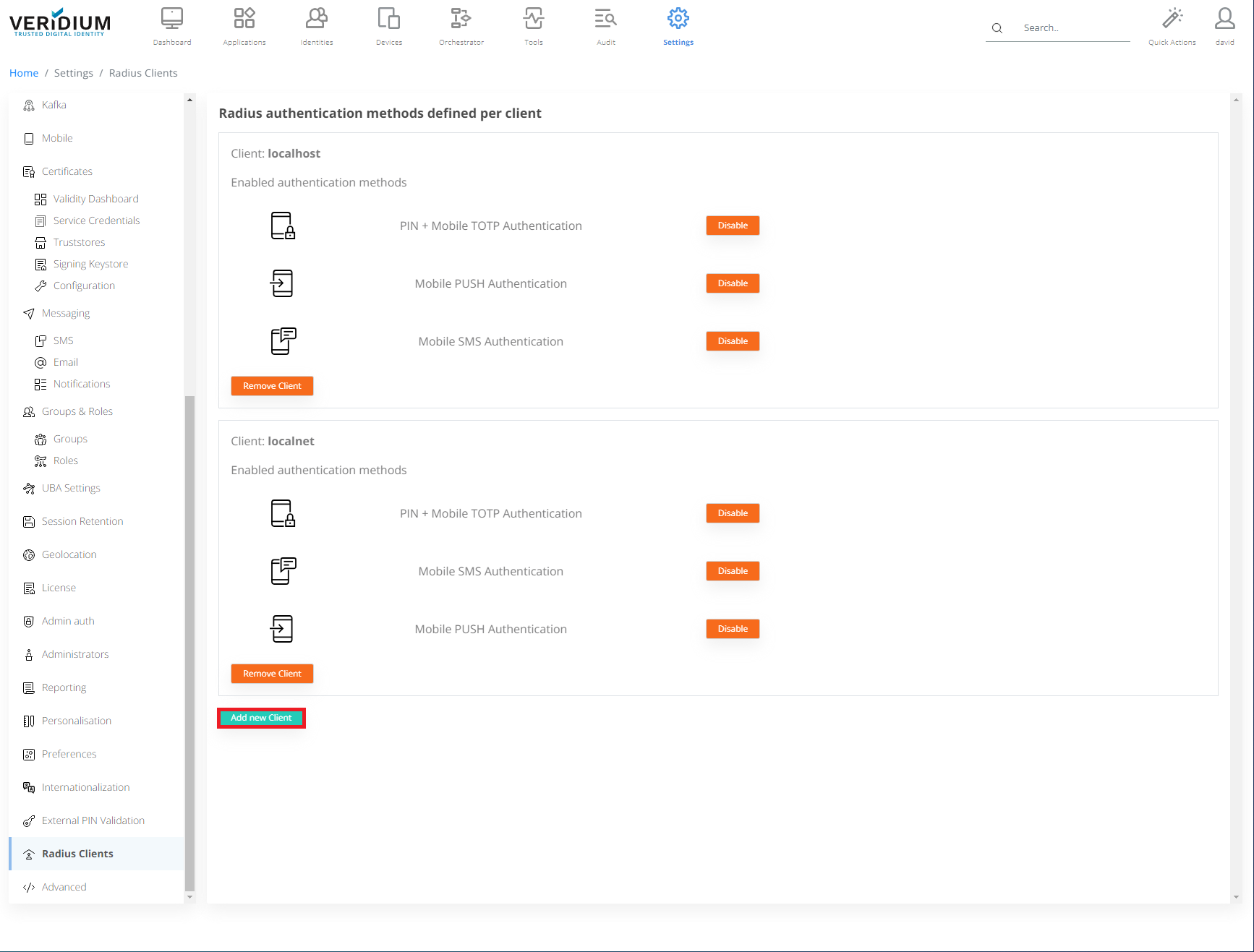
Click Add new Client.
-
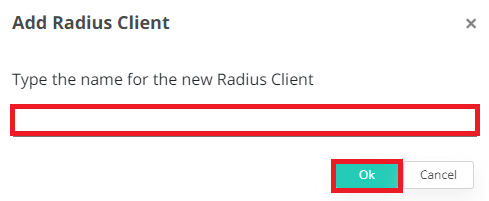
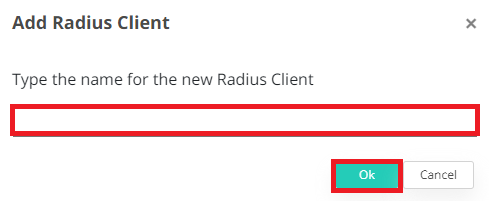
Type in the name for the new Radius Client and click OK.
Enable
-
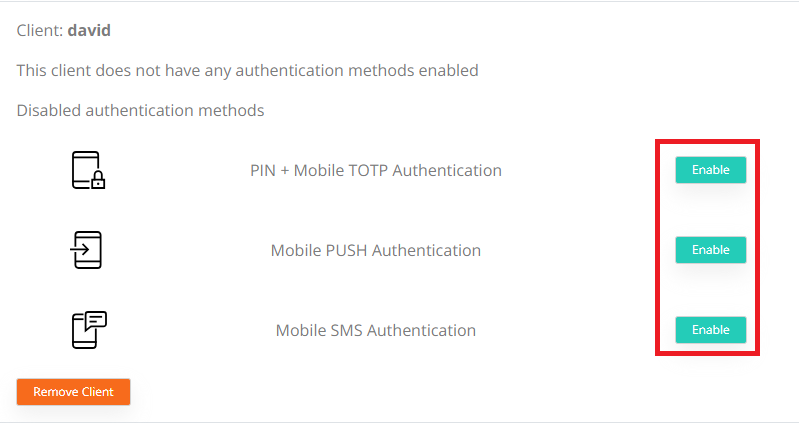
Click Enable to enable authentication method.
-
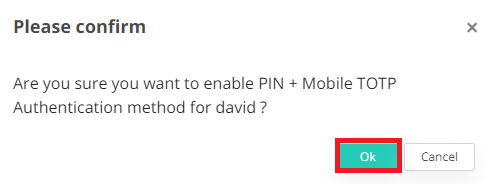
Click OK.
Disable
-
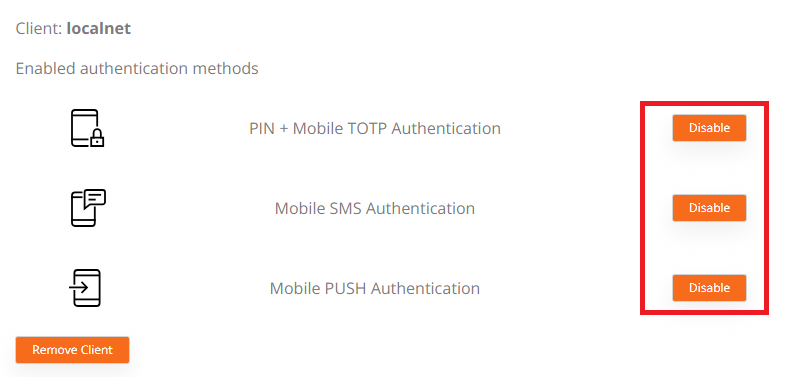
Click Disable to enable authentication method.
-
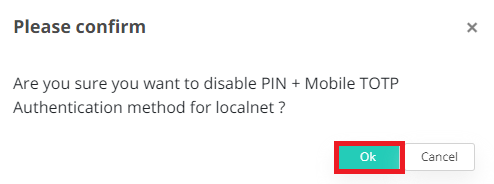
Click OK.
Remove client
-
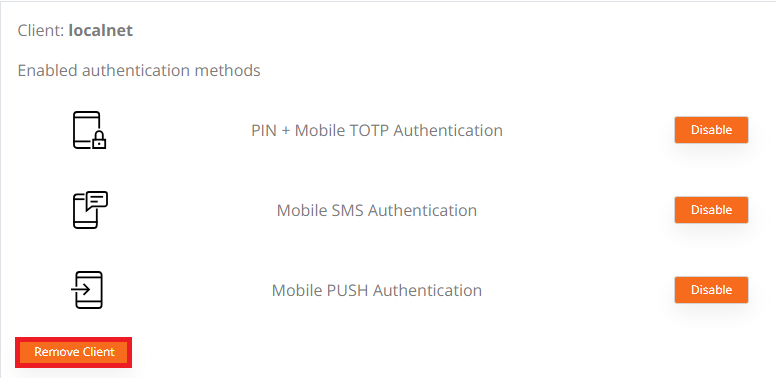
Click Remove Client.
-
Type in the name for the new Radius Client and click OK.