

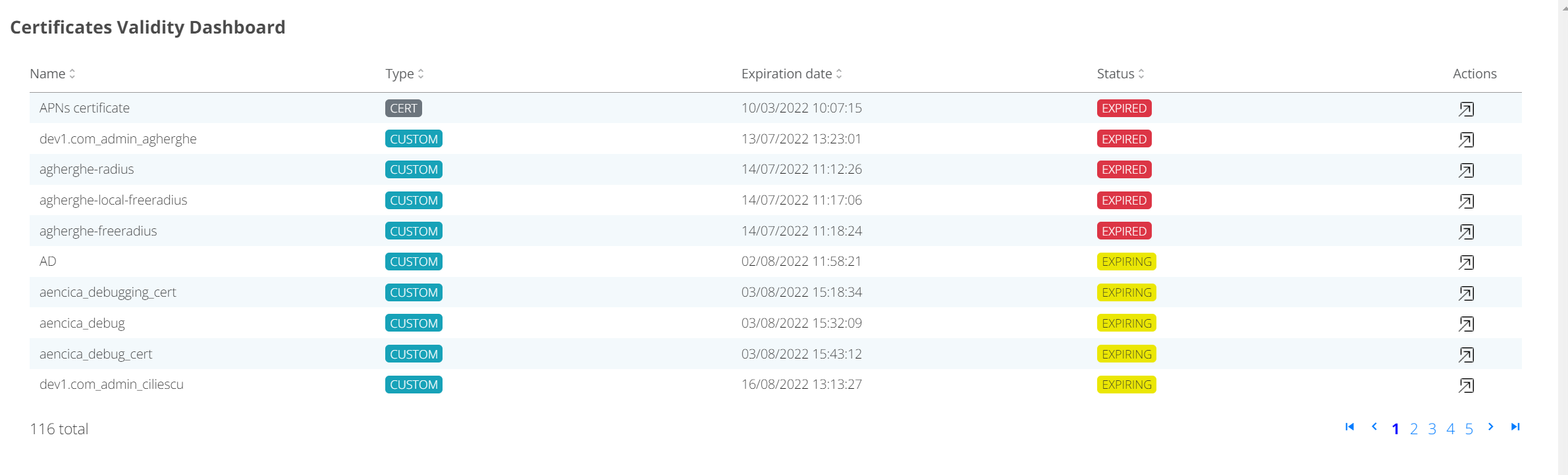
Validity Dashboard
Certificate validity dashboard shows list of certificates in the system sorted by expiry date.
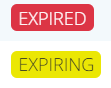
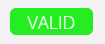
Certificate status is marked as:
The goal of the dashboard is to quickly identify expired and expiring certificates. To get a details about certificate click on Actions icon.

This will show you a certificate in the Device list, where actions like Block/Renew certificate/Remove device are available.