

Procedure:
-
Start a PC and press Enter.
-
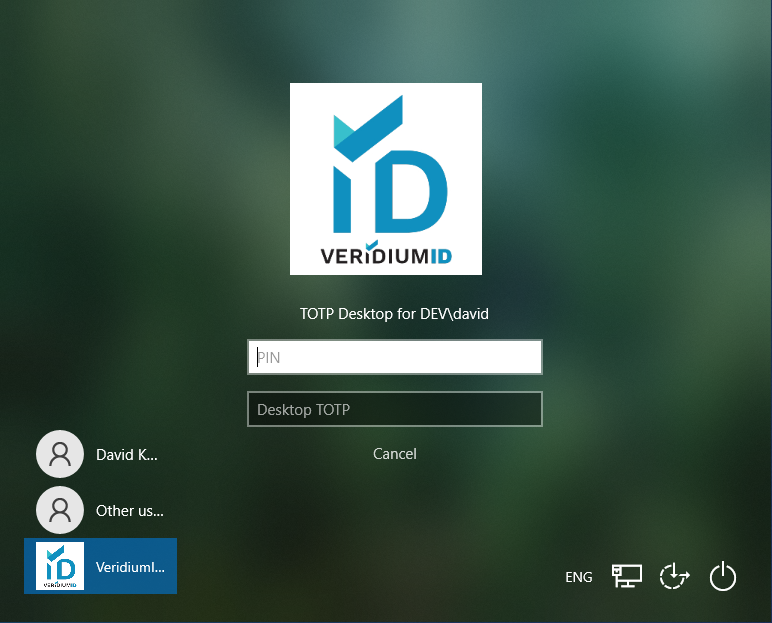
Click on "Use other authentication method" button and click on "TOTP Desktop" button.
-
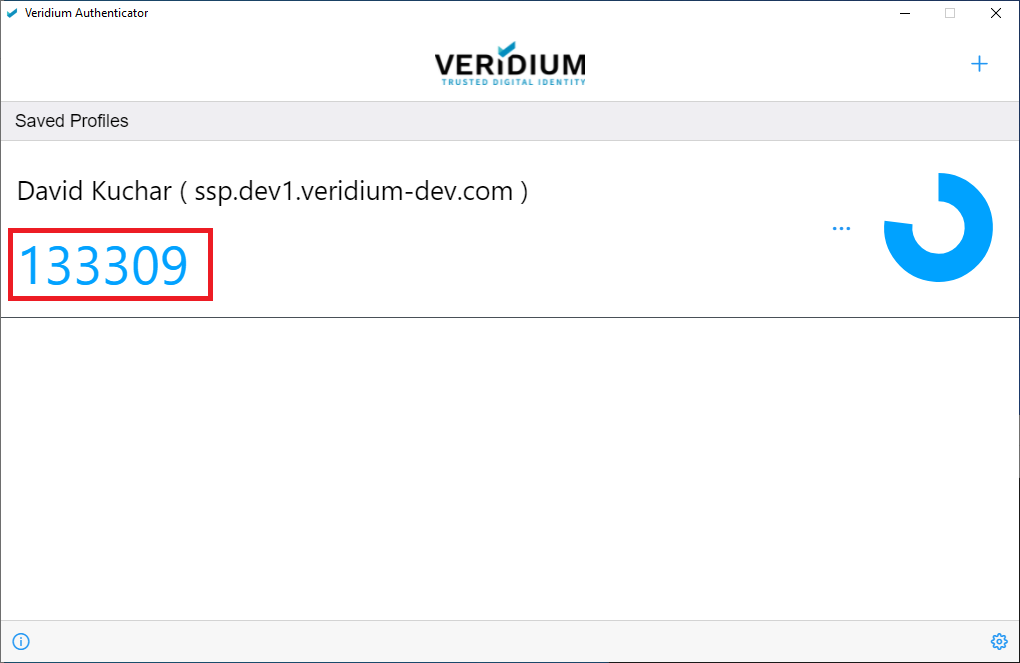
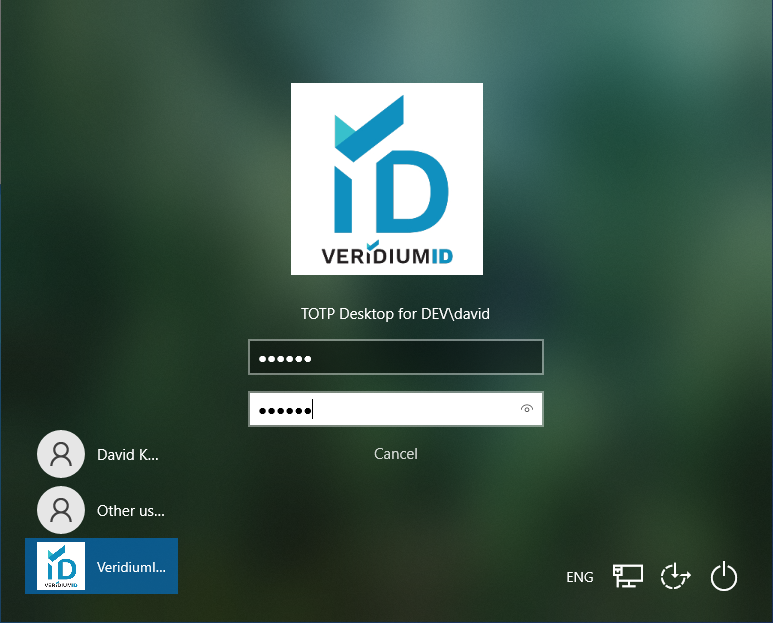
Enter your PIN and TOTP Desktop code from Veridium authenticator. Press Enter. If you are unsure about your PIN, use Self Service Portal to reset.
-
User is successfully Logged-in.