Prerequisites: mobile device enrolled to the users' identity and journey with cmd_push_with_userpresence_code
Procedure:
-
Start a PC and press Enter.
-
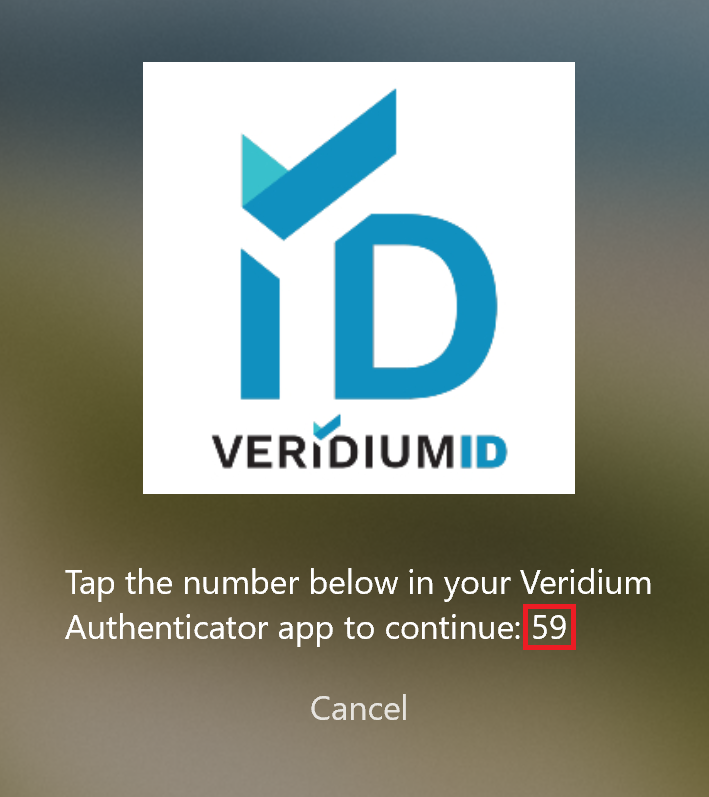
Click on the "Use other authentication methods" button and click on "VeridiumID Push" button.
-
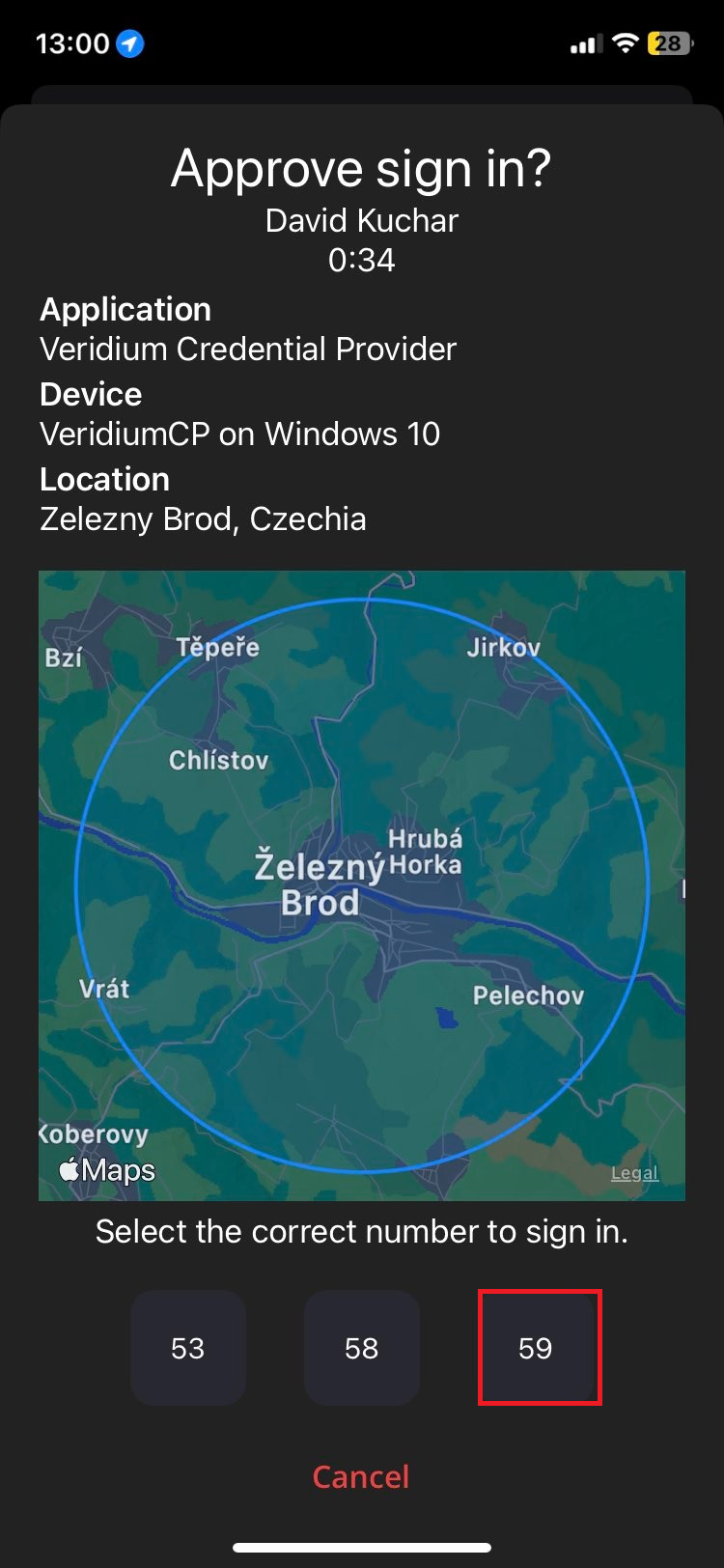
Confirm login in the mobile App by choosing the right number.
-
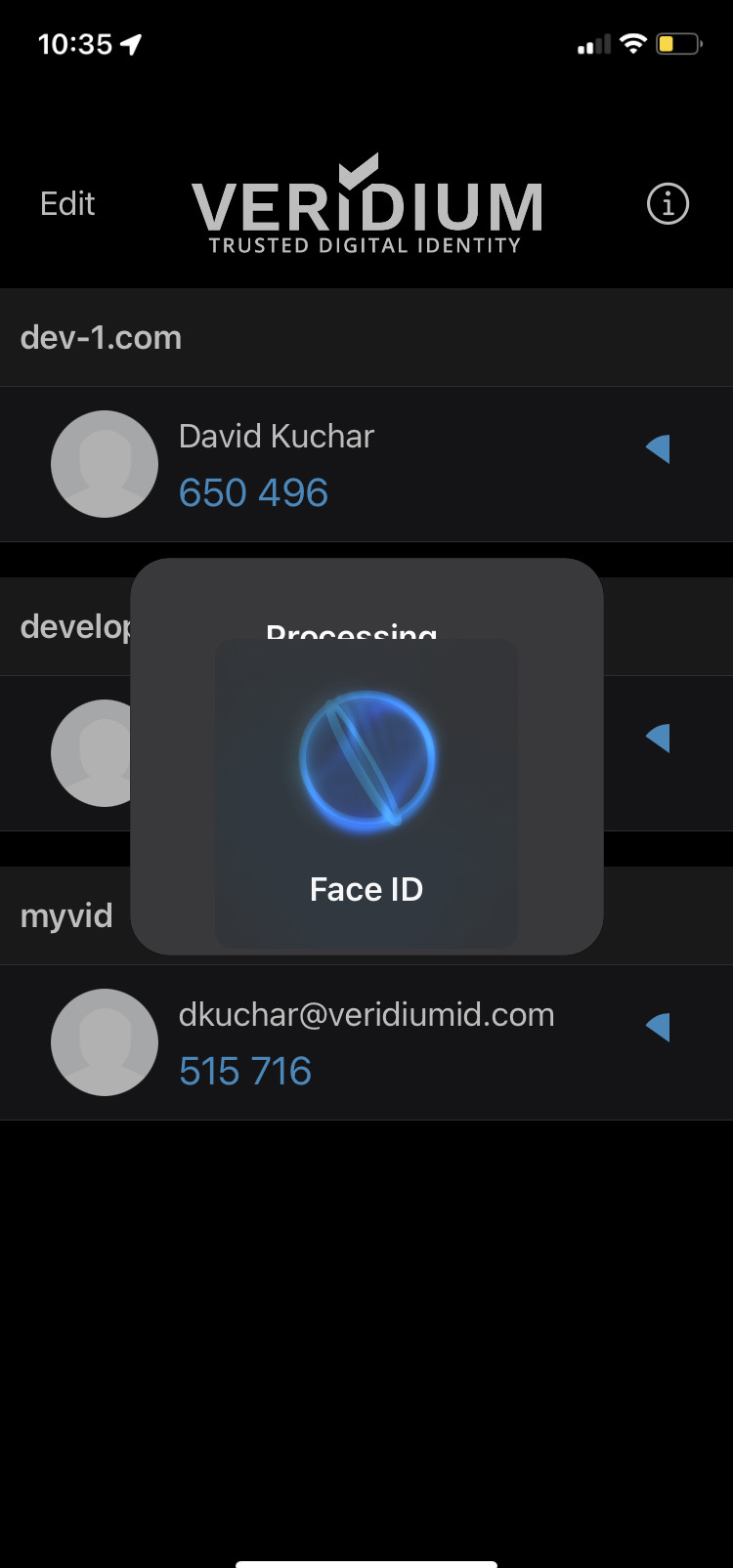
The phone will ask you for one of the following Biometrics (TouchID, FaceID, ...).
-
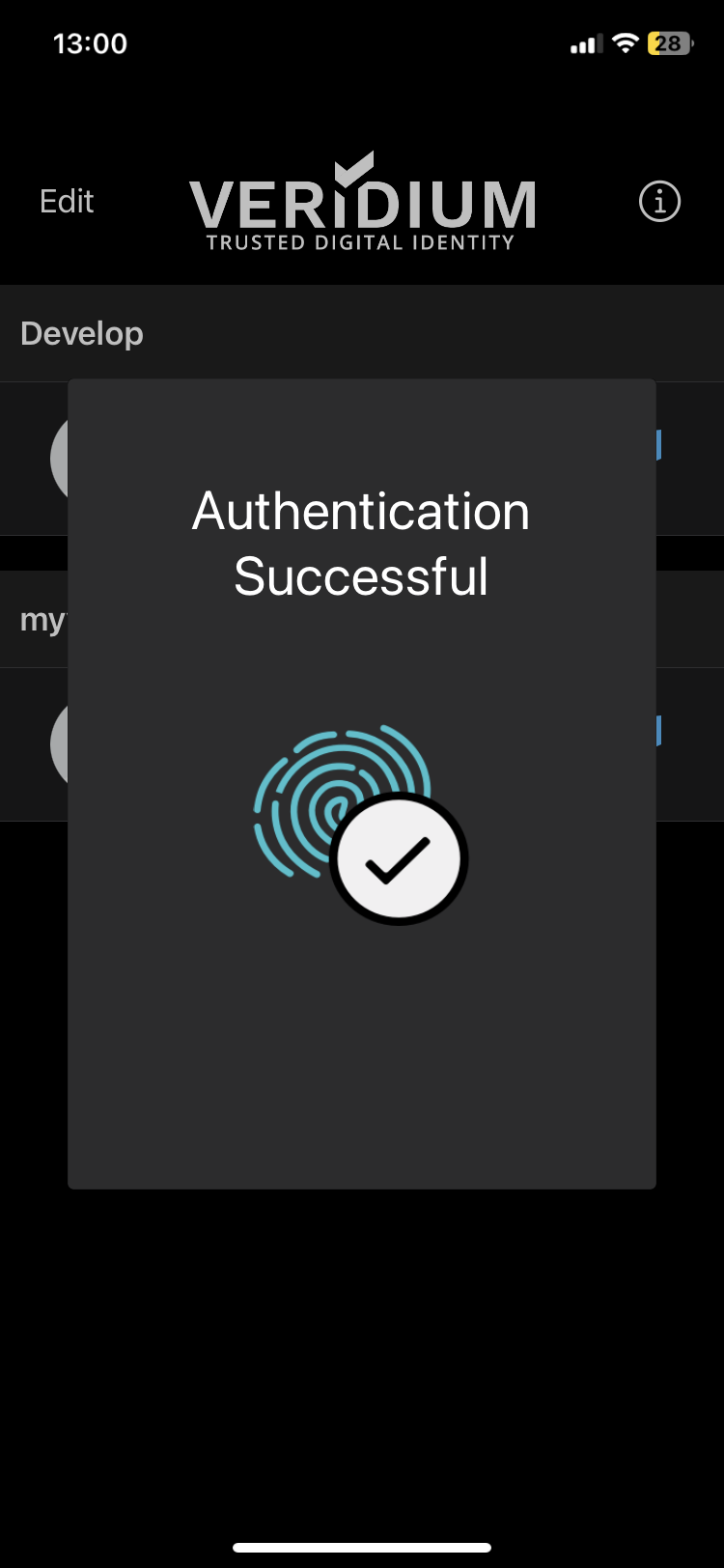
User is successfully Logged-in