

After successful VeridiumID RA & EP installation, Task Scheduler starts monitoring task regularly. Frequency is adjustable, default is every day.
The monitoring task can be found at Task Scheduler:
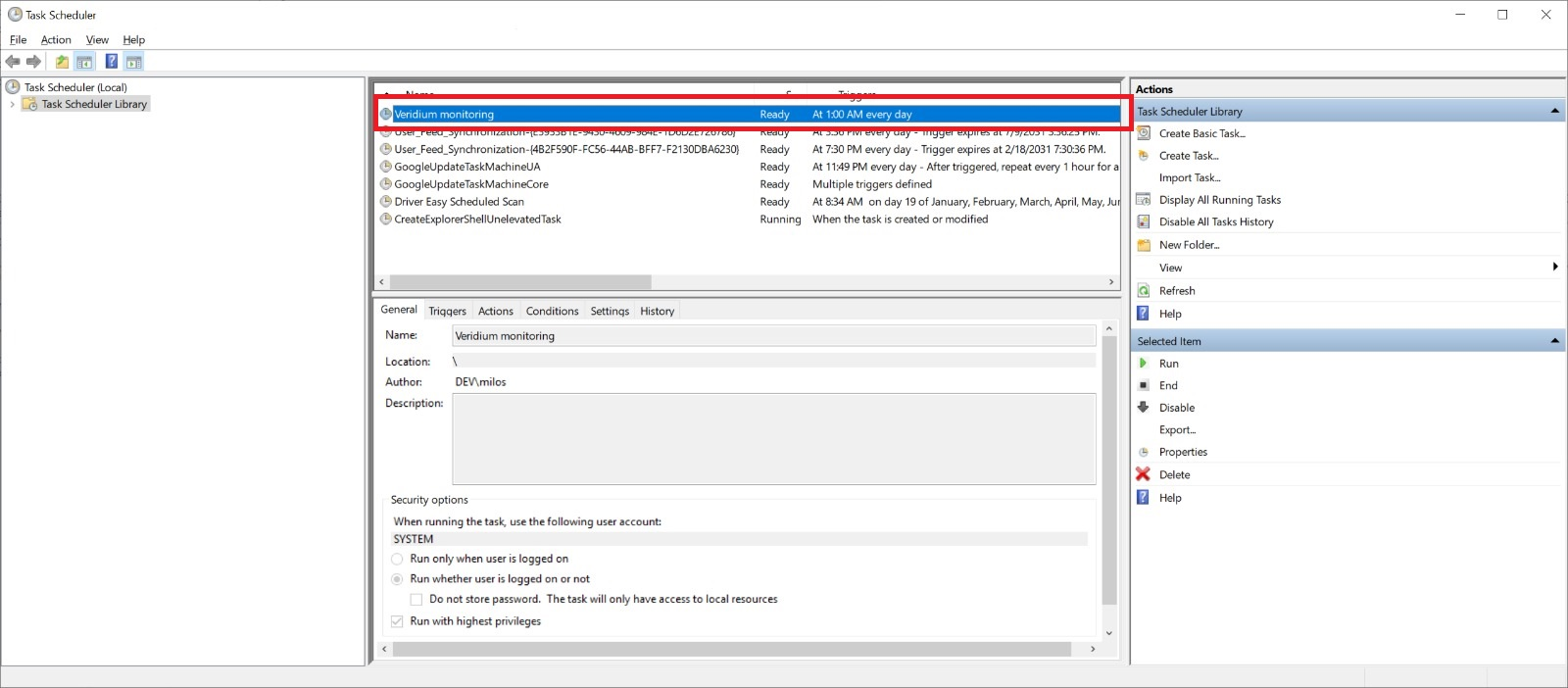
Task is named Veridium monitoring.
Task performs the monitoring tests and generates events in Windows Event log described in next chapter.