-
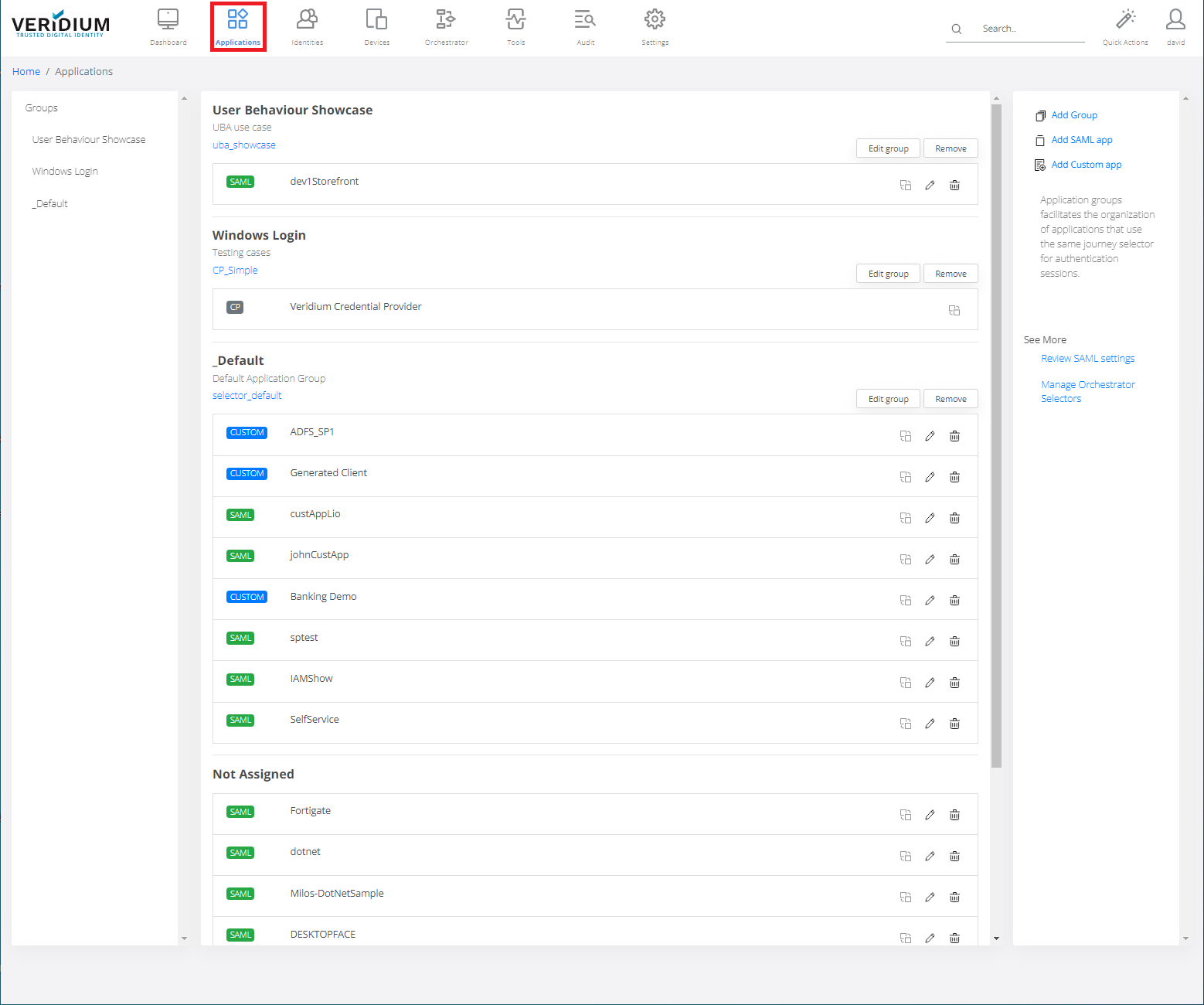
In Veridium Manager, click Applications.
-
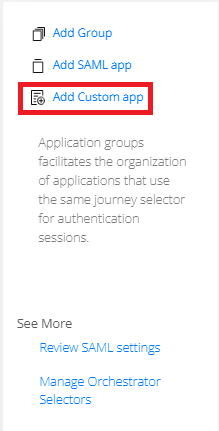
Click Add Custom app on the right-side container.
-
Fill the requested Application name, and choose application group.
For more details go to Custom Application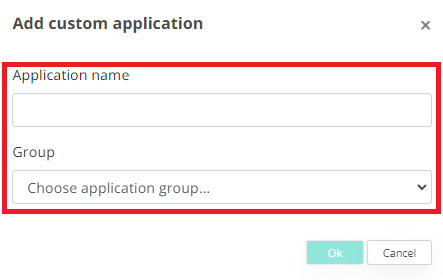
-
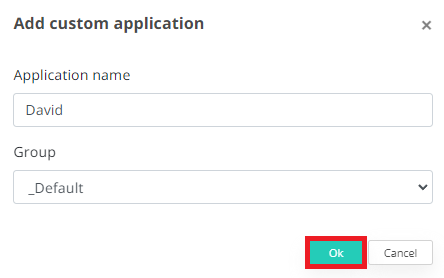
Click OK button.


In Veridium Manager, click Applications.
Click Add Custom app on the right-side container.
Fill the requested Application name, and choose application group.
For more details go to Custom Application
Click OK button.