-
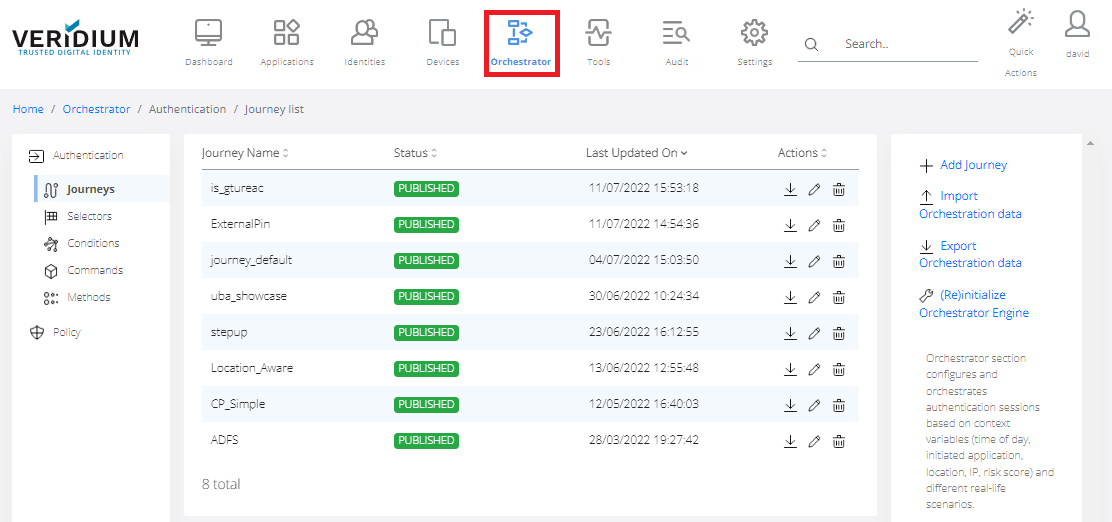
In Veridium Manager, click Orchestrator on top navigation. The list of existing journeys is displayed.
-
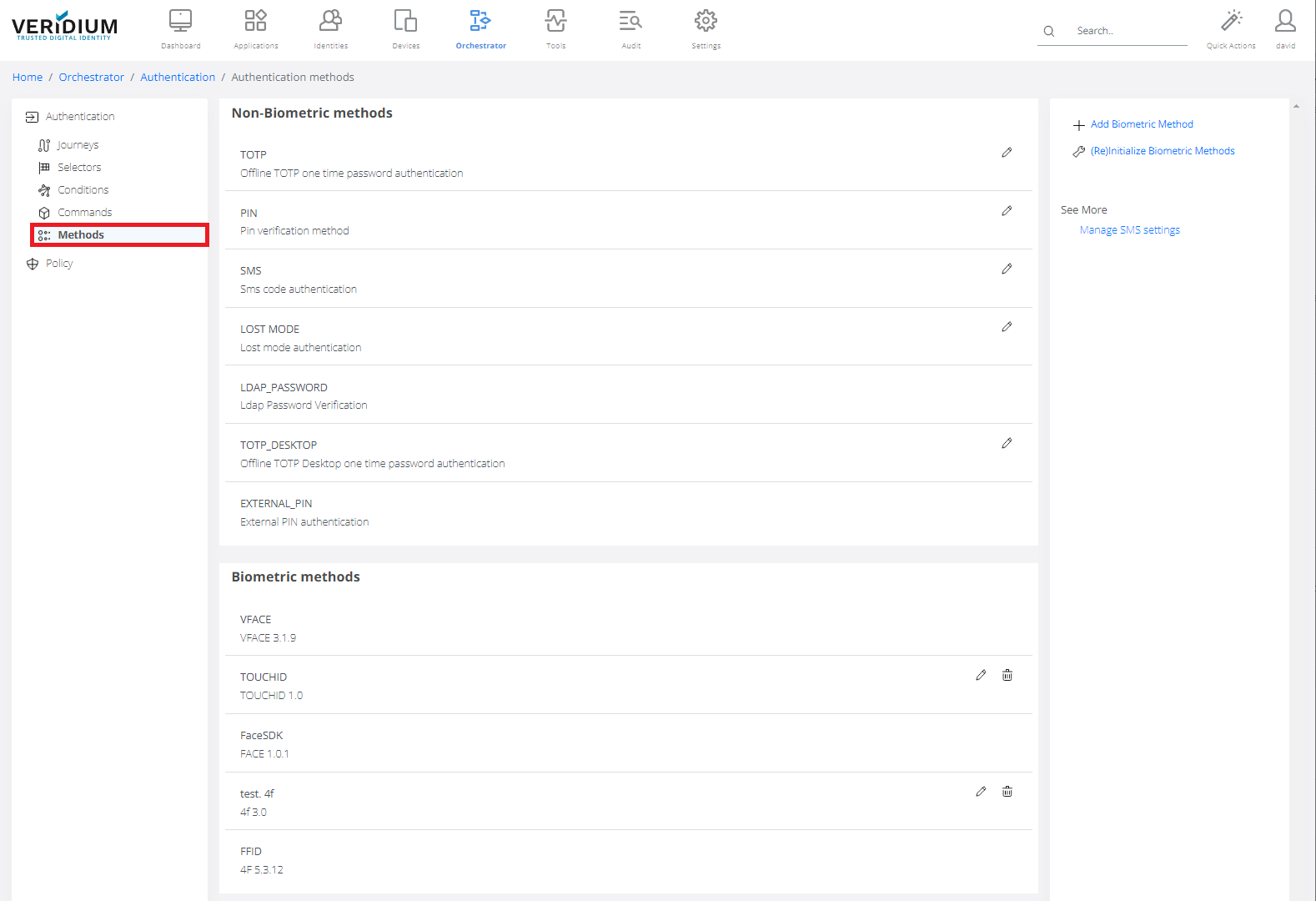
Click Methods on the left-side container.
-
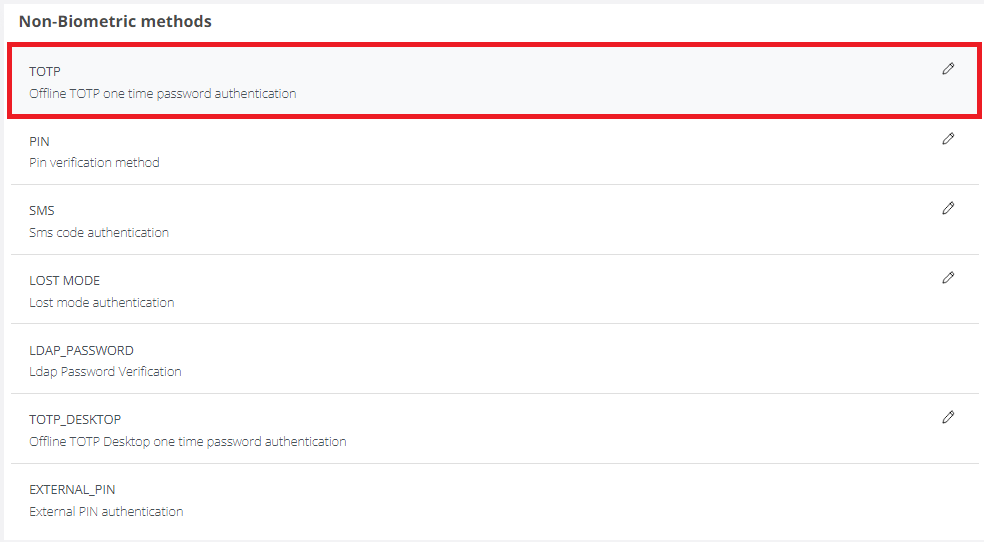
Double-click on TOTP.
-
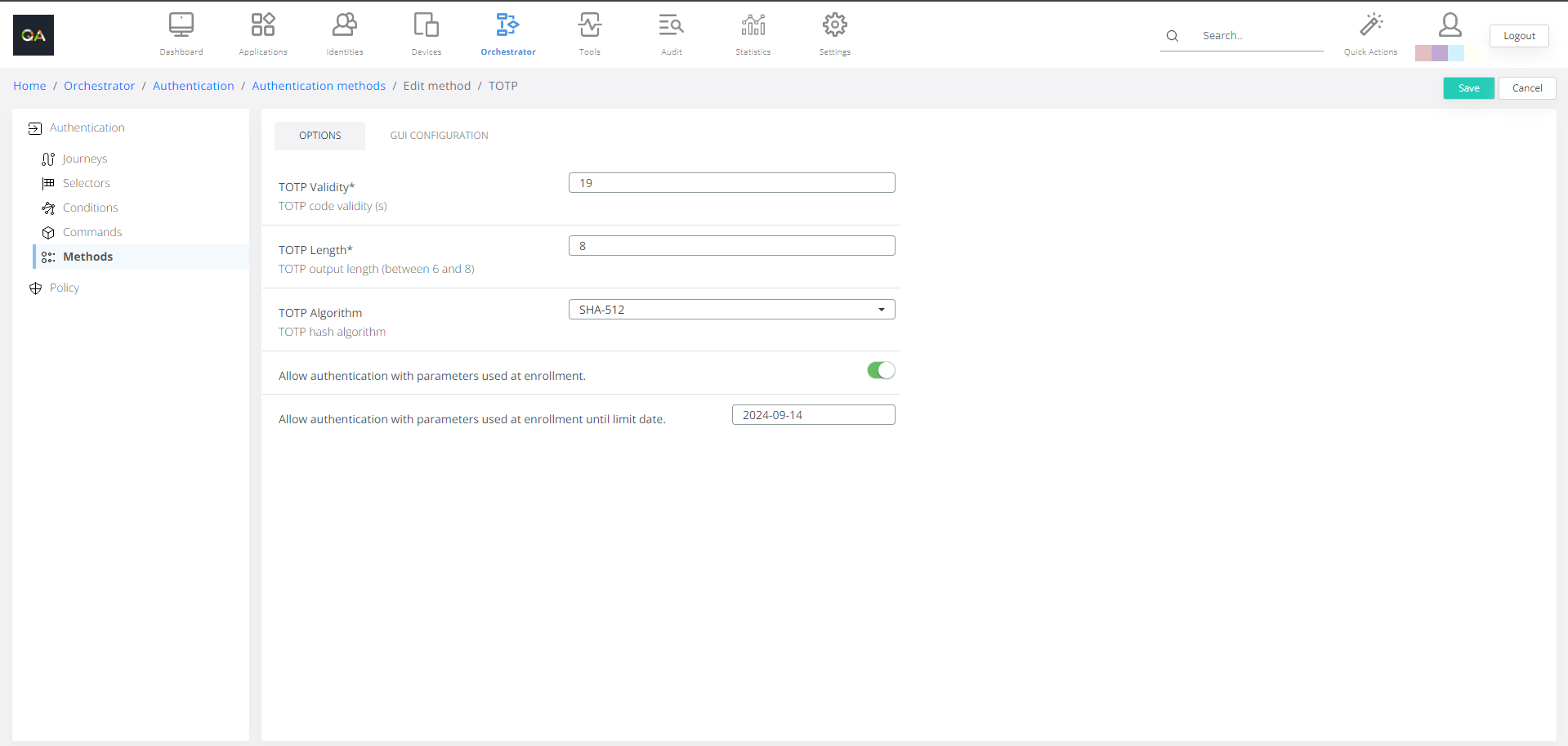
Options tab.
TOTP Validity: This means validity of TOTP code in seconds.
TOTP Length: TOTP Length (number of digits).
TOTP Algorithm: Select hashing algorithm, default is SHA-512
-
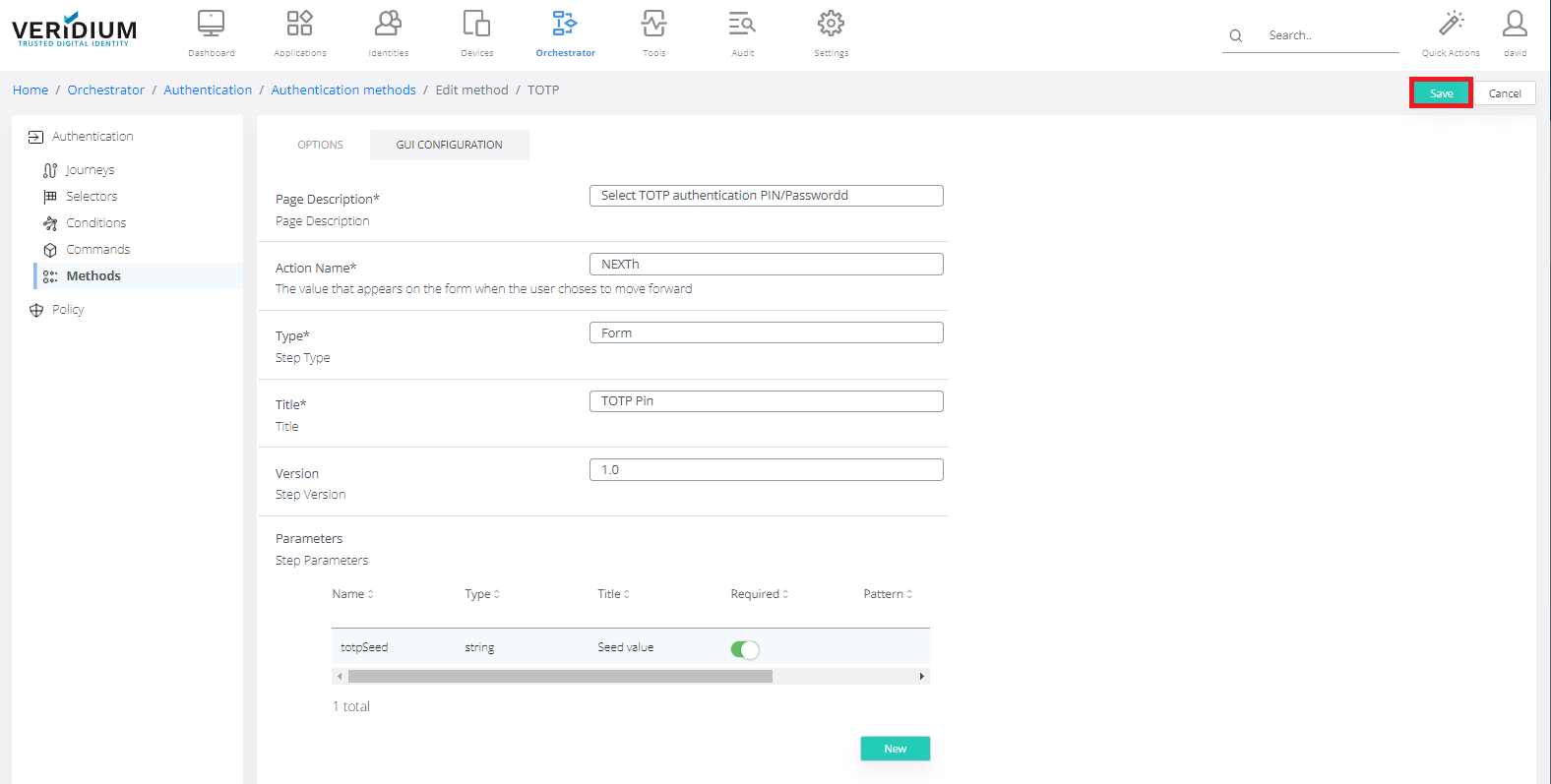
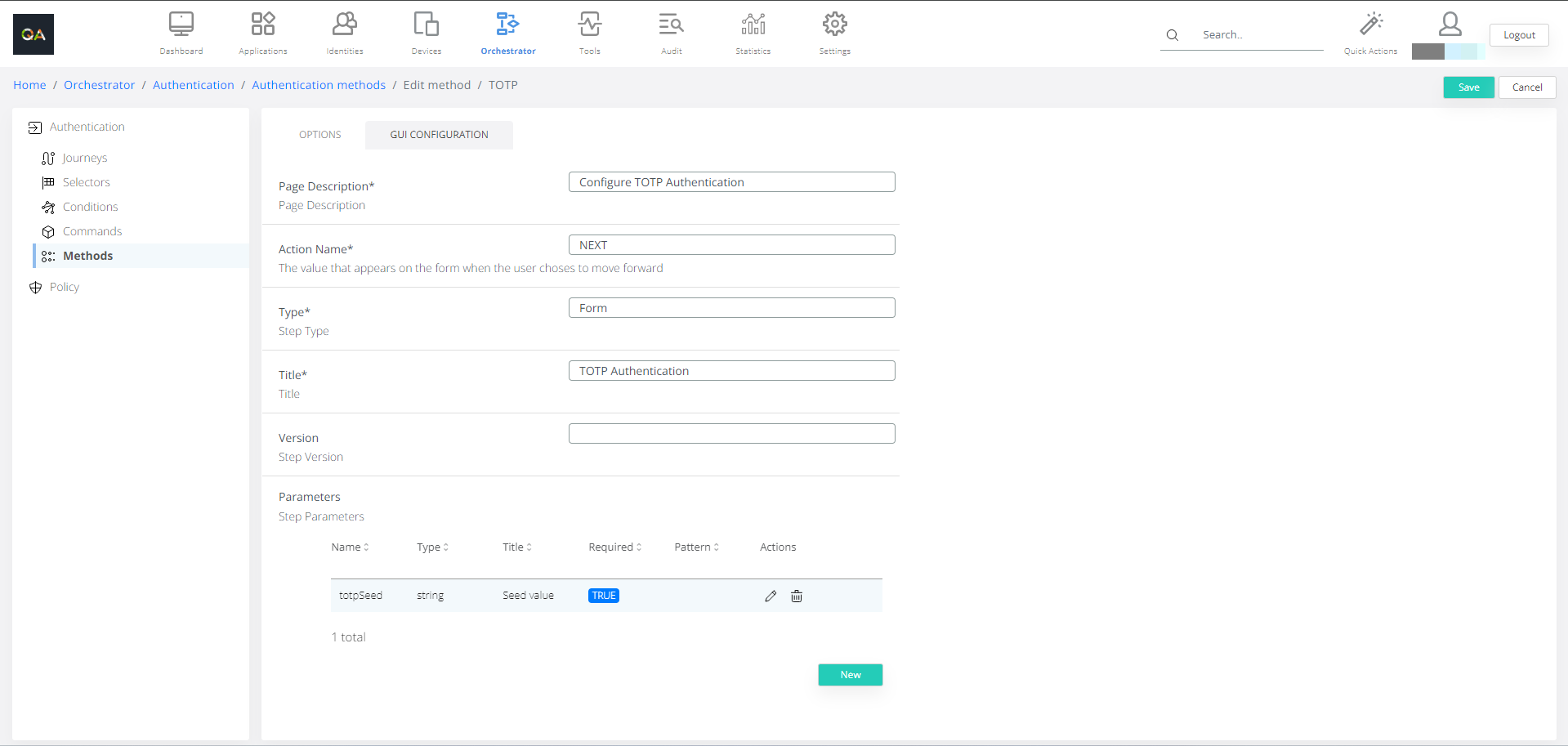
GUI Configuration tab.
-
Click Save.