Procedure:
-
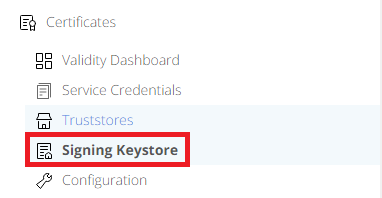
From the Admin Dashboard, navigate to Home->Settings->Certificates->Signing Keystore
-
Click at the selected row.

-
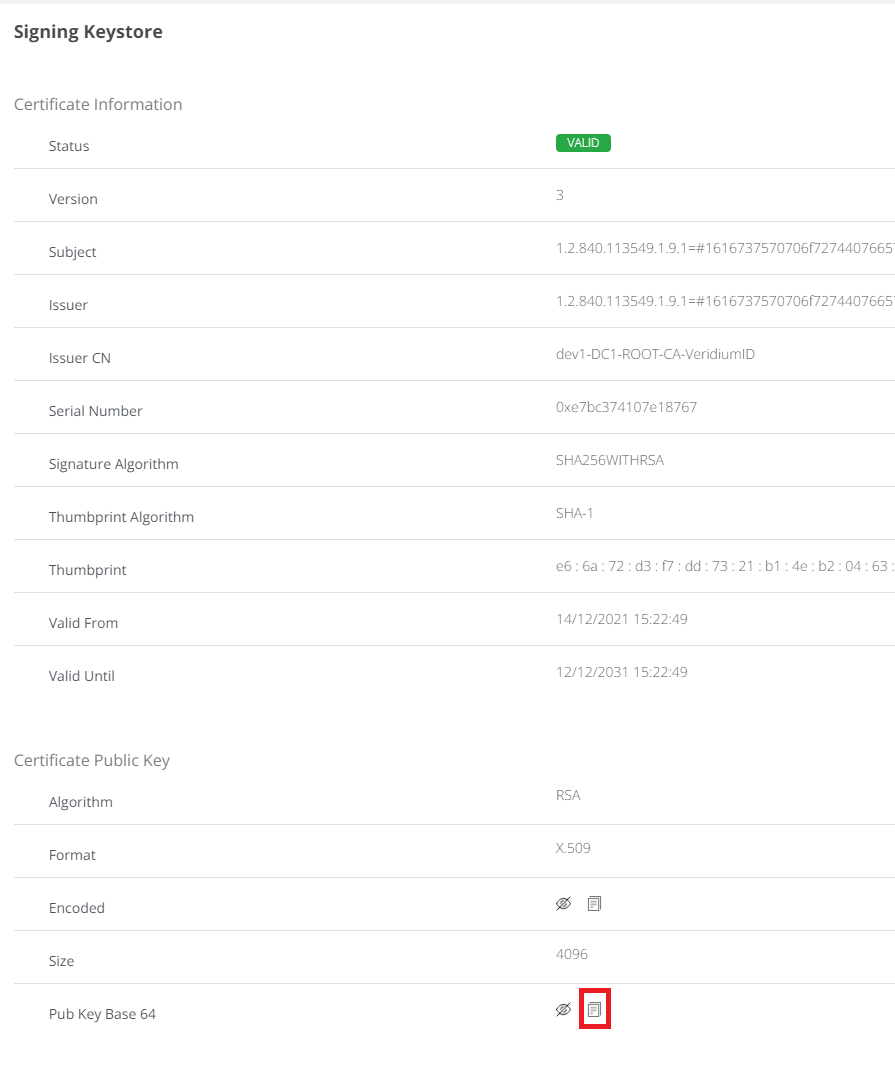
Click on copy icon. Certificate will be copied to clipboard.


Procedure:
From the Admin Dashboard, navigate to Home->Settings->Certificates->Signing Keystore
Click at the selected row.
Click on copy icon. Certificate will be copied to clipboard.