

Shibboleth signing certificates in admin console
Certificates from Shibboleth are now displayed in a dedicated category in Settings / Certificates / Validity Dashboard / “Shibboleth IDP certs”
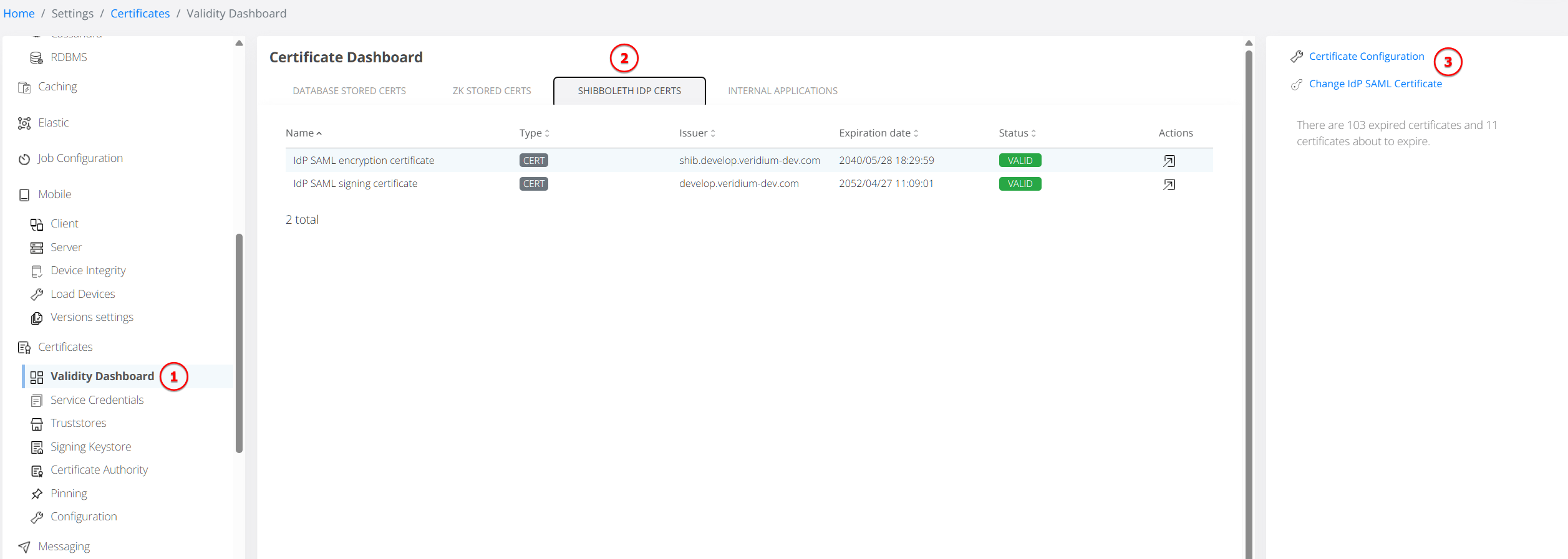
Navigating to IdP Certificate Upload
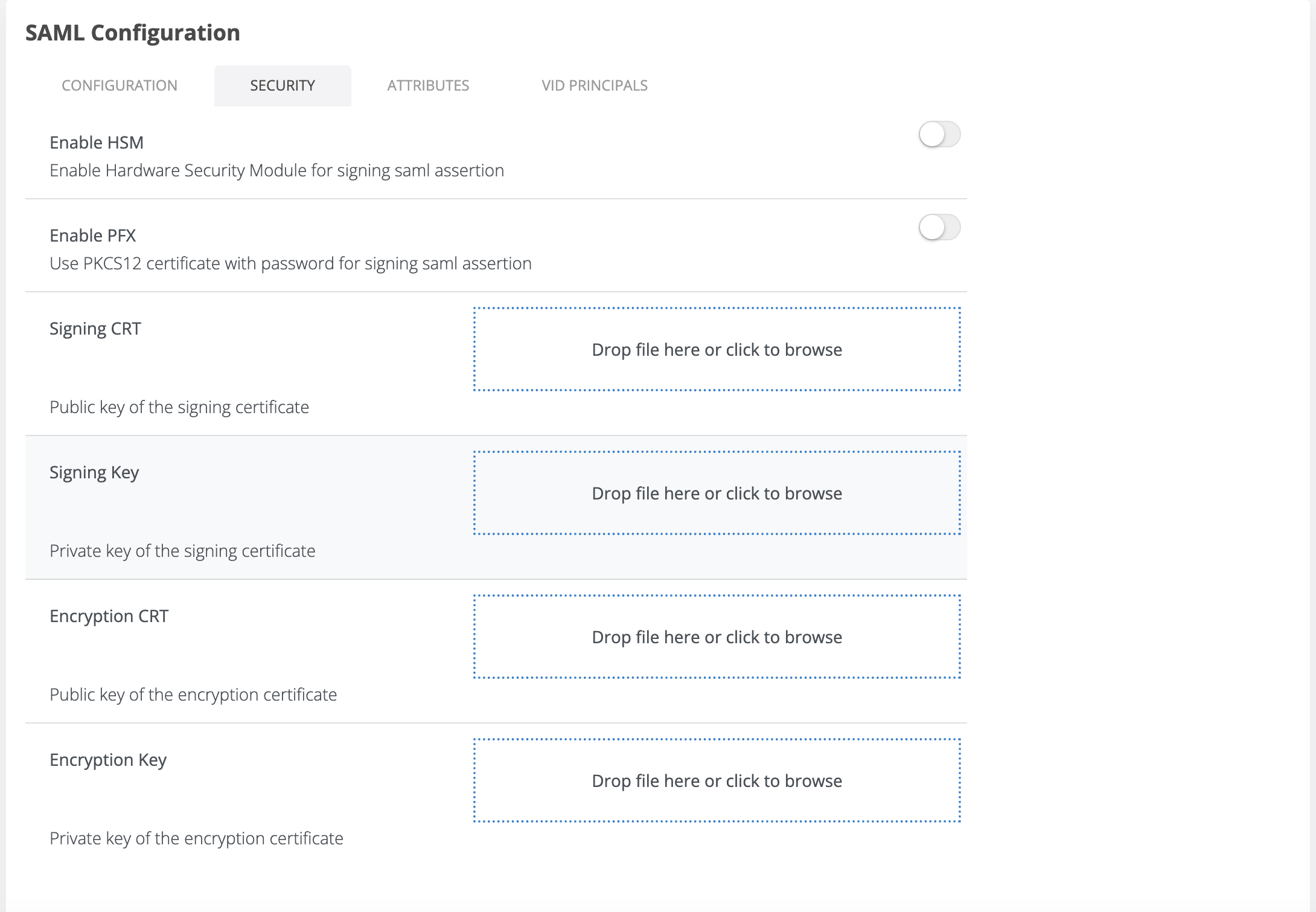
User can upload new certificates using shortcuts: right side menu → Change IdP SAML Certificate or from Actions redirect.
Internal applications certificates
Internal applications is referring for the moment to the SAML SP that have also signing and encryption certificates. Action redirect for each certificate opens the SAML App edit page.
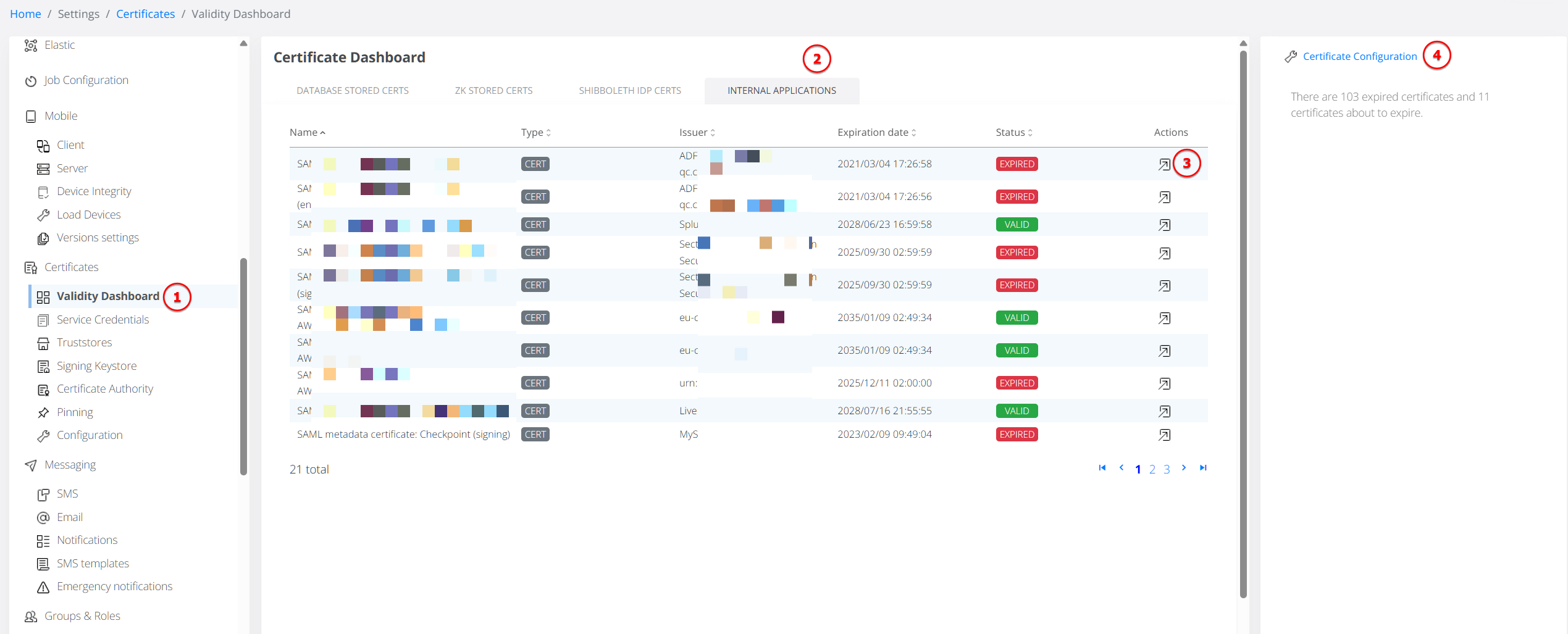
Starting with v3.9, these certificates can be managed similar to the procedures described here: Renew internal application certificates