

To renew existing friend certificate, first you need to find it.
-
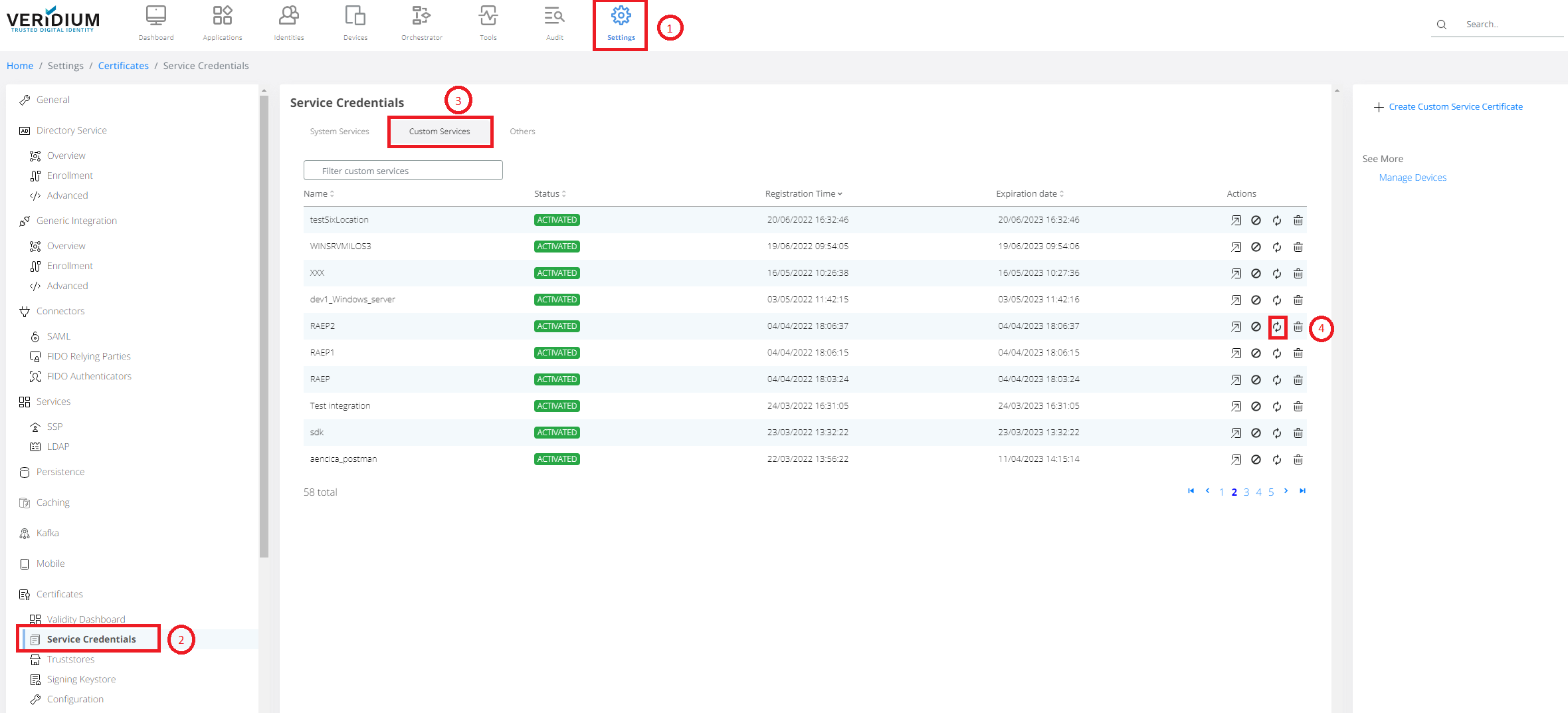
Navigate to Settings (1) -> Certificates -> Service Credentials (2). Then click on Custom Services tab (3). Find the Friend certificate you need to renew and click on renew icon (4).
-
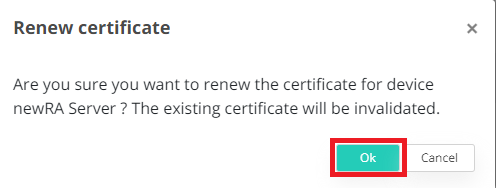
The following message box will pop-up. Press OK button.
-
the following message will be shown in bottom right corner.
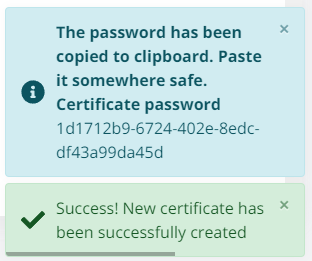
Newly renewed friend certificate with key (in a PFX format) can be found in the download folder. Import password is copied to clipboard.
Copy both (PFX file and import password) to server where certificate will be used.