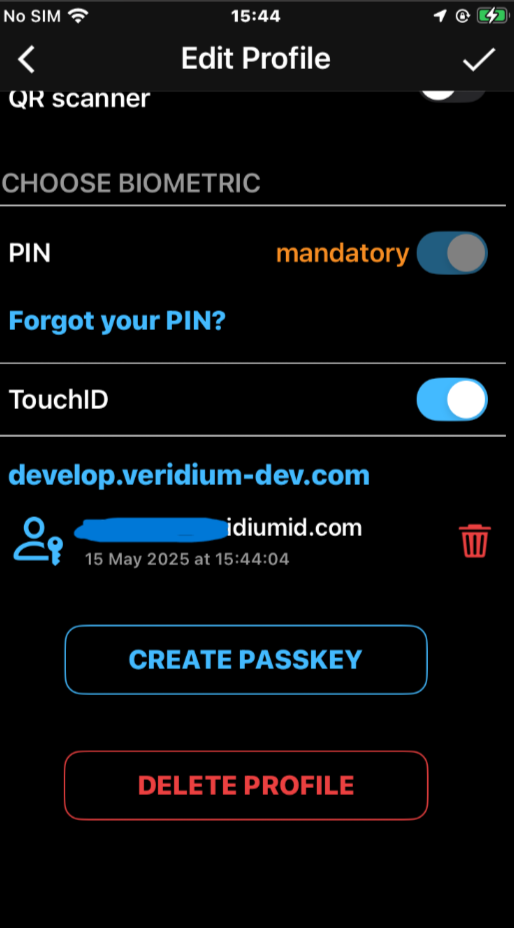
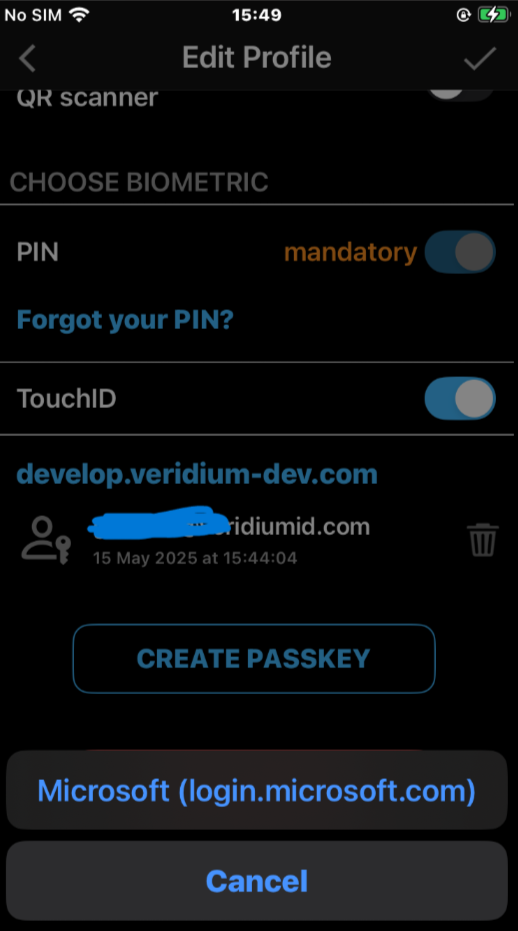
Veridium introduces support for device-bound passkeys in the Veridium Authenticator app — delivering passwordless, phishing-resistant authentication tailored for enterprise-grade security and compliance.
In addition to biometric authentication, Veridium supports server-backed PIN validation with local verification, giving organizations the flexibility to manage PIN policies centrally while ensuring fast and secure local authentication.
Key Features
Device-Bound Credentials
Passkeys are stored securely on the device in a hardware-backed keystore (e.g., Secure Enclave, TEE). They are not synchronized across devices, ensuring strict binding between the user’s identity and a specific device.
User verification
Users authenticate using either:
-
Biometric authentication (e.g., Face ID, fingerprint)
-
PIN validation, using a server-synchronized PIN that is verified locally on the device
This dual-mode authentication offers flexibility while maintaining strong assurance.
Server-Backed PIN, Locally Verified
-
The user’s PIN is provisioned from a secure server during enrollment or PIN change.
-
The PIN is not stored in plaintext and is managed according to enterprise policy.
-
During authentication, the PIN is verified locally using cryptographic techniques, eliminating the need for real-time server interaction while retaining centralized policy control.
Veridium’s passkey implementation was designed for environments that demand:
-
High assurance authentication
-
Central control over credentials and PIN policy
-
Phishing resistance
-
Offline-capable authentication
-
Fast user experience without cloud dependency
By offering both biometric and PIN-based local authentication, Veridium supports secure and inclusive access strategies — even for users without biometric-capable devices.
How It Works
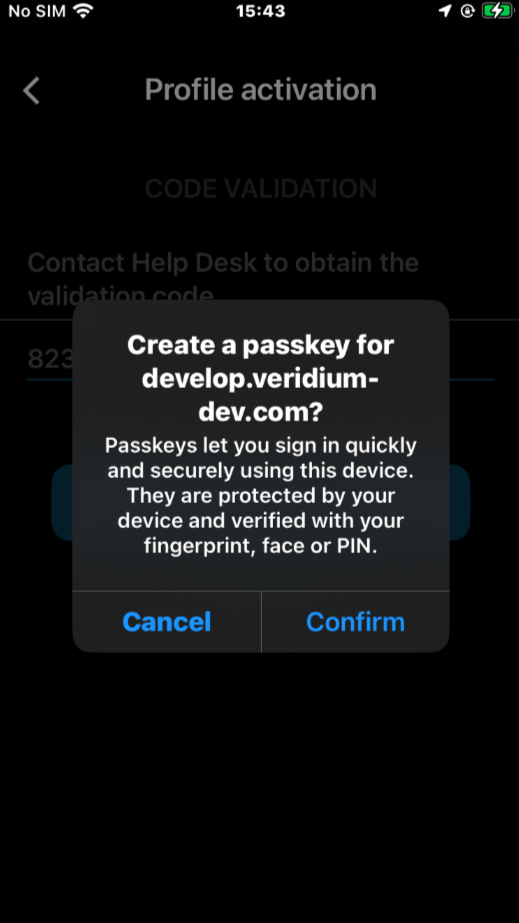
Enrollment
-
A key pair is generated and securely stored on the device.
-
The public key is registered with the VeridiumID platform.
-
Optionally, a server-backed PIN is provisioned and synchronized to the device
Authentication
-
The app receives a challenge from the server.
-
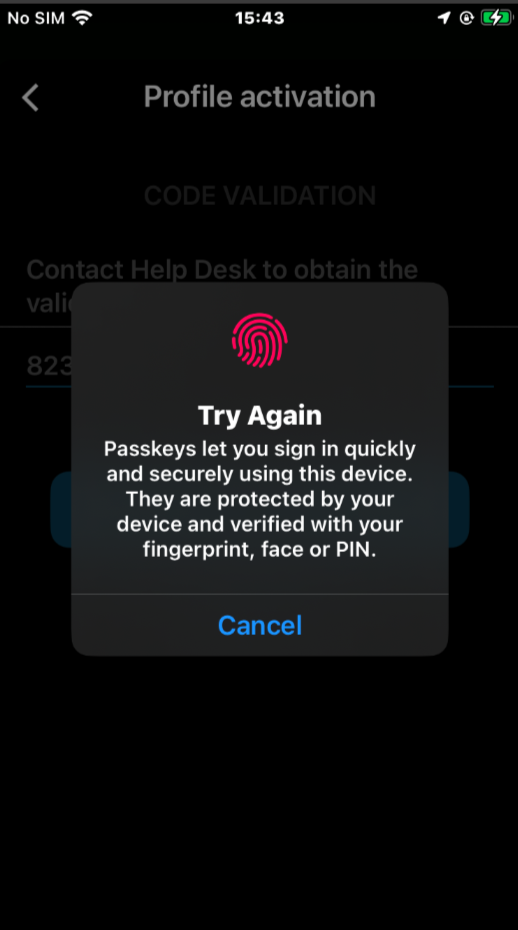
The user verifies identity using biometric or PIN.
-
Biometric is processed securely on the device
-
PIN is verified locally using the previously synchronized reference.
-
-
The challenge is signed with the private key and returned to the server.
Validation
-
The server validates the signed response using the stored public key.
-
No password or secret is ever transmitted or stored on the server.
Management
Passkeys bound to managed Veridium identity may be created or deleted in the identity details.