-
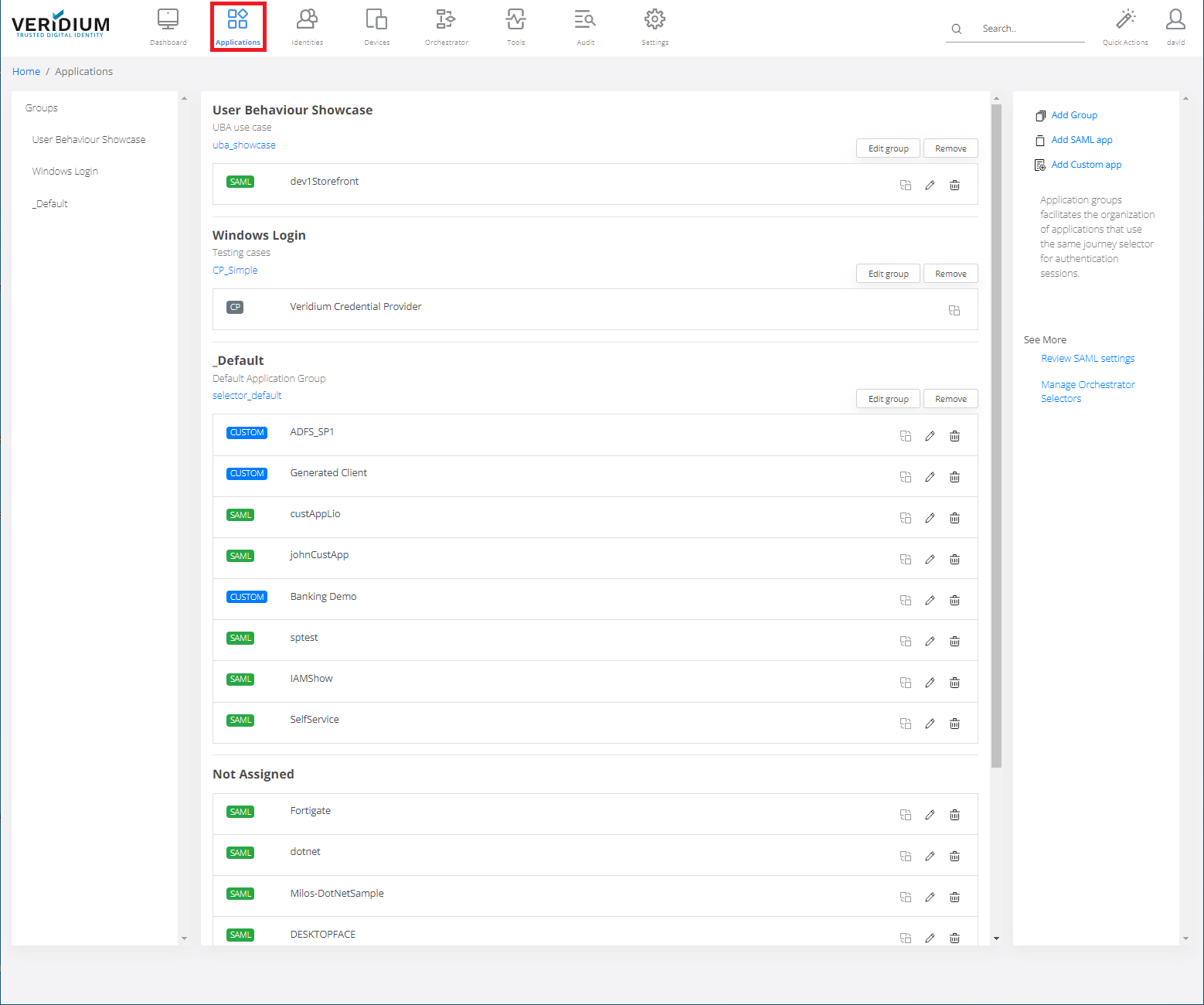
In Veridium Manager, click Applications.
-
Click Remove.

-
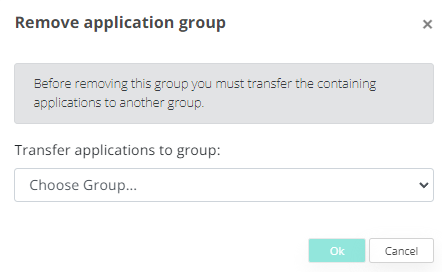
Choose group you want to remove.
-
Click OK.


In Veridium Manager, click Applications.
Click Remove.
Choose group you want to remove.
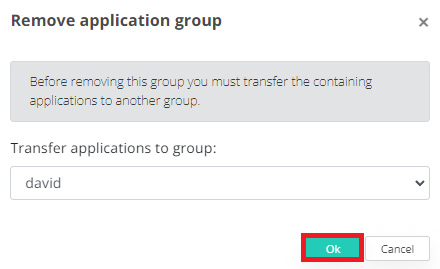
Click OK.