

Chart shows all authentication sessions done using VeridiumID.
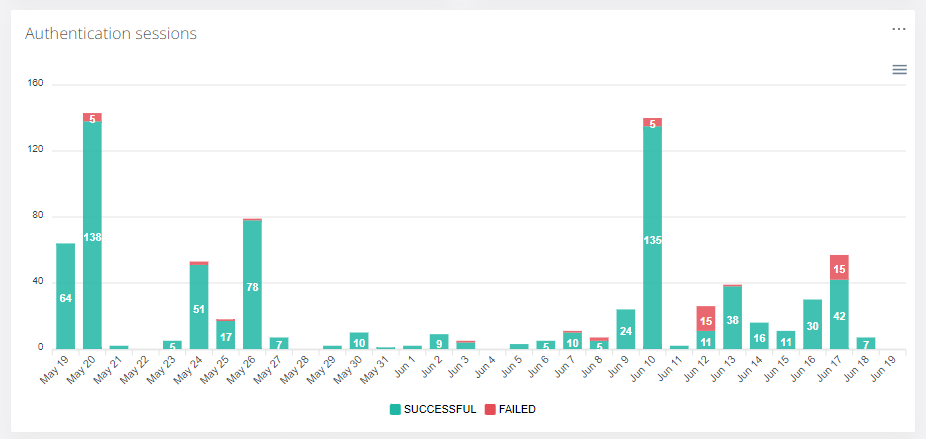
To see more details about sessions click on the selected area. This will redirect user to Audit->Authentication Sessions page.
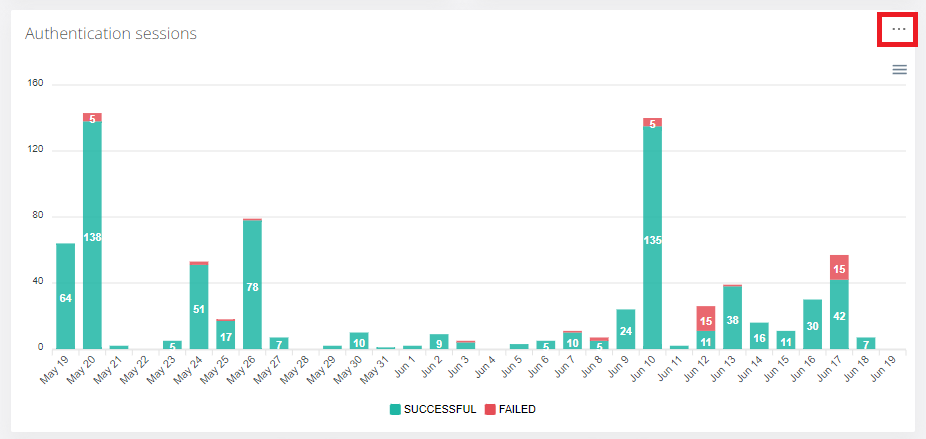
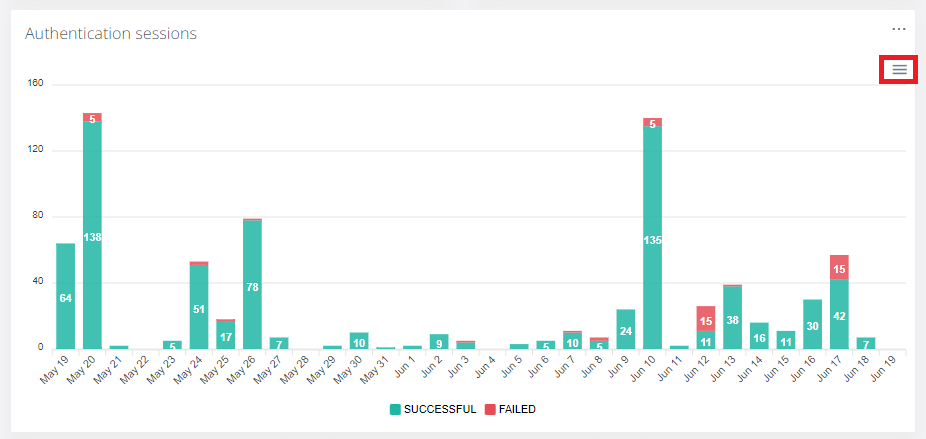
To download sessions stats, click on the highlighted area.
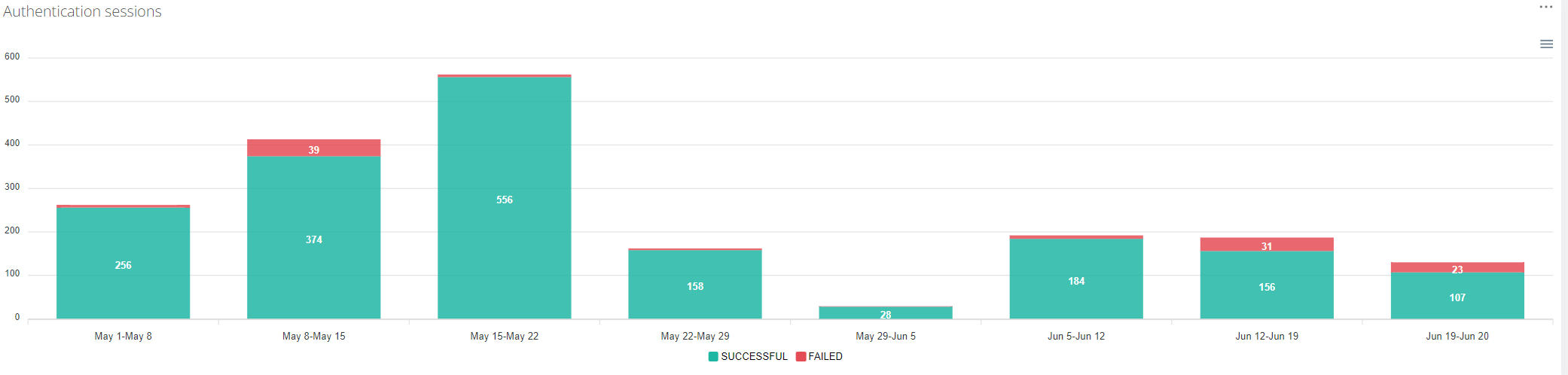
When time filter covers more than 30 days, data are combined to weeks.
Only SUCCESSFUL or FAILED sessions will be shown in the chart when user clicks on chart legend.