

Here is a complete list of conditions that can be used in Journeys or in Selectors.
|
Condition |
Purpose |
Evaluates TRUE When |
Typical Use Case |
|---|---|---|---|
|
is_always |
Unconditional match |
Always |
Default route, fallback transition |
|
is_never |
Unconditional rejection |
Never |
Disabled transitions, testing |
|
is_authentication_successful |
Previous authentication succeeded |
|
Continue journey after successful factor |
|
is_authentication_failed |
Previous authentication failed |
|
Failure routing |
|
checks_geo_trusted |
Trusted geographic area validation |
Exploiter GPS coordinates fall inside configured latitude/longitude boundaries |
Allow easier authentication from trusted office/campus locations |
|
checks_geo_not_trusted |
Inverse of trusted geography |
User is outside trusted coordinate boundaries |
Trigger stronger authentication outside trusted locations |
|
has_logged_in_today |
Session reuse / authentication caching |
User authenticated successfully from the same trusted device within the configured time window (480 minutes by default) and on the same day |
Skip MFA during working day |
|
not_has_logged_in_today |
Inverse of login cache condition |
No qualifying recent authentication exists |
Force fresh authentication |
|
pin_authenticated_recently |
PIN authentication cache |
User completed a successful PIN authentication on the same device within the configured window (60 minutes) |
Reduce PIN prompts |
|
pin_not_authenticated_recently |
Inverse PIN cache |
No recent successful PIN authentication exists |
Require PIN again |
|
is_mobile |
Device classification |
User agent matches Android, iPhone, iPad, or iPod |
Mobile-specific authenticators |
|
is_desktop |
Device classification |
Device is not considered mobile |
Browser/FIDO/Desktop flows |
|
is_local_network |
Network trust validation |
Session location is marked as "Local Network" |
Corporate network trust policies |
|
is_external_network |
External access detection |
User is not on local network |
Additional authentication outside corporate network |
|
is_from_specific_country |
Country allow-list check |
User repository country attribute equals configured value ( |
Country-based access policies |
|
is_in_the_country_of_residence |
Residence verification |
Session country matches country stored in identity profile |
Low-risk travel assessment |
|
is_not_in_the_country_of_residence |
Travel detection |
Session country differs from registered country |
Step-up authentication |
|
is_phone_in_the_country_of_residence |
Mobile device location validation |
Authenticator device country matches registered country |
Mobile risk assessment |
|
is_phone_not_in_the_country_of_residence |
Mobile travel detection |
Authenticator device country differs from registered country |
Detect phone roaming/travel |
|
is_in_specific_groups |
Group membership validation |
User belongs to one or more configured groups ( |
Policy targeting |
|
is_shared_account |
Shared-account detection |
User belongs to one of the configured shared-account groups |
Delegate/shared account workflows |
|
is_specific_application |
Application targeting |
Session originated from configured application identifier |
Application-specific journeys |
|
is_specific_ip |
IP allow-list validation |
Source IP equals configured IP ( |
Administrative exceptions, testing |
|
is_specific_user |
User targeting |
UPN matches configured account |
Pilot users, testing, break-glass accounts |
|
is_context_awareness_rejected |
Context Awareness result |
Context engine returned |
Risk-based routing |
|
is_context_awareness_not_rejected |
Context Awareness passed |
Context engine did not reject |
Continue with normal authentication |
|
is_uba_context_failed |
UBA Context evaluation failed |
UBA Context score exceeds threshold (>5) while result exists |
Trigger additional authentication |
|
is_uba_context_passed |
UBA Context evaluation passed |
UBA Context condition did not fail |
Continue journey |
|
is_uba_motion_failed |
UBA Motion evaluation failed |
Motion score below threshold (<0.5) while result exists |
Challenge suspicious device behavior |
|
is_uba_motion_passed |
UBA Motion evaluation passed |
Motion condition did not fail |
Continue journey |
|
is_windows_authn_logon |
Windows CP usage scenario |
Credential Provider scenario is |
Login-specific policies |
|
is_windows_authn_logon_rdp |
Windows RDP login detection |
Scenario is |
RDP-specific authentication |
|
is_windows_authn_unlock |
Workstation unlock detection |
Scenario is |
Unlock policies |
|
is_windows_authn_unlock_rdp |
RDP unlock detection |
Scenario is |
Remote unlock policies |
|
is_windows_authn_shell_extension |
Credential UI detection |
Scenario is |
Elevation/UAC authentication policies |
|
is_working_hour |
Working-hours and weekday validation |
input.session.requestTime is between 08:00 and 17:59 UTC and the parsed weekday is Monday–Friday |
Apply different authentication rules during business hours |
Conditions that deserve special attention
is_in_specific_group
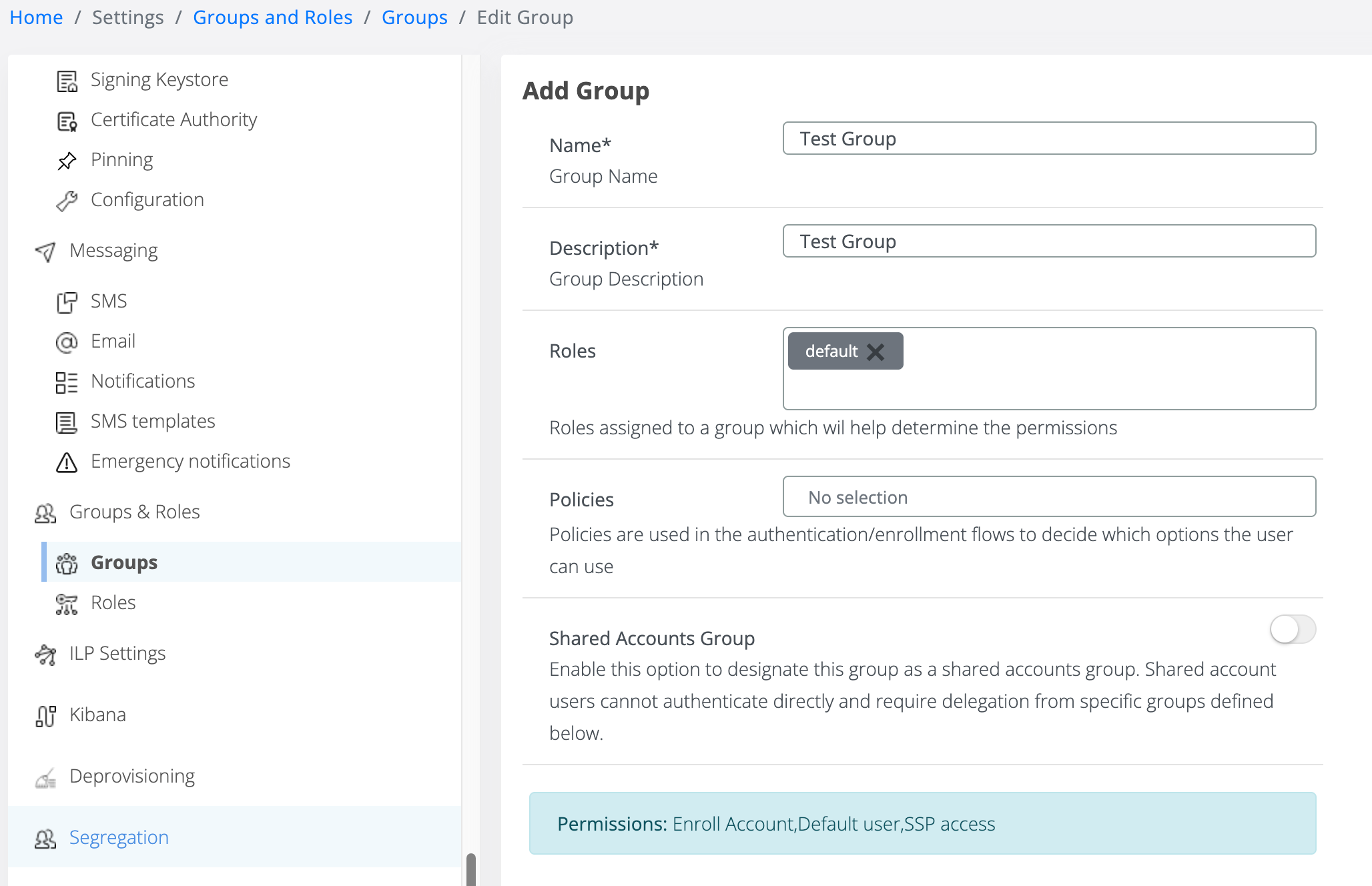
Please note groups added to the is_in_specific_group condition must be first pre-definde in Settings > Groups & Roles > Groups.
has_logged_in_today
This is not simply "logged in today". To enable 10 previous and Pin counter, modify this in websecadmin → config.json
    "orchestrator": {
        "sessionFinishedReadLimit": 10,
        "useCounters": false
    },
It actually checks:
-
Completed sessions only.
-
Same device:
-
same CP device ID or
-
same browser trust ID.
-
-
Same calendar day.
-
Most recent successful authentication occurred within a configurable timeout (480 minutes = 8 hours).
Effectively:
"Has this user already authenticated successfully on this trusted device during the current workday and within the allowed session cache window?"
pin_authenticated_recently
This condition:
-
Searches completed sessions.
-
Filters only sessions where PIN authentication succeeded.
-
Matches the current device.
-
Checks whether the last successful PIN occurred within 60 minutes.
Effectively:
"Has the user already completed a successful PIN challenge on this device within the last hour?"
UBA Conditions
The UBA conditions are implementing risk scoring:
|
Condition |
Threshold |
|---|---|
|
is_uba_context_failed |
score > 5 |
|
is_uba_motion_failed |
score < 0.5 |
These thresholds are hardcoded in the policy and represent the risk tolerance of the deployment.