v3.9 v3.8.4 v3.8.3 v3.8.2 v3.8.1 v3.8 v3.7.2 v3.7.1 v3.7 v3.6
Auto Light Dark
Auto Light Dark
v3.9 v3.8.4 v3.8.3 v3.8.2 v3.8.1 v3.8 v3.7.2 v3.7.1 v3.7 v3.6

Global authentication policy

  1. In Veridium Manager, click Orchestrator on top navigation. The list of existing journeys is displayed.
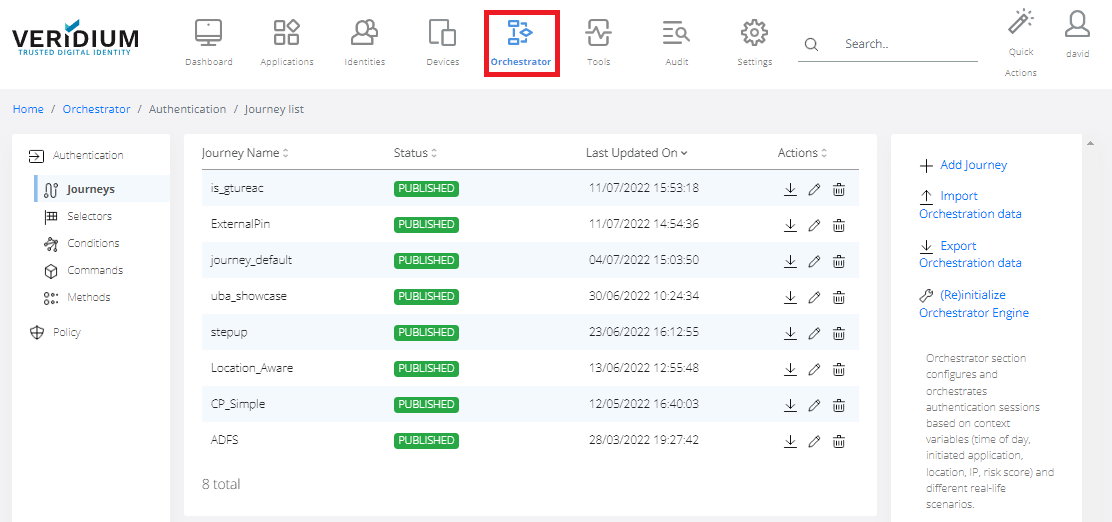
    image-20230401-084226.png


  2. Click Policy on the left-side container.
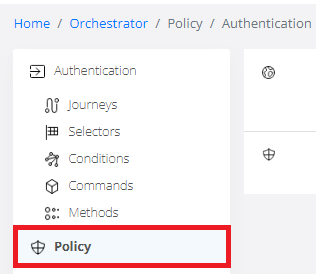
    image-20230401-084246.png


  3. Double-click on Global Authentication.
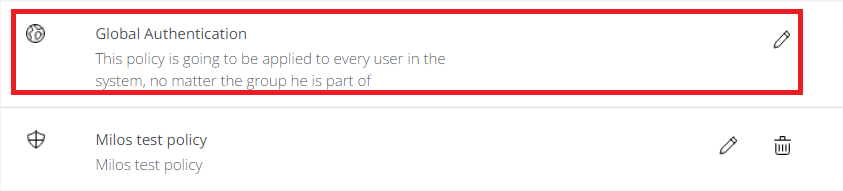
    image-20230401-084300.png


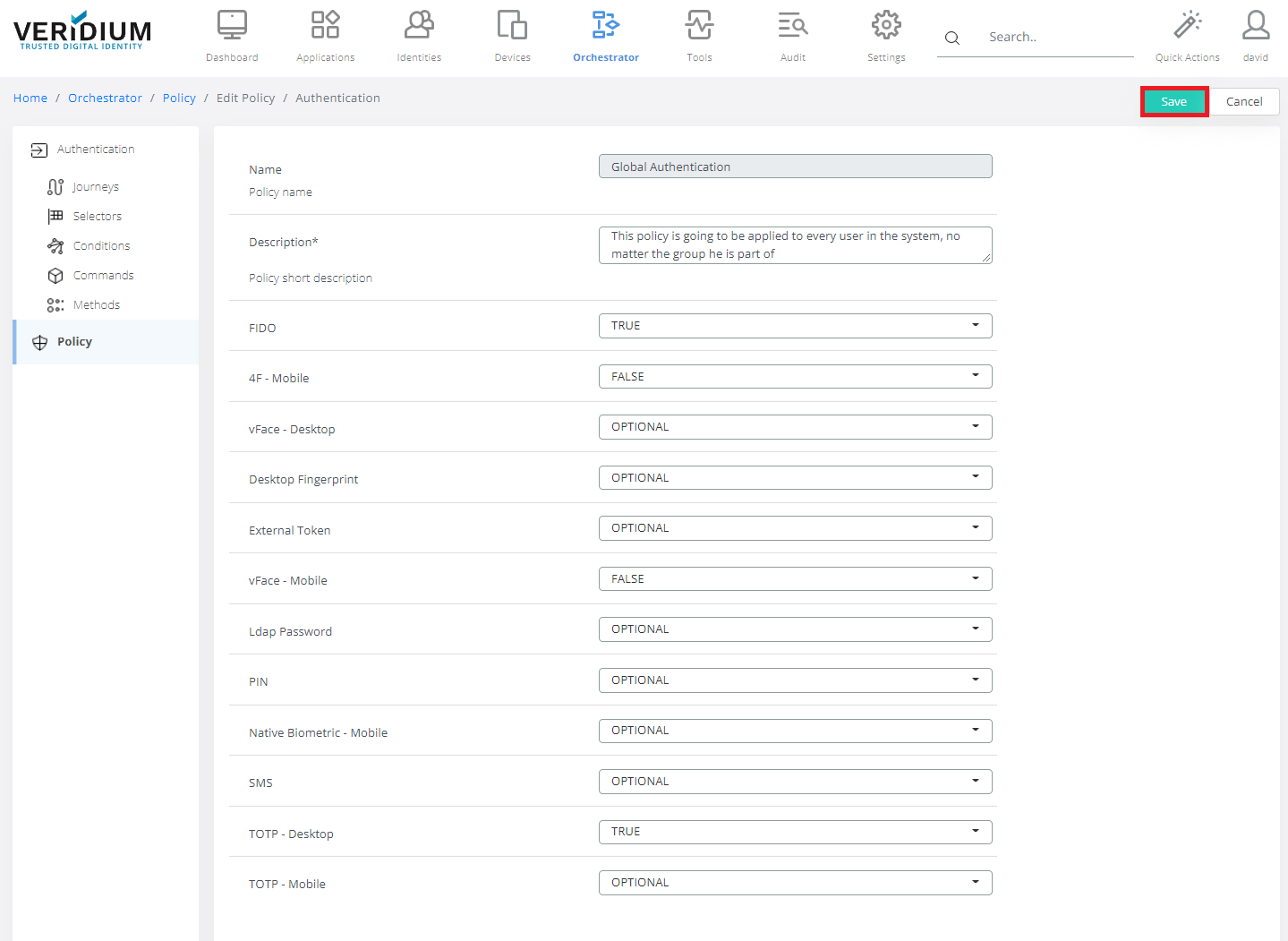
  4. Set up Global Policy, default settings are bellow. OPTIONAL: Allowed and optional
    FALSE: Not allowed
    TRUE: Allowed and mandatory
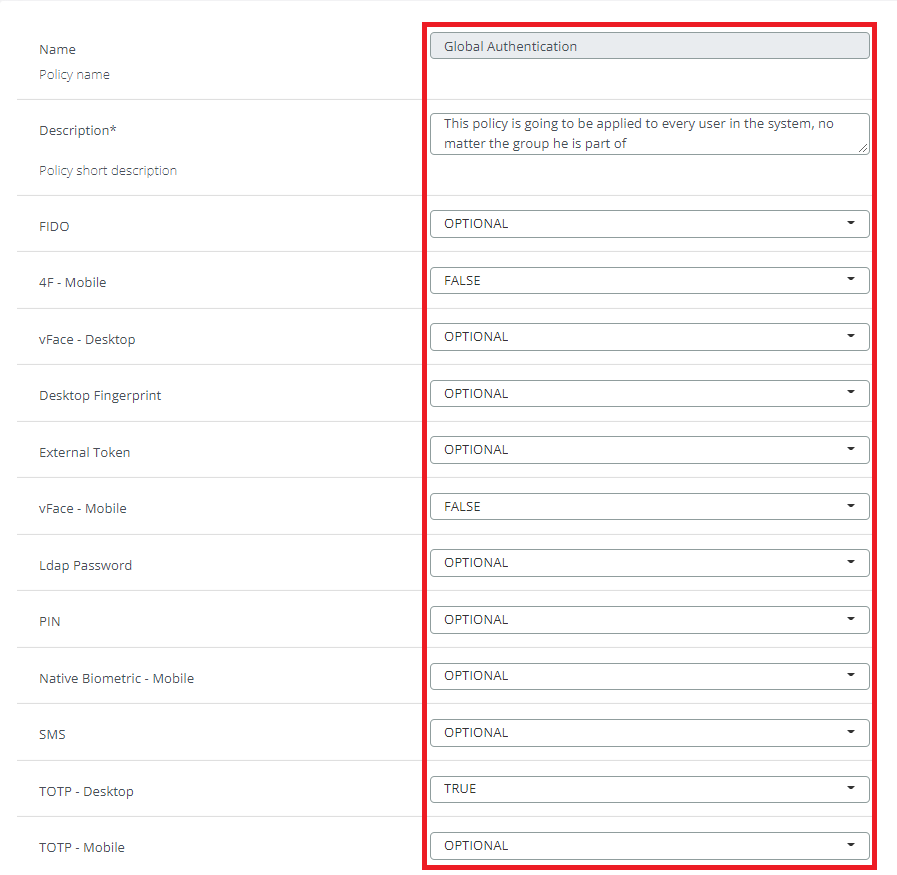
    image-20230401-084327.png


  5. Click Save.

    image-20230401-084342.png

Last updated: