

Configure SAML applications from Veridium Manager → Applications.
Each application represents a SAML Service Provider and contains the configuration used to integrate it with VeridiumID.
Create an application
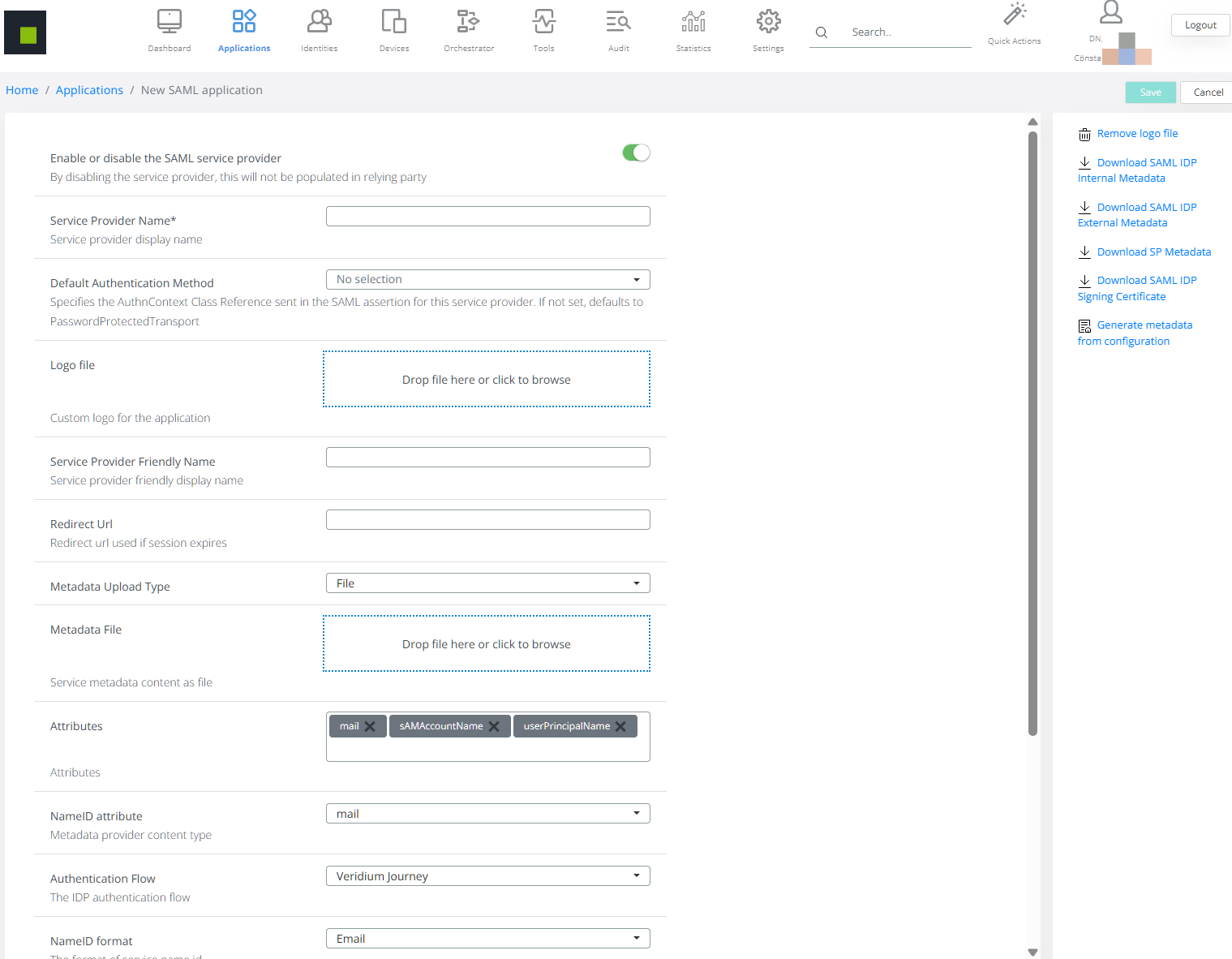
-
Open Applications.
-
Select Add SAML app.
-
Complete the Service Provider properties, including the metadata and authentication settings required by the application.
-
Click Save.
For descriptions of the application properties, see SAML Application.
Service Provider metadata
When the Service Provider does not provide its own metadata file or URL, Veridium Manager can generate Service Provider metadata from the application configuration.
For the configuration procedure and examples, see Generate SAML Service Provider Metadata.
Application-specific authentication context
A SAML application can have its own authentication-context configuration to meet the requirements of its Service Provider.
For configuration details, see Default Authentication Method for SAML Applications.