-
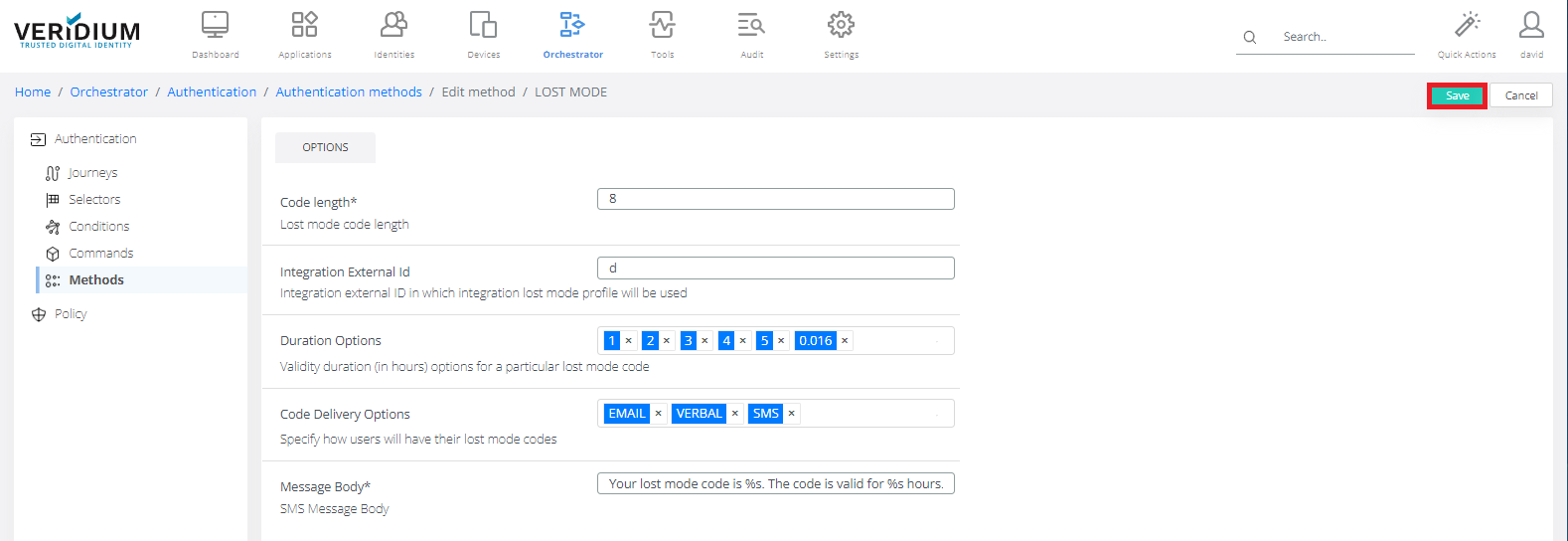
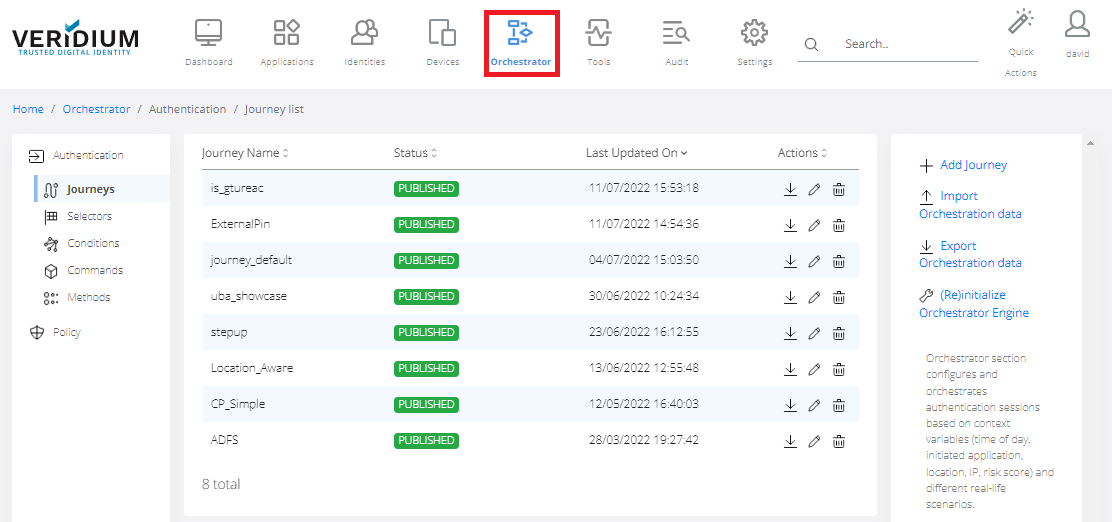
In Veridium Manager, click Orchestrator on top navigation. The list of existing journeys is displayed.
-
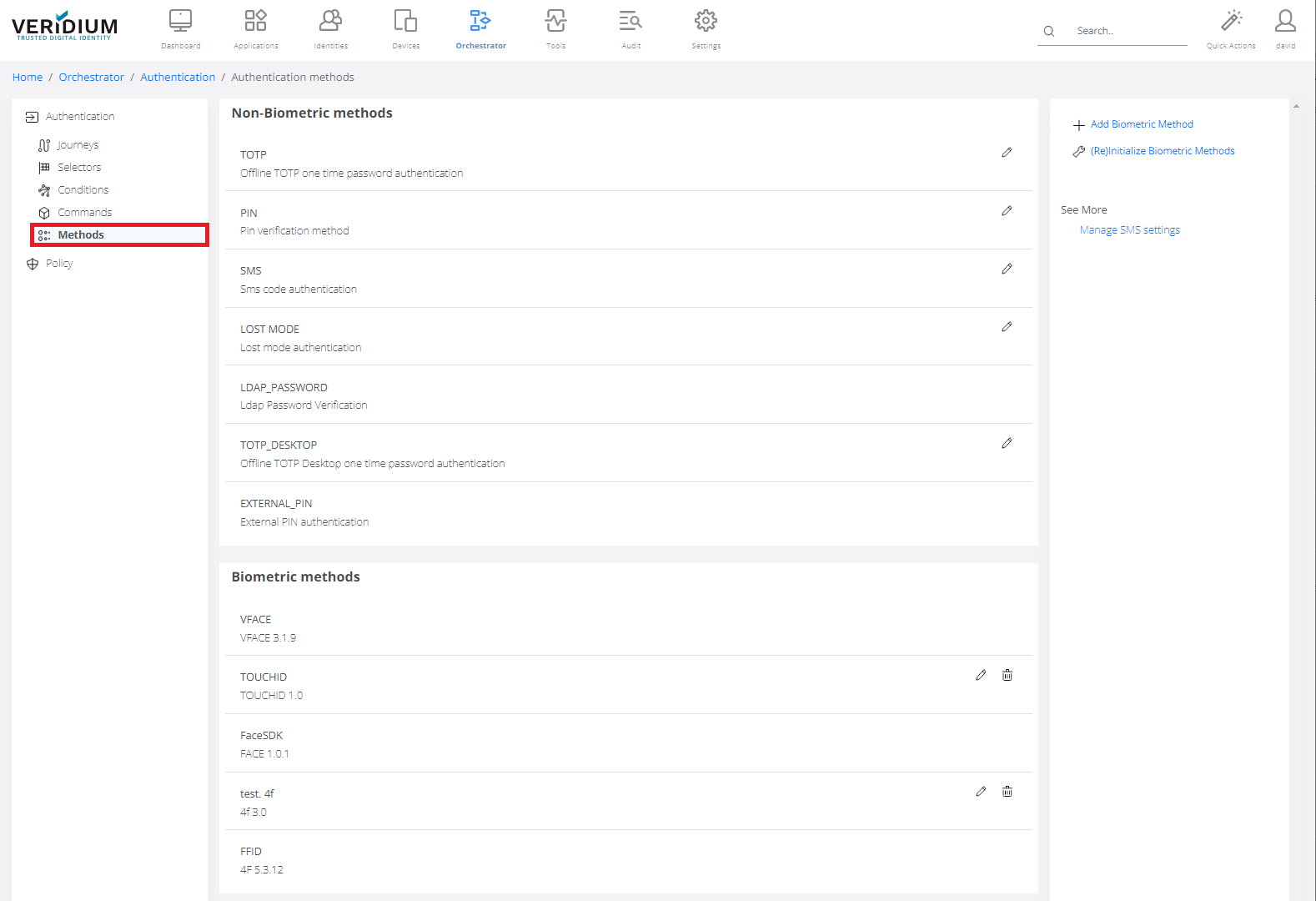
Click Methods on the left-side container.
-
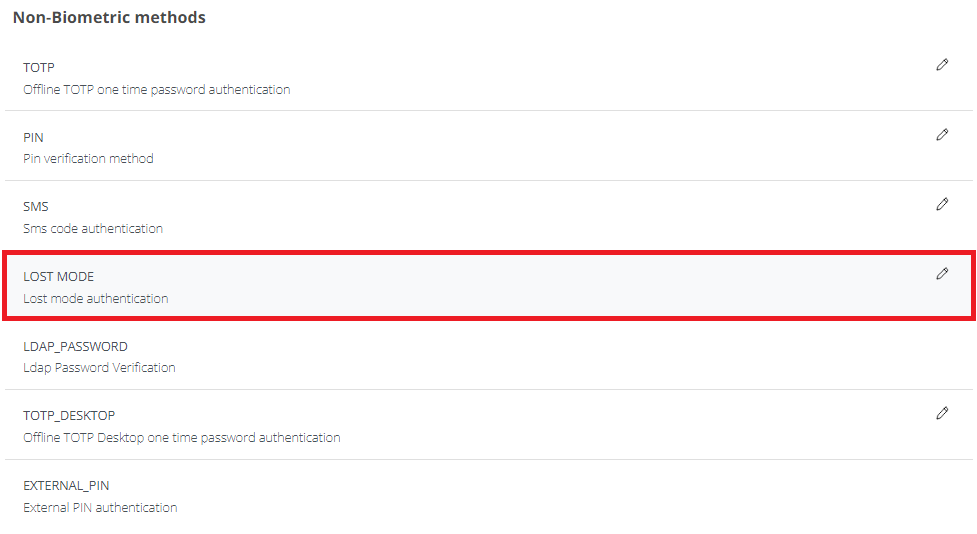
Double-click on Lost Mode.
-
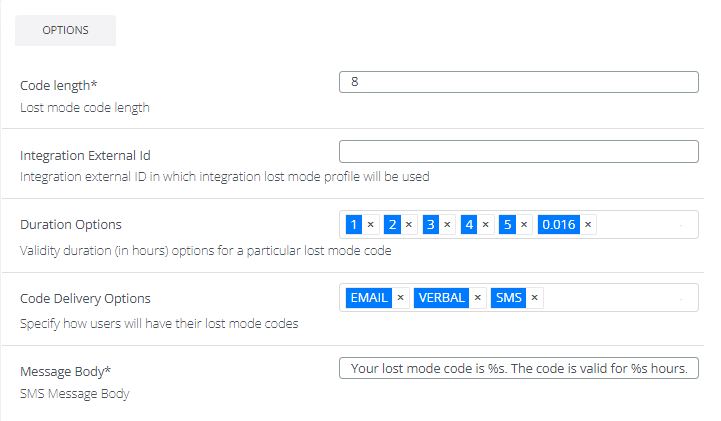
Options tab:
Code length: Number of digits of lost mode code.Integration External ID: Integration external ID in which integration lost mode profile will be used
Duration options: When Lost mode code is generated, user can choose form following time validity options. Time is in hours. One of the default value is 0.016 hours - that means 1 minute.
Code delivery options: default value EMAIL, VERBAL, SMS.
The channel used to send the code to the user:
-
VERBAL indicates that the authentication code will be displayed here, and will be communicated to the user verbally.
-
SMS indicates that the authentication code will be received in a SMS on the user phone number (from the directory service or the custom one set by the user)
-
EMAIL indicates that the authentication code will be received in an EMAIL on the user email address from the directory service.
Message body: Default value is "Your lost mode code is %s. The code is valid for %s hours.". %s will be replaced by real value.
-
-
Click Save.