

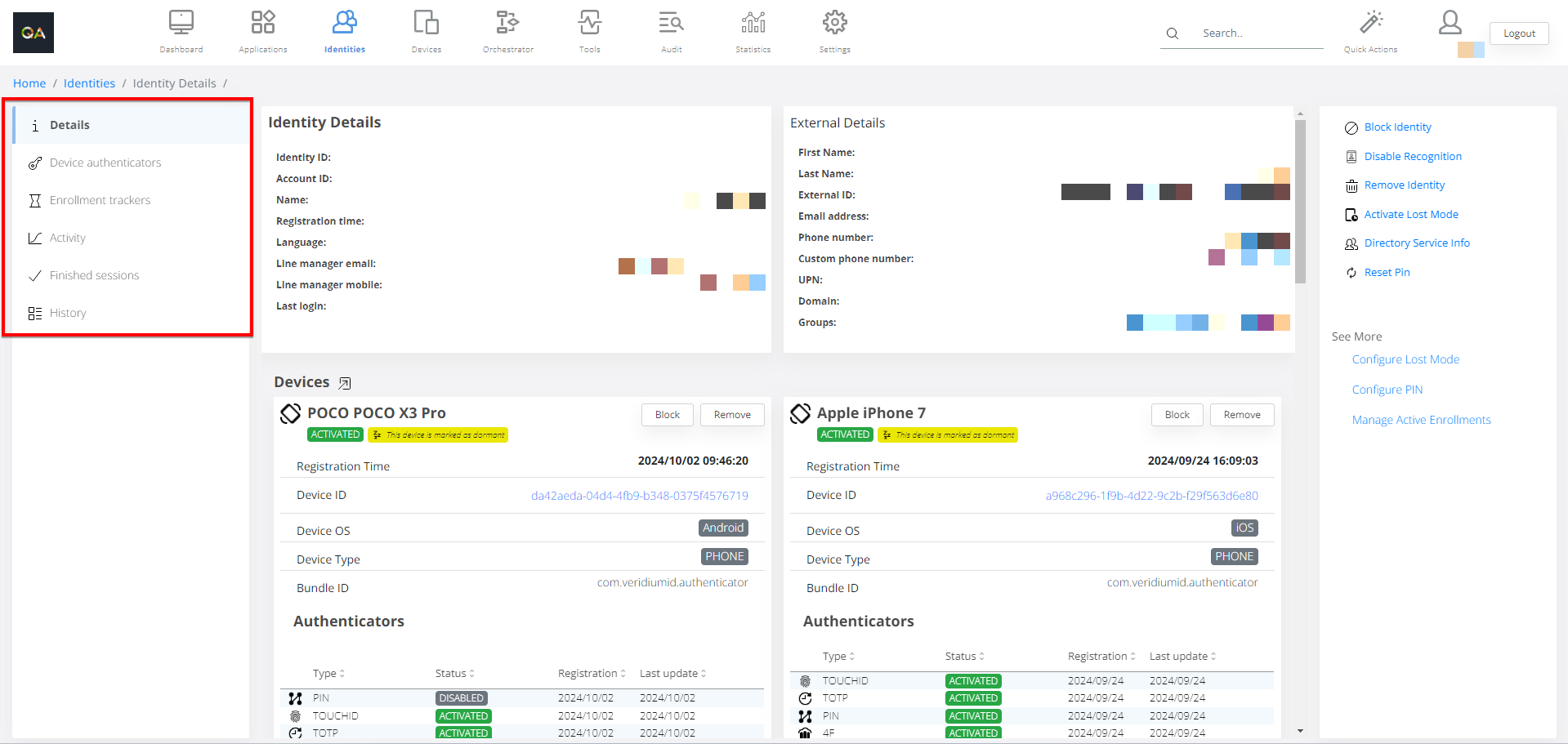
When accessing a identity by clicking the Details button, “Identity Details“ page will be displayed. Following chapters explains each details of the Identity.
To navigate to each detail category, the navigation bar on the left side can be used.
For Lost Mode configuration and operation, please see:
New enhancement on lost mode procedure - complete guide
Lost mode option to automatically reactivate the lost device after the lost time validity expires..