v3.9.1 v3.9 v3.8.4 v3.8.3 v3.8.2 v3.8.1 v3.8 v3.7.2 v3.7.1 v3.7 v3.6
Auto Light Dark
Auto Light Dark
v3.9.1 v3.9 v3.8.4 v3.8.3 v3.8.2 v3.8.1 v3.8 v3.7.2 v3.7.1 v3.7 v3.6

Delete existing selector

  1. In Veridium Manager, click Orchestrator on the top navigation.
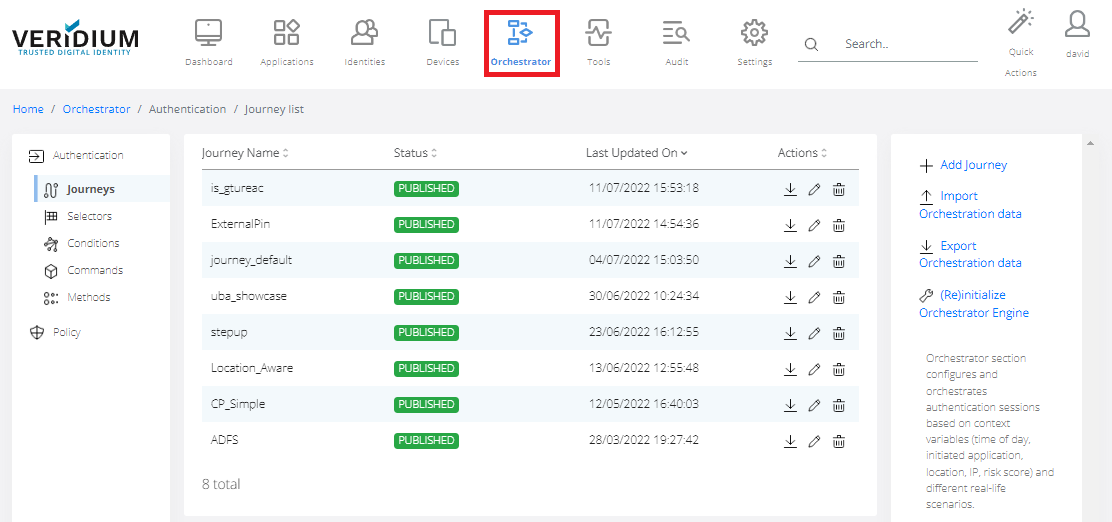
    image-20230401-072333.png


  2. Click Selectors on the left-side navigation. The list of existing selectors is displayed.
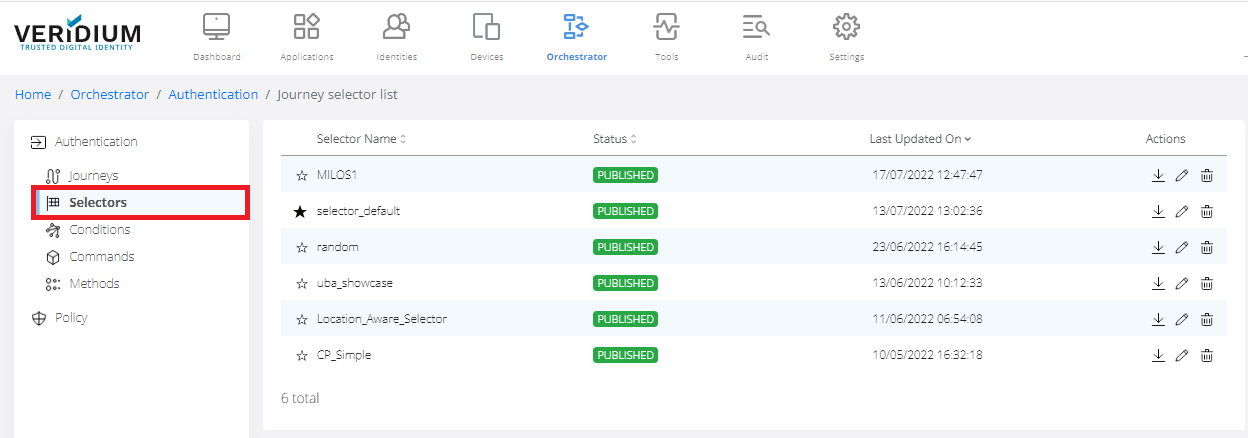
    image-20230401-072347.png


  3. To Remove selector click on the remove icon.
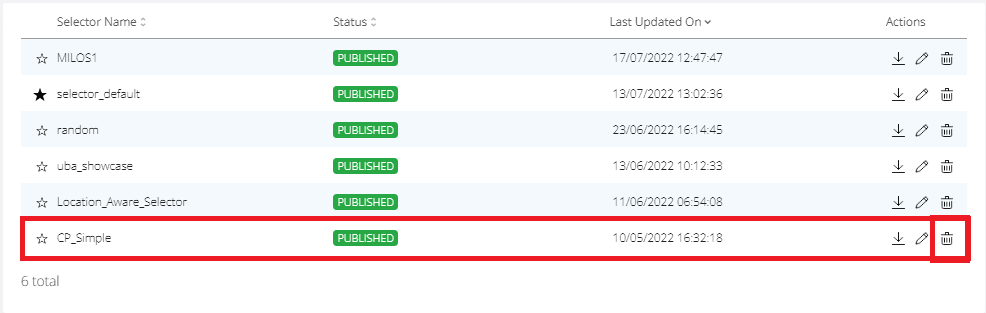
    image-20230401-072357.png


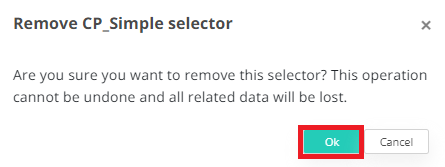
  4. Click OK.

    image-20230401-072411.png


Removing a selector is not revertible in admin console.

Last updated: