-
Log on as a member of both the Enterprise Admins group and the root domain's Domain Admins group.
-
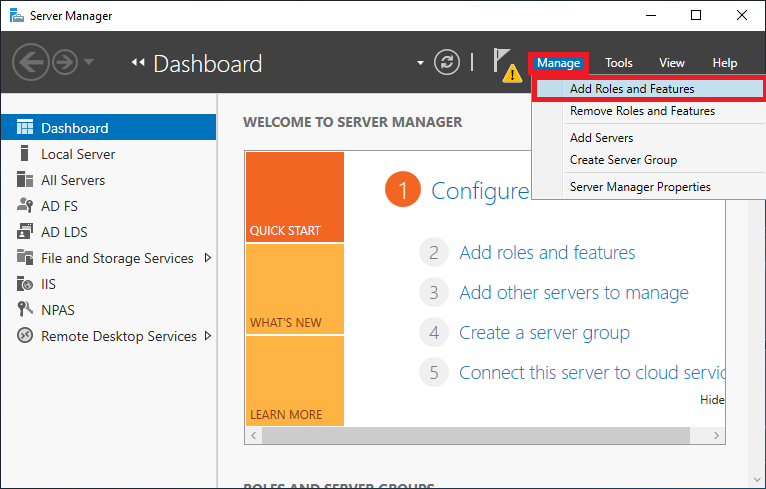
In Server Manager, click Manage, and then click Add Roles and Features. The Add Roles and Features Wizard opens.
-
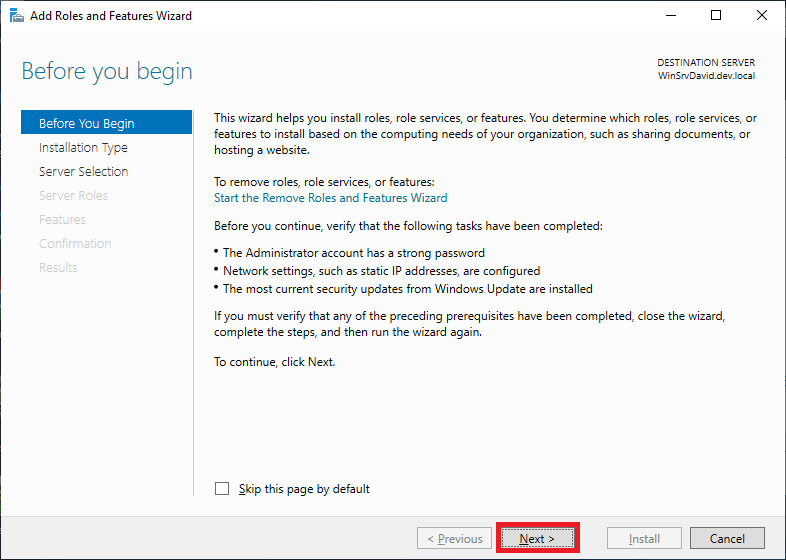
In Before You Begin, click Next.
-
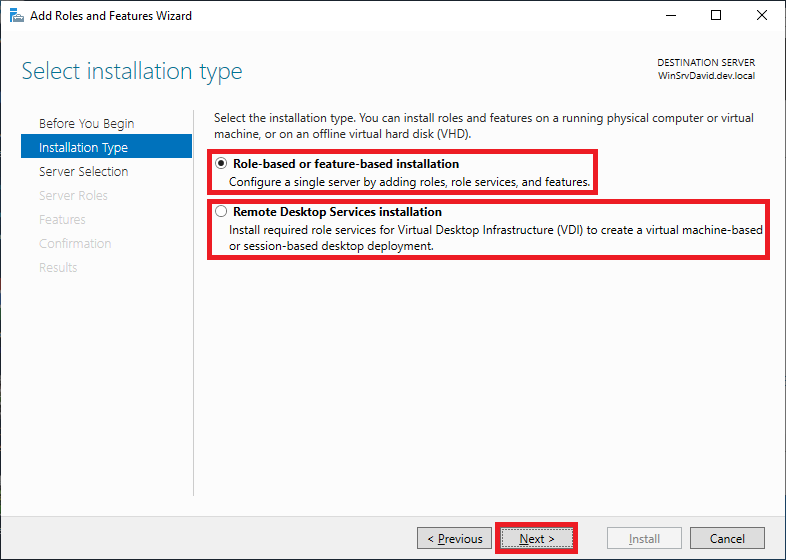
In Select Installation Type, ensure that Role-Based or feature-based installation is selected, and then click Next.
-
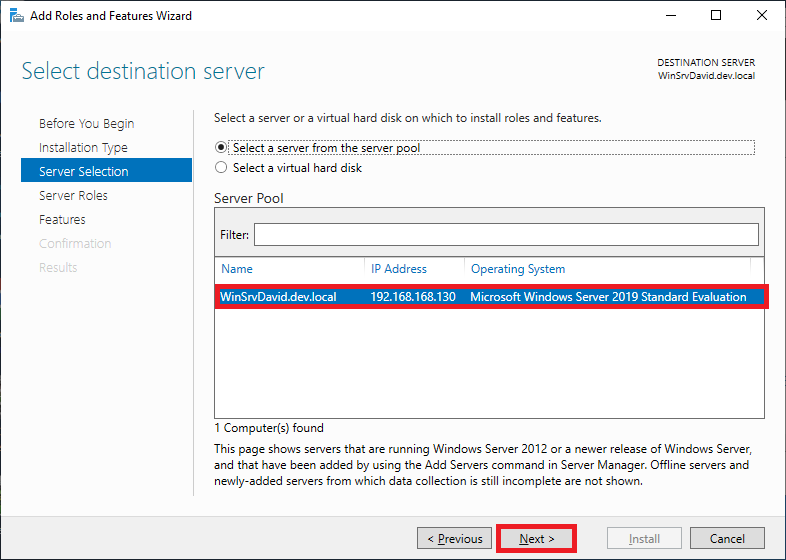
In Select destination server, ensure that Select a server from the server pool is selected. In Server Pool, ensure that the local computer is selected. Click Next.
-
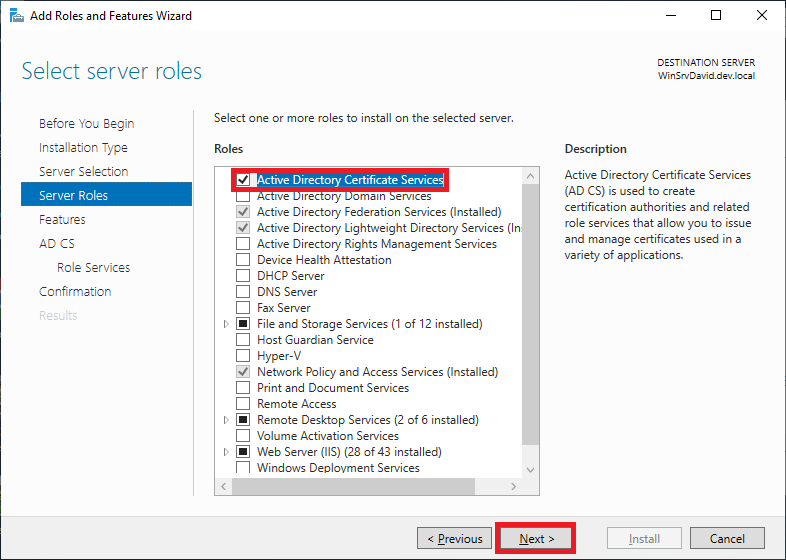
In Select Server Roles, in Roles, select Active Directory Certificate Services. When you are prompted to add required features, click Add Features, and then click Next.
-
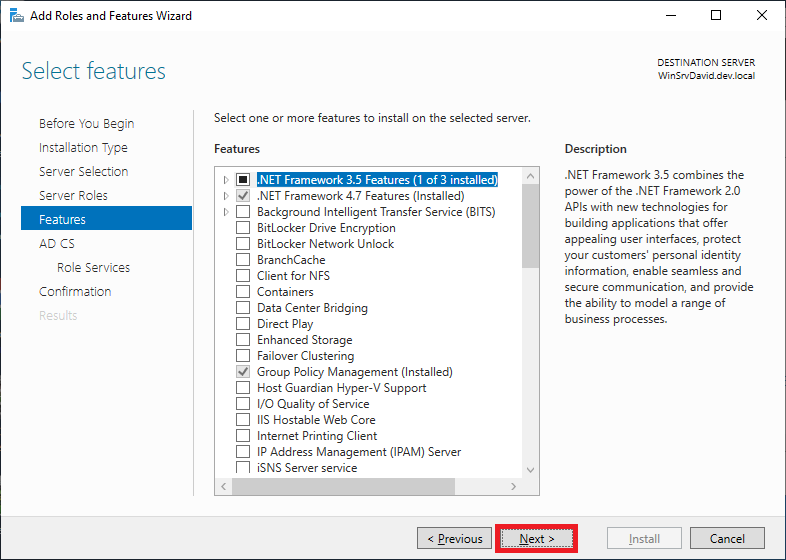
In Select features, click Next.
-
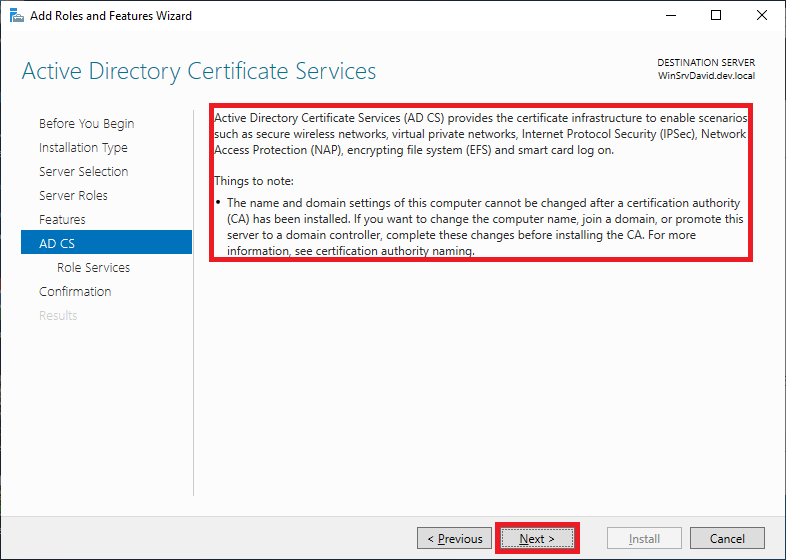
In Active Directory Certificate Services, read the provided information, and then click Next.
-
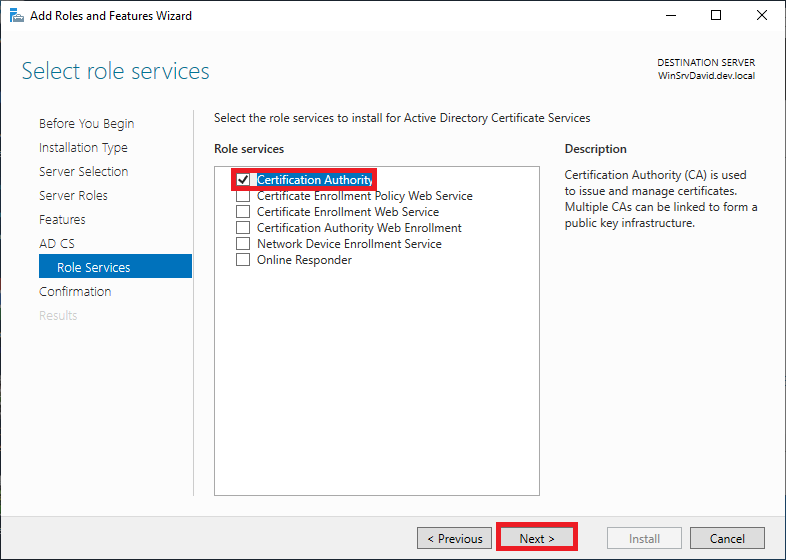
In Role Services, click Certification Authority, and then click Next.
-
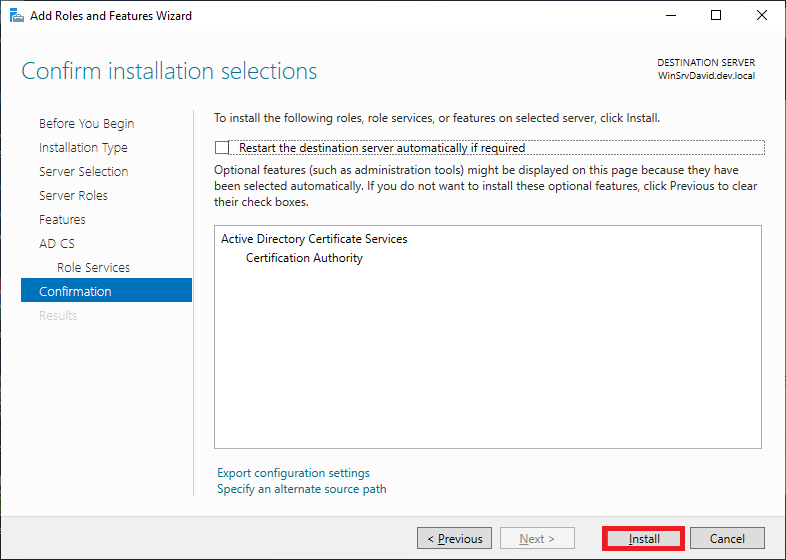
Click Install button.
-
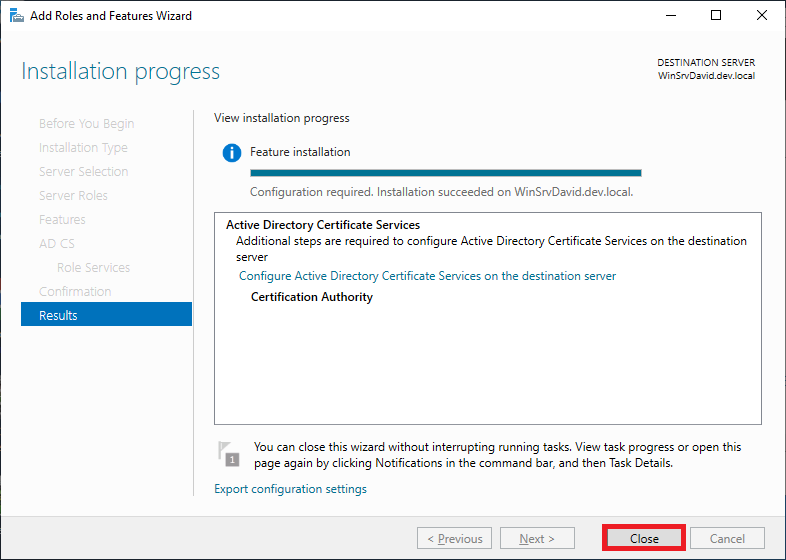
Wait until installation is completed, click Close button.