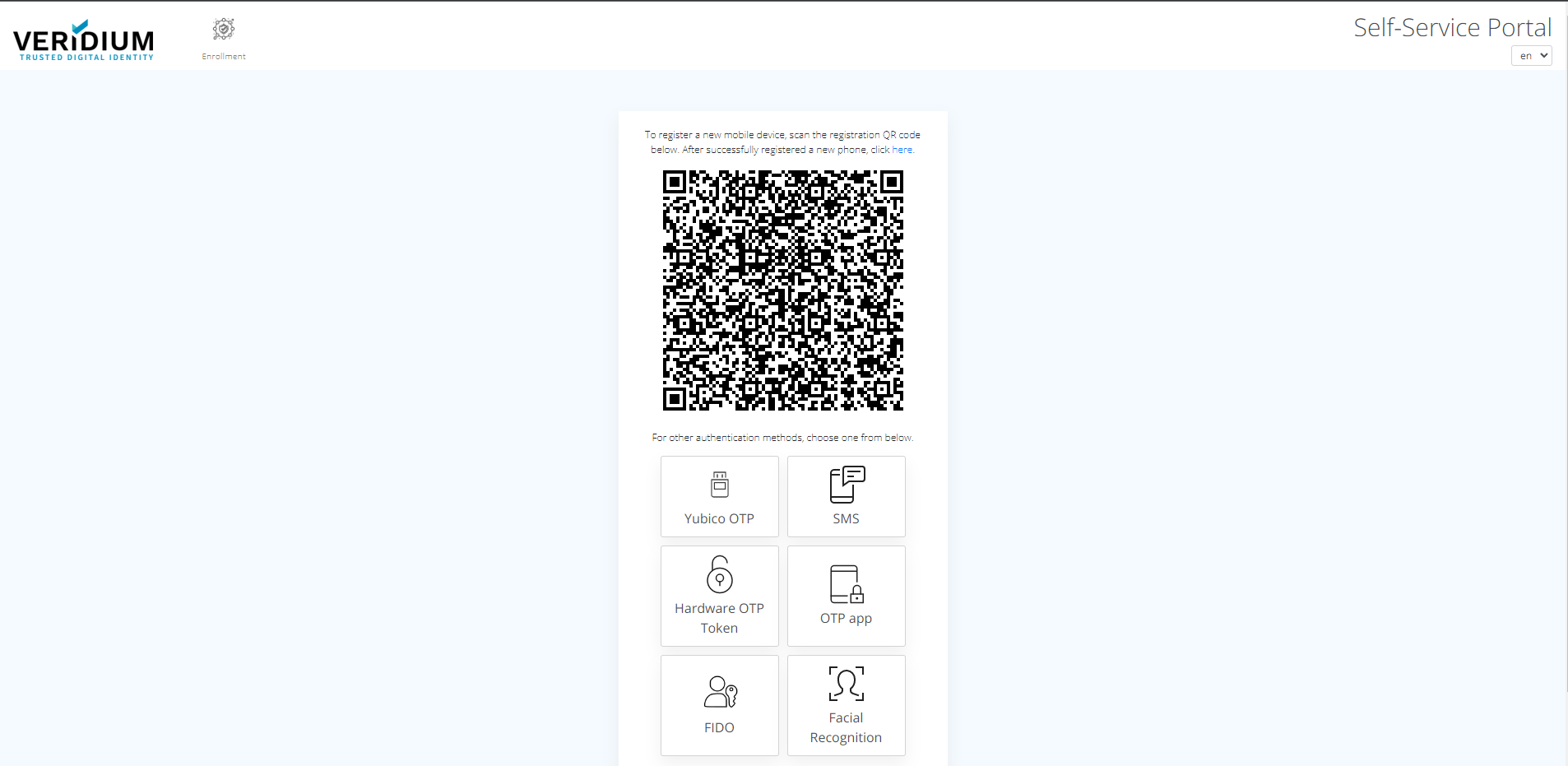
VeridiumID Self Service Portal (SSP) is web available for end users to manage their credentials.
1. Go to Self-service portal URL:
<https://ssp.<your> Server DNS name\>.veridium-dev.com/ssp
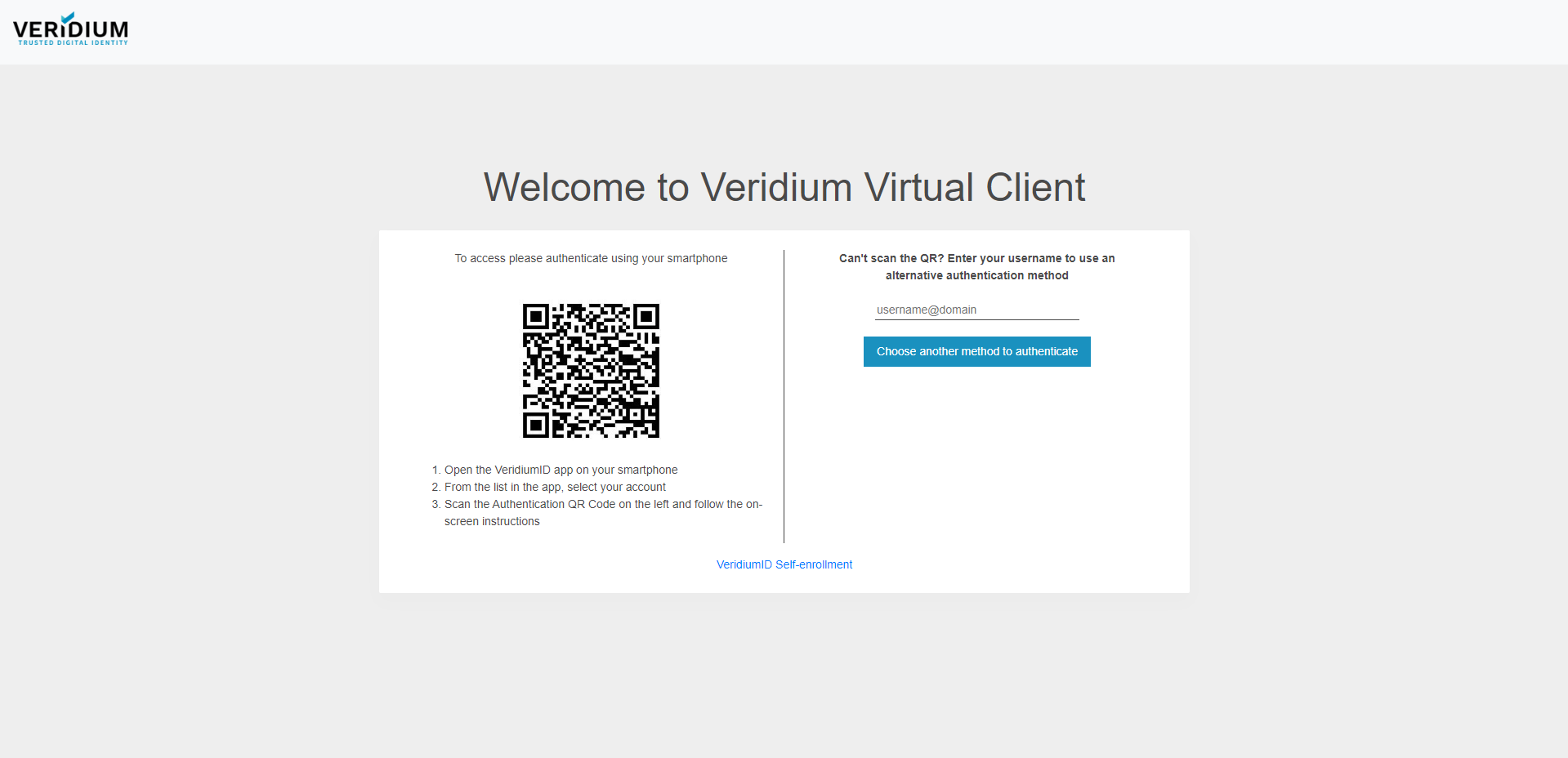
2. Below authentication page will appear. In order to start enrollment process, click on "VeridiumID Self-enrollment".
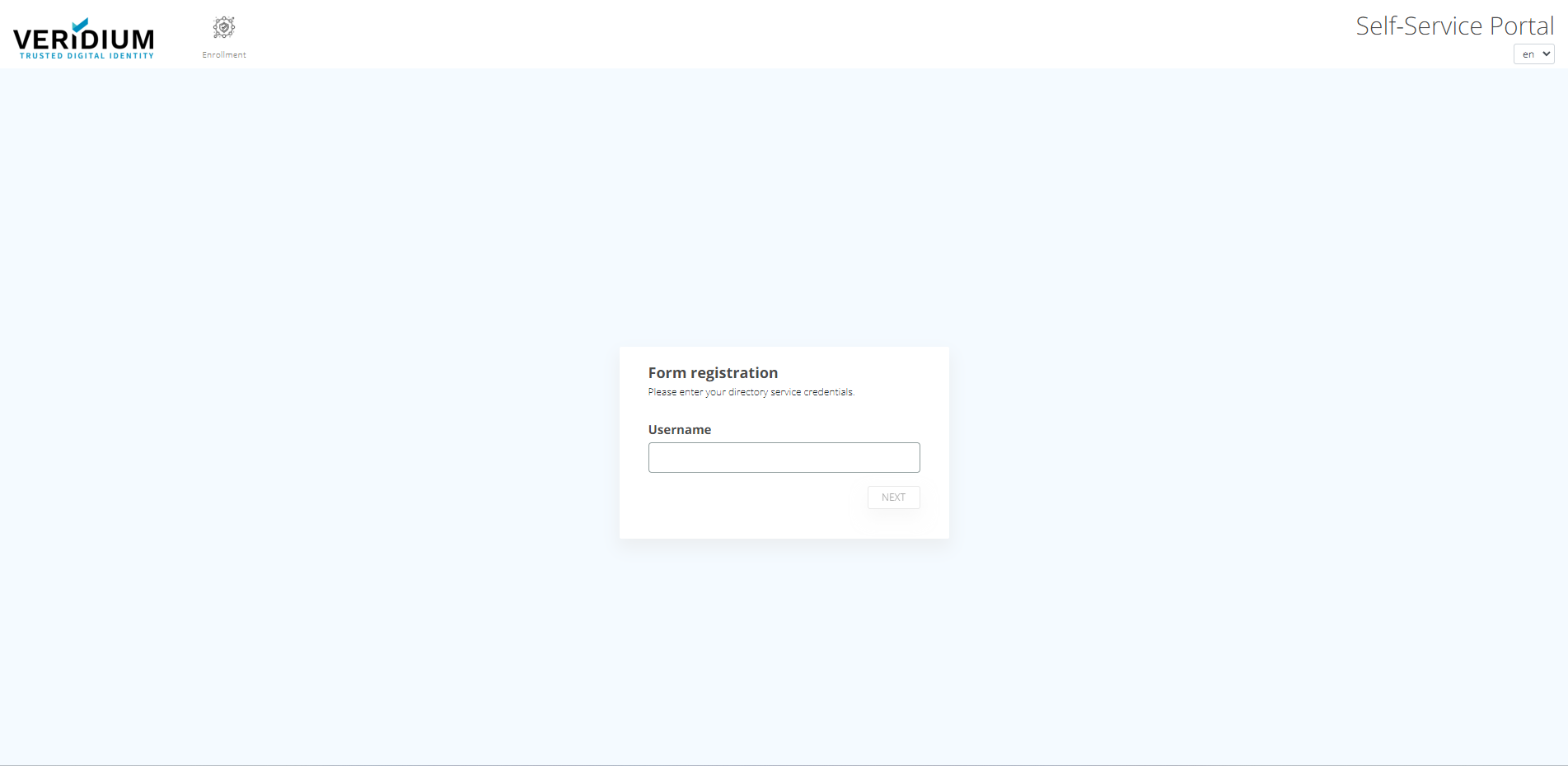
3. In the following page, enter your User name and click "Next" button.
4. A page with enrollment options is displayed.