-
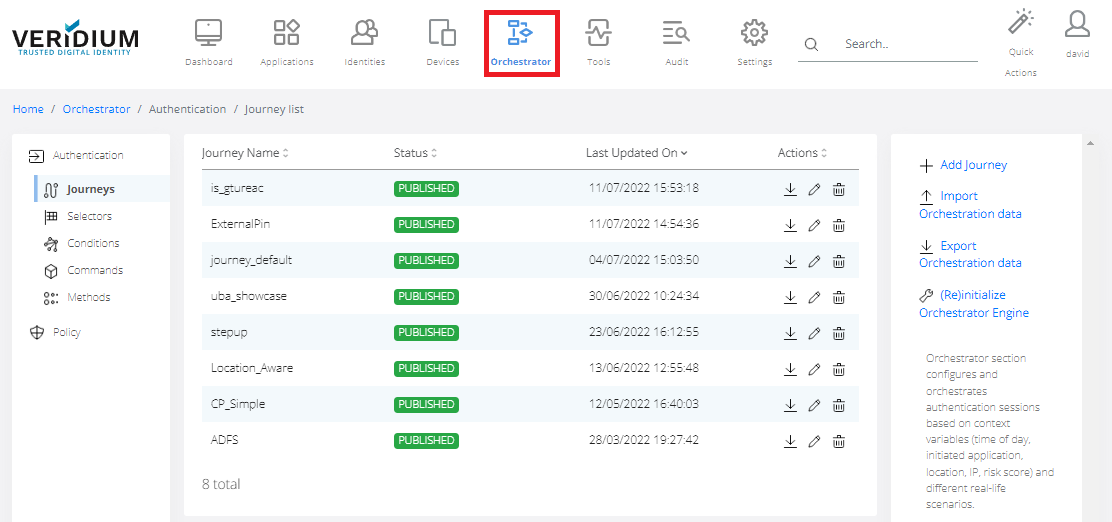
In Veridium Manager, click Orchestrator on top navigation. The list of existing journeys is displayed.
-
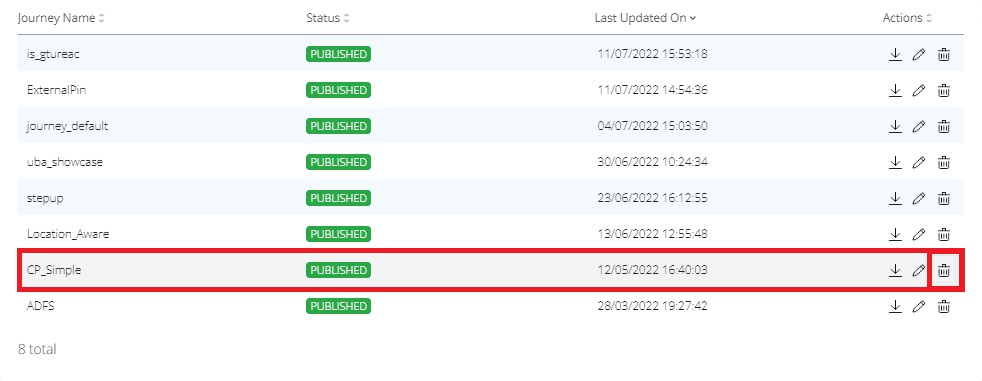
To remove Journey click on the Remove icon in the selected area.
-
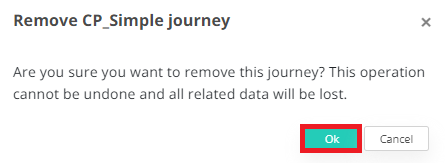
Click OK.


In Veridium Manager, click Orchestrator on top navigation. The list of existing journeys is displayed.
To remove Journey click on the Remove icon in the selected area.
Click OK.