-
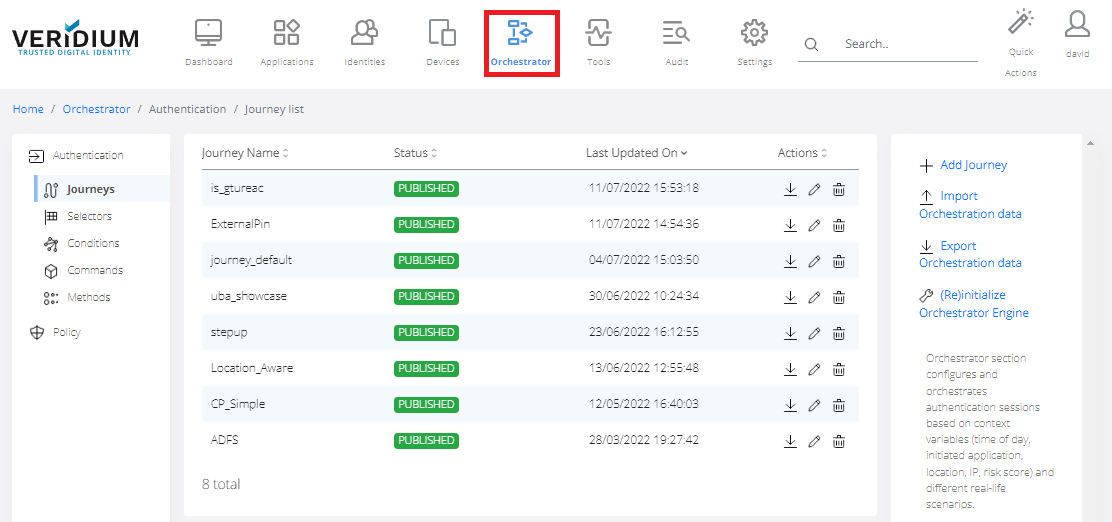
In Veridium Manager, click Orchestrator on the top navigation.
-
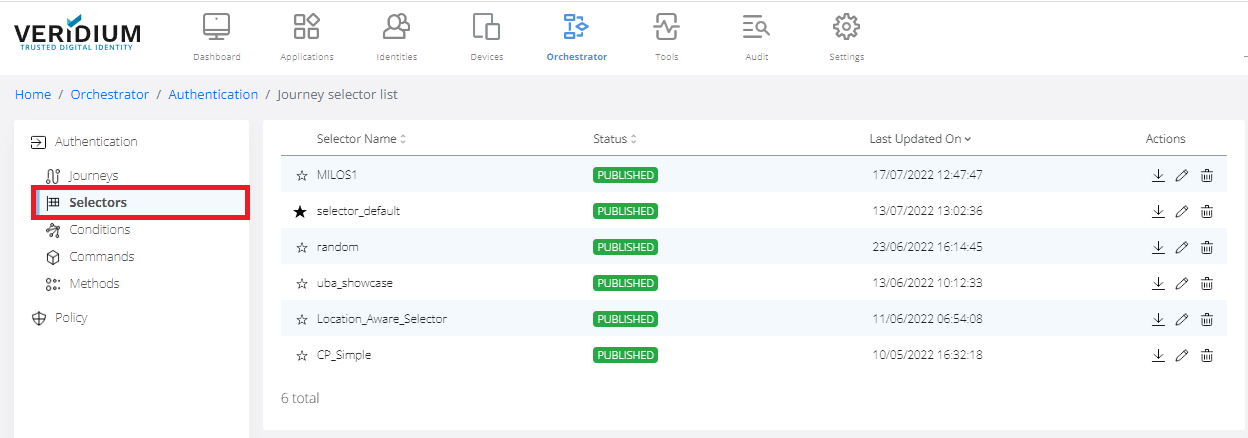
Click Selectors on the left-side navigation. The list of existing selectors is displayed.
-
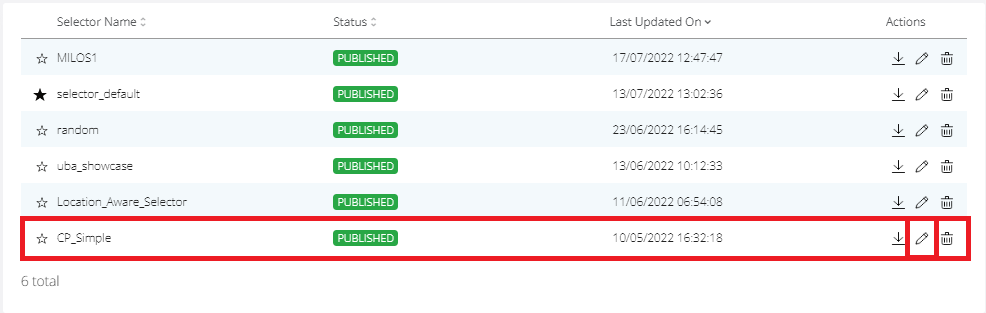
To Edit selector click on the Edit icon.
-
Edit selector.


In Veridium Manager, click Orchestrator on the top navigation.
Click Selectors on the left-side navigation. The list of existing selectors is displayed.
To Edit selector click on the Edit icon.
Edit selector.