Install the MSI installer
Precondition
Set up and configure the Active Directory Federation Services.
Procedure:
-
Login to Server as local administrator and copy VeridiumAdfsInstaller version .msi for example VeridiumAdfsInstaller-x.x.x.x.msi
-
Start VeridiumAdfsInstaller-x.x.x.x.msi.
-
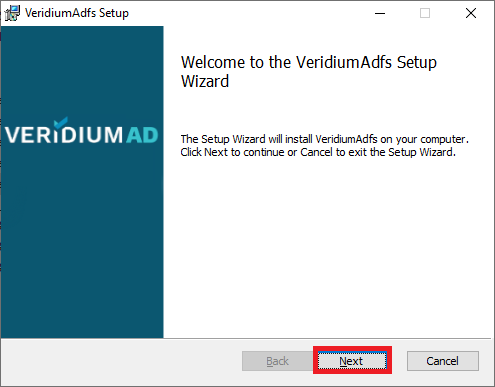
The welcome screen appears, click Next.
-
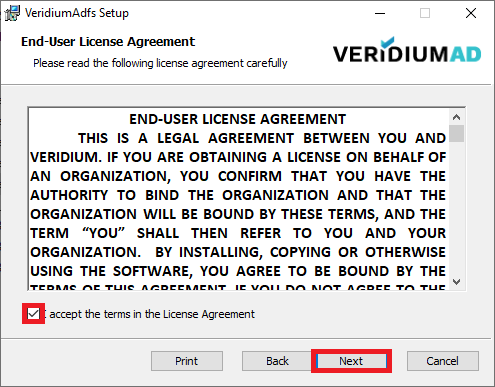
Check the "I accept the terms in the License Agreement" checkbox and click Next.
-
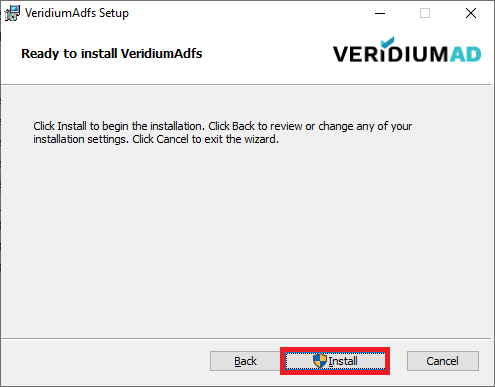
Click Install button.
-
Allow the VeridiumID ADFS to make changes to your device.
-
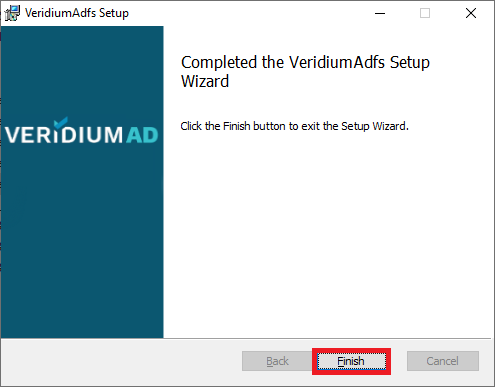
Click Finish to exit Setup.