
QR
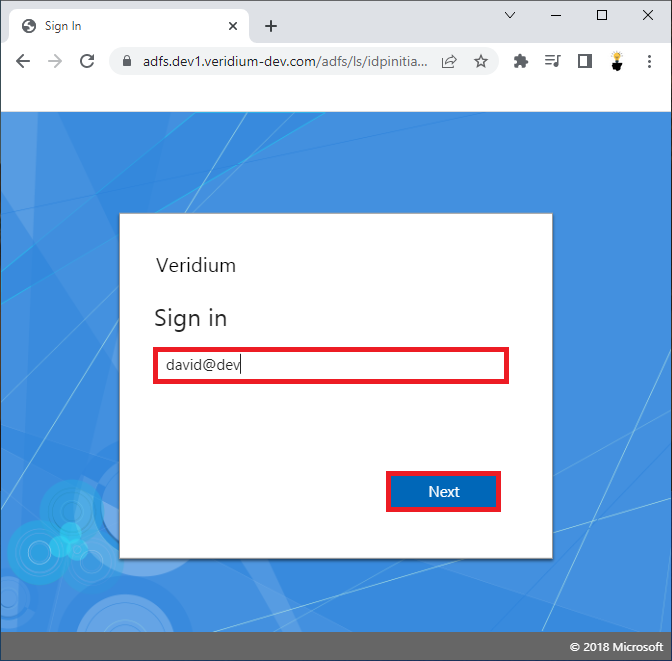
Enter your email address or User principal name and click Next.
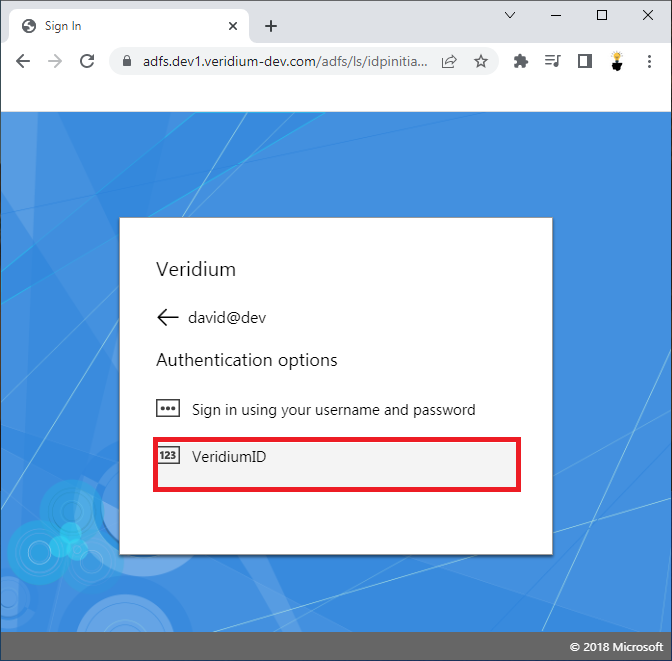
Select VeridiumID authentication option and click on it.
Start VeridiumID mobile app.
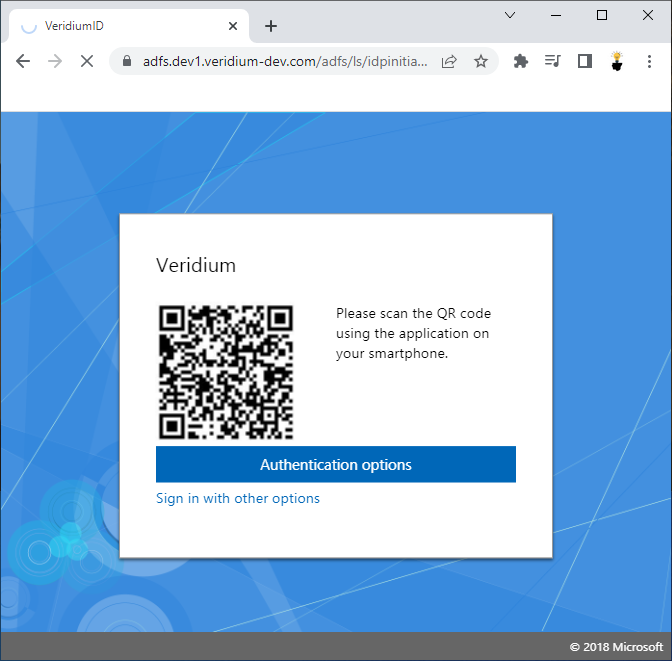
Scan QR code on a computer using mobile App.
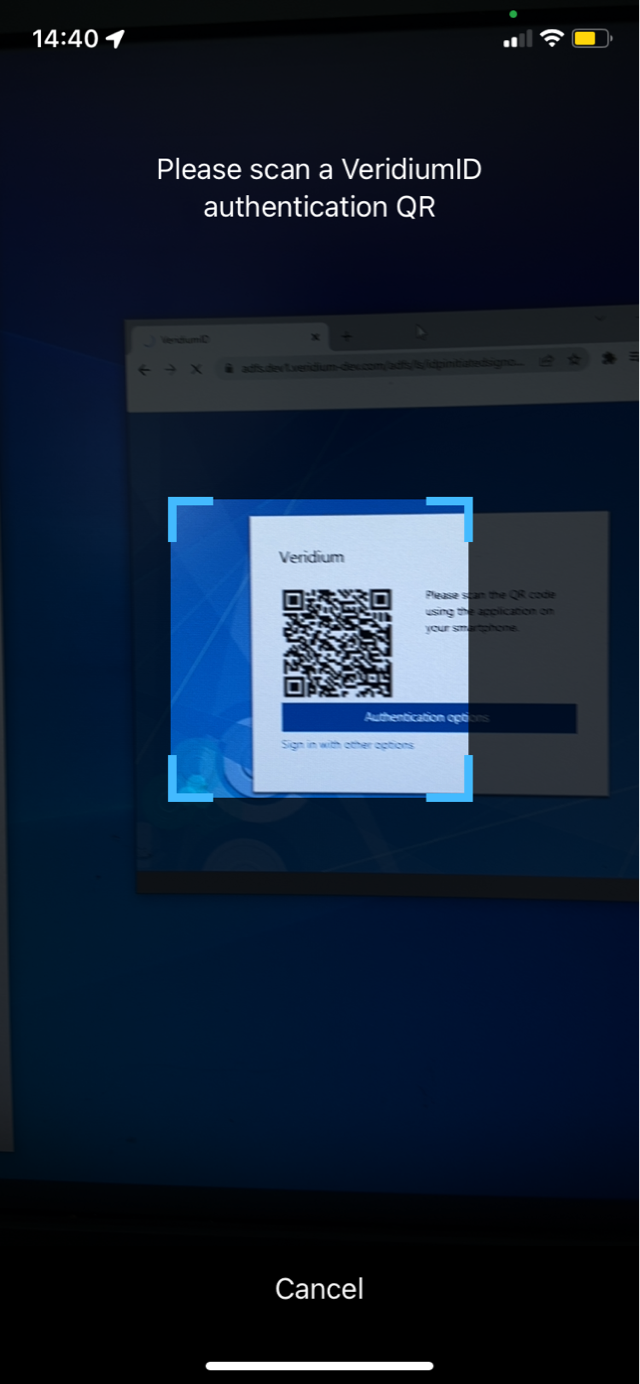
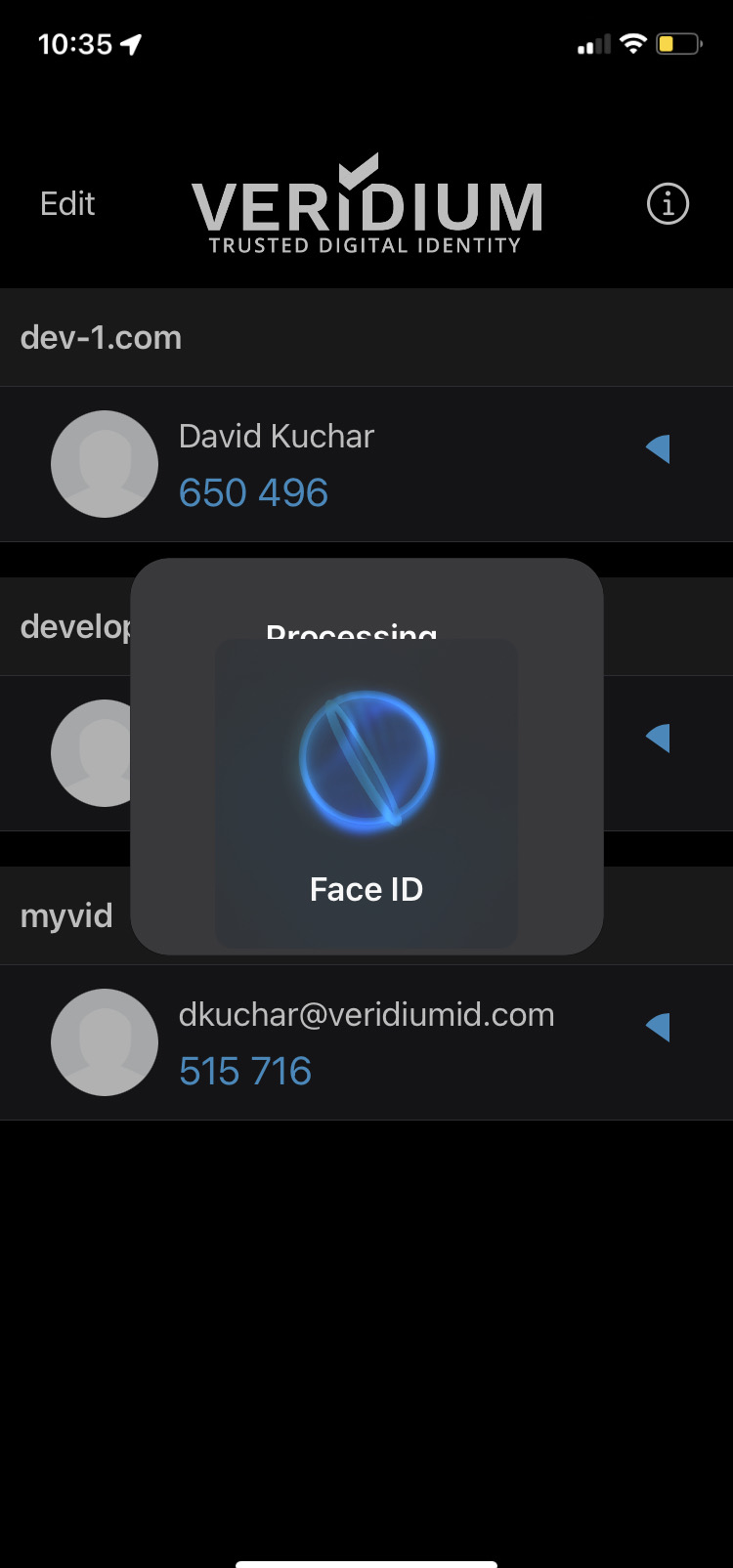
Phone will ask you for one of the following Biometrics (TouchID, FaceID, ...).
User is successfully Logged-in.